10 Essential Cybersecurity Tips for Seniors
Discover 10 essential cybersecurity tips specifically designed to help seniors stay safe online and protect their personal information.

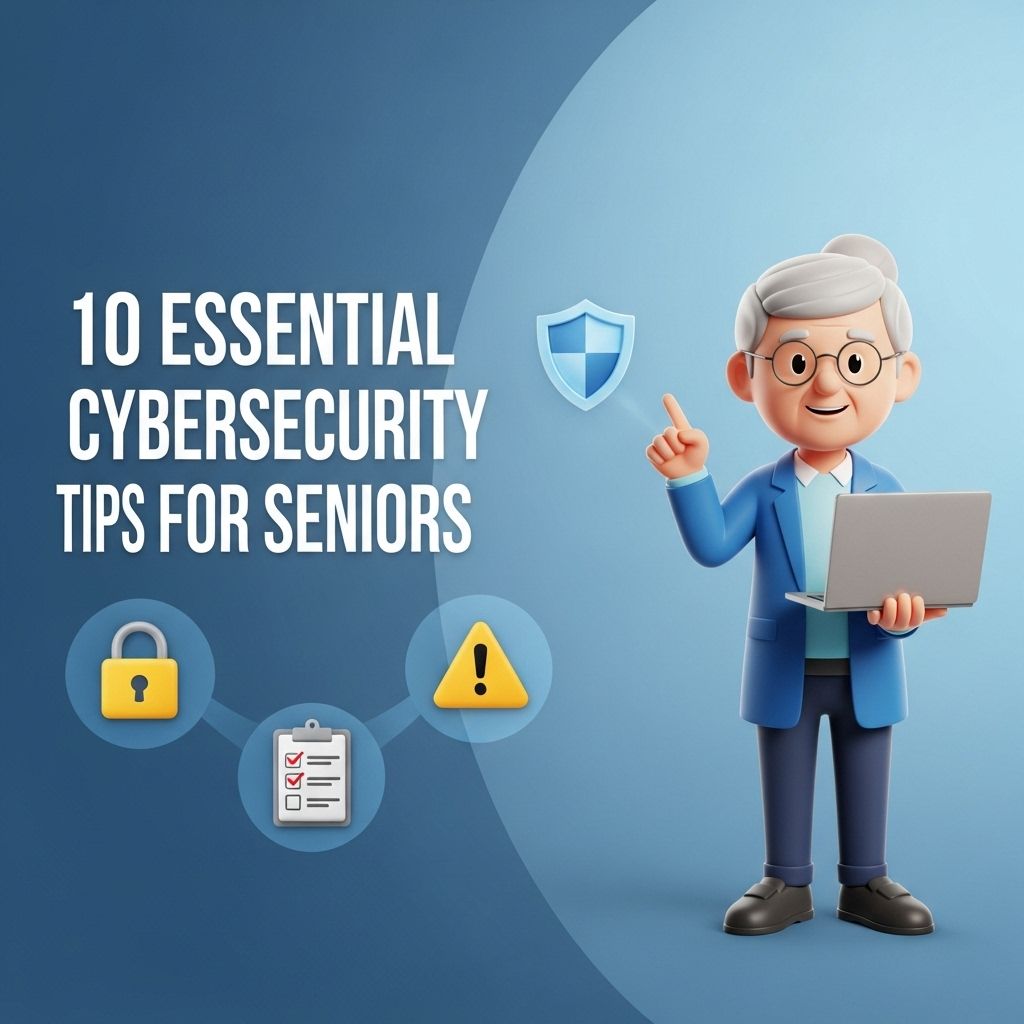
In the digital age, cybersecurity is a vital concern for everyone, including seniors who may not be as familiar with technology. As they increasingly engage with online banking, social media, and other digital services, understanding how to stay safe online is paramount. Here, we outline essential cybersecurity tips specifically tailored for seniors, helping them navigate the online world securely.
As technology becomes increasingly woven into our daily lives, it is essential for seniors to navigate the digital landscape safely. This guide provides ten essential cybersecurity tips tailored for older adults, helping them protect their personal information and maintain their online security. For inspiration on how your digital identity can be represented visually, view the latest logo mockup designs.
Table of Contents
Understanding the Cyber Threat Landscape
Before diving into specific tips, it’s important to understand the types of cyber threats that exist. Seniors are often targeted by cybercriminals due to perceived vulnerabilities. Some common threats include:
- Phishing Scams: Fraudulent emails or messages that appear legitimate, tricking users into providing personal information.
- Ransomware: Malicious software that locks users out of their data, demanding payment for access.
- Identity Theft: Stealing personal information to impersonate someone for financial gain.
- Online Fraud: Various scams that can occur on e-commerce sites or during online transactions.
Essential Cybersecurity Tips
1. Use Strong Passwords
Creating strong, unique passwords for every online account is critical. Here are some tips for creating secure passwords:
- Use at least 12 characters.
- Incorporate a mix of letters, numbers, and symbols.
- Avoid using easily accessible information, such as birthdays or names.
2. Enable Two-Factor Authentication
Two-factor authentication (2FA) adds an extra layer of security. Even if a password is compromised, an additional verification step (like a code sent to a mobile phone) can prevent unauthorized access.
3. Be Wary of Public Wi-Fi
Public Wi-Fi networks can be a hotspot for cyber threats. When using these networks:
- Avoid accessing sensitive information such as banking sites.
- Use a virtual private network (VPN) for secure browsing.
- Turn off sharing settings on your device.
4. Keep Software Updated
Software updates often include security patches that protect against vulnerabilities. Ensure that:
- Operating systems are updated regularly.
- Applications and antivirus software are also kept current.
- Automatic updates are enabled when possible.
5. Recognize Phishing Attempts
Phishing scams can take various forms. Here’s how to recognize them:
- Check the sender’s email address for discrepancies.
- Look for poor grammar or spelling errors.
- Beware of urgent requests for personal information.
6. Use Secure Websites
When shopping or entering personal information online, ensure the website is secure. This can be identified by:
- A URL that starts with https://
- A padlock icon in the browser address bar.
7. Limit Personal Information on Social Media
While social media can connect people, it can also expose personal information. To protect your privacy:
- Adjust privacy settings to limit who can see your posts.
- Avoid sharing sensitive information like addresses or phone numbers.
- Be cautious about accepting friend requests from strangers.
8. Back Up Data Regularly
Backing up important data can prevent loss in case of a cyber-attack or hardware failure. Use:
- External hard drives or flash drives for local backups.
- Cloud storage services for remote backups.
9. Educate Yourself About Common Scams
Knowledge is power. Staying informed about the latest scams can help you identify and avoid them. Consider the following:
- Follow reliable news sources that report on scams.
- Join local groups or forums to share information about online safety.
10. Seek Support from Family and Friends
Technology can be overwhelming, but you don’t have to go it alone. Don’t hesitate to reach out to family members or friends for:
- Help understanding new technology.
- Advice on online safety practices.
Building a Cybersecurity Routine
By implementing these tips, seniors can build a robust cybersecurity routine. Here’s a simple table to guide the development of a personal cybersecurity checklist:
| Task | Frequency | Notes |
|---|---|---|
| Change passwords | Every 3-6 months | Use a password manager if necessary. |
| Check for software updates | Monthly | Set reminders on your calendar. |
| Review privacy settings | Every 6 months | Conduct a thorough review of social media. |
| Backup data | Weekly | Consider using automated backup solutions. |
Conclusion
In conclusion, staying safe online is a shared responsibility that requires awareness and proactive measures. By following these essential cybersecurity tips, seniors can confidently navigate the digital landscape while protecting themselves from potential threats. Empowerment through knowledge and support is key in building a secure online presence.
FAQ
What are some basic cybersecurity tips for seniors?
Seniors should use strong, unique passwords, enable two-factor authentication, and regularly update their software to protect against cyber threats.
How can seniors recognize phishing attempts?
Seniors can recognize phishing attempts by being cautious of unsolicited emails or messages, checking for spelling errors, and verifying the sender’s identity before clicking on links.
What is the importance of keeping software updated?
Keeping software updated is crucial as it protects devices from vulnerabilities and exploits that cybercriminals may use to gain unauthorized access.
Should seniors use public Wi-Fi?
Seniors should avoid using public Wi-Fi for sensitive transactions and consider using a VPN to secure their connection when necessary.
How can seniors secure their social media accounts?
Seniors can secure their social media accounts by adjusting privacy settings, limiting personal information shared publicly, and being cautious about friend requests from unknown individuals.
What should seniors do if they suspect a cyber attack?
If seniors suspect a cyber attack, they should disconnect from the internet, run a security scan, change passwords, and report the incident to relevant authorities.