5 Essential AI Tools Every Artist Needs
Discover the top 5 AI tools that can enhance creativity and streamline workflow for artists. Unlock your artistic potential with technology.
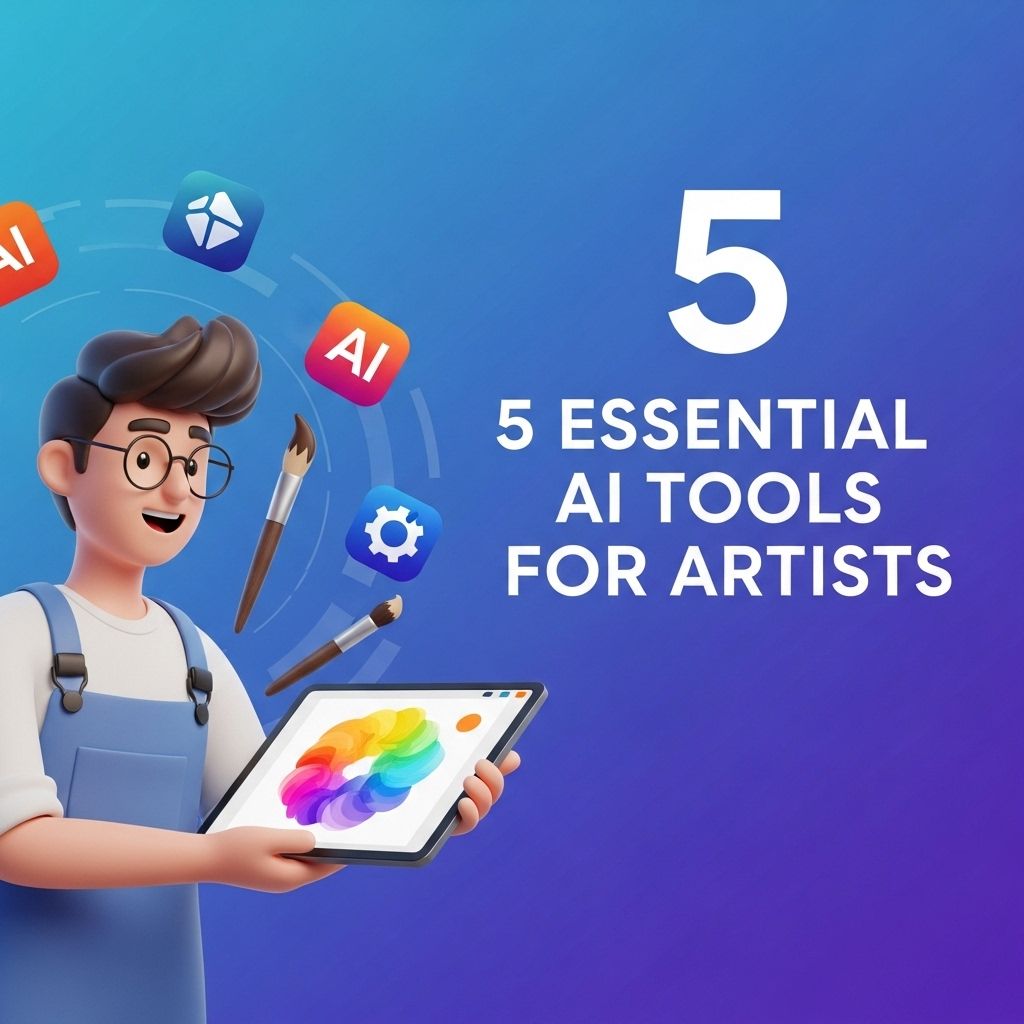
In today’s rapidly evolving digital landscape, artificial intelligence (AI) has begun to reshape various fields, including the world of art. Artists, whether traditional or digital, are discovering innovative ways to integrate AI into their creative processes.
In the rapidly evolving world of digital art, leveraging AI tools can significantly enhance creativity and efficiency. Whether you’re a seasoned professional or an emerging artist, there are five essential AI tools every artist should have in their toolkit, including resources to find quality logo mockups for your projects. These tools not only streamline the creative process but also offer innovative ways to visualize and present your ideas.
Understanding AI in Art
AI in art refers to the use of algorithms and machine learning techniques to assist or even take over certain creative tasks. This can range from generating images to enhancing photographs, and even composing music. The intersection of art and technology offers exciting possibilities, enabling artists to explore new avenues of creativity that were previously unimaginable.
The Benefits of AI for Artists
- Efficiency: AI tools can automate repetitive tasks, allowing artists to focus on their core creative processes.
- New Techniques: Artists can experiment with styles, mediums, and approaches that they may not have considered before.
- Collaboration: AI can act as a co-creator, providing suggestions or generating content based on the artist’s input.
Top 5 AI Tools for Artists
Here are five essential AI tools that every artist should consider integrating into their toolkit:
1. DeepArt
DeepArt is a web-based application that uses deep neural networks to turn photos into artworks inspired by famous artists’ styles.
Features:
- Choose from a range of artistic styles.
- Customizable settings for personalized results.
- High-resolution output for printing and framing.
2. Artbreeder
Artbreeder is an innovative platform that allows artists to create and modify images collaboratively using AI.
How It Works:
- Upload your own images or choose from existing ones.
- Use sliders to adjust attributes like color, shape, and style.
- Generate new images based on the blend of multiple inputs.
3. Runway ML
Runway ML is a creative suite that provides artists with tools for video editing, animation, and image manipulation with the power of machine learning.
Key Features:
| Feature | Description |
|---|---|
| Real-Time Collaboration | Work with other creatives seamlessly on projects. |
| Text to Image Generation | Create images from text prompts using state-of-the-art models. |
| Video Effects | Add AI-powered effects to videos for enhanced storytelling. |
4. Daz 3D
Daz 3D is a powerful software suite designed for 3D character creation, animation, and rendering.
Why Choose Daz 3D?
- User-friendly interface for artists of all skill levels.
- AI-driven technologies to streamline character design.
- A vast library of assets for easy customization.
5. Adobe Sensei
Adobe Sensei is integrated into Adobe Creative Cloud applications, offering intelligent features that enhance creativity and productivity.
Highlights:
- Automated image tagging and organization.
- Content-aware fill for removing unwanted elements.
- Advanced color matching and style transfer capabilities.
Integrating AI into Your Workflow
Adopting AI tools may require an adjustment period, but the benefits can significantly enhance your creative output. Here are some tips for incorporating AI into your artistic workflow:
1. Start Small
Choose one or two AI tools that pique your interest and explore their features before expanding to others. This focused approach allows you to understand how each tool can complement your existing skills.
2. Experiment and Iterate
Be willing to experiment with different styles and techniques offered by AI tools. The iterative process of creating and refining can lead to unexpected and exciting results.
3. Balance Tradition and Technology
While AI can enhance creativity, it’s essential to combine AI-generated content with your unique artistic touch. This balance will ensure that your work remains authentic and personal.
Conclusion
Artificial intelligence is not merely a trend but a transformative force in the creative arts. By embracing these tools, artists can unlock new potentials, streamline their workflows, and collaborate in ways that redefine the very nature of artistic expression. The integration of AI into art is not just about technology; it’s about expanding the horizons of creativity and pushing the boundaries of what is possible.
FAQ
What are the best AI tools for artists?
Some of the best AI tools for artists include DeepArt, Runway ML, Artbreeder, Daz 3D, and Adobe Sensei. These tools help in creating unique artwork, enhancing images, and exploring new creative possibilities.
How can AI tools enhance an artist’s workflow?
AI tools can automate repetitive tasks, provide inspiration through generative art, and assist in color correction and composition, allowing artists to focus more on their creative process.
Are AI tools suitable for beginners in art?
Yes, many AI tools are user-friendly and designed for all skill levels, making them accessible for beginners looking to experiment with digital art.
Can AI tools create original artwork?
Yes, many AI tools can generate original artwork by analyzing existing styles and combining elements, resulting in unique pieces that reflect the artist’s vision.
What should artists consider when using AI tools?
Artists should consider the ethical implications, the importance of maintaining their unique style, and how to effectively integrate AI tools into their creative process without losing their artistic voice.