Create Stunning Logos with AI Techniques
Discover how to effortlessly generate stunning logos using innovative AI techniques. Transform your design process today!
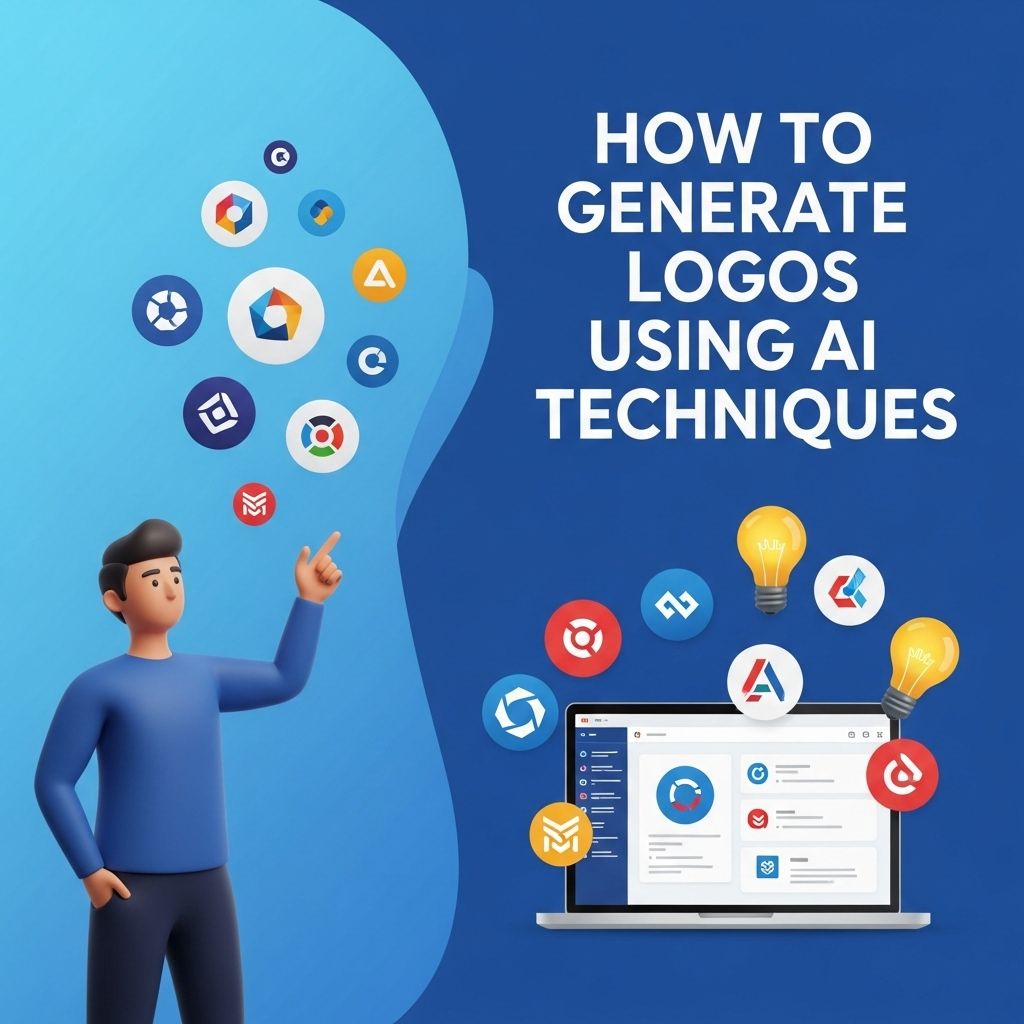
In the digital age, branding has become a critical aspect for businesses and individuals alike. A strong logo is vital as it serves as the face of a brand, representing its values, mission, and vision. With the rise of artificial intelligence (AI), creating a captivating logo has never been easier. Let’s explore how AI techniques can be harnessed to generate logos efficiently and effectively, allowing both seasoned designers and novices to craft unique brand identities.
Creating stunning logos has never been easier, thanks to advanced AI techniques that streamline the design process. With the ability to generate unique concepts and refine styles quickly, designers can elevate their branding projects efficiently. Explore the possibilities and view the latest logo mockup designs to inspire your next creation.
The Evolution of Logo Design
Logo design has evolved significantly over the years. Traditionally, it required a professional graphic designer with extensive knowledge of typography, color theory, and design principles. However, the advent of AI technology has transformed this landscape, making logo creation accessible to anyone with an internet connection.
Impact of AI on Graphic Design
- Automation of design processes
- Machine learning algorithms that learn from existing designs
- Customizable templates and styles
- Rapid prototyping and iteration
Understanding AI-Based Logo Generators
AI-based logo generators utilize algorithms to create logos by analyzing millions of existing designs and generating new concepts based on user preferences. These tools typically require minimal input, allowing users to focus on what they envision for their brand.
How AI Logo Generators Work
- User inputs preferences: Brands provide information such as name, tagline, preferred colors, and industry.
- Algorithmic analysis: The AI analyzes existing logos that match user preferences.
- Logo generation: The system produces multiple logo options in seconds.
- Customization: Users can tweak designs, colors, and fonts.
- Finalization: The user selects the desired logo and downloads it.
Popular AI Logo Generation Tools
Numerous AI tools can help you generate logos quickly and easily. Here’s a list of some of the most popular options:
| Tool | Features | Pricing |
|---|---|---|
| Tailor Brands | Customizable logos, branding kit, social media tools | Starts at $9.99/month |
| Looka | Brand kit, business cards, custom designs | One-time fee starting at $20 |
| Wix Logo Maker | AI-driven logo design, easy customization | Free for basic use, one-time fee for high-res files |
| Canva | Drag-and-drop editor, extensive library of graphics and fonts | Free with premium options available |
Steps to Generate a Logo Using AI
Follow these steps to create a logo using AI tools:
1. Define Your Brand Identity
Before diving into logo creation, take the time to clearly define your brand identity. Consider the following:
- What is your brand’s mission?
- Who is your target audience?
- What emotions do you want your logo to evoke?
- What differentiates your brand from competitors?
2. Choose an AI Logo Generator
Select an AI logo generator that suits your needs. Consider factors such as pricing, features, and ease of use.
3. Input Your Preferences
Most AI generators will prompt you to enter details about your brand. Provide information such as:
- Brand name
- Tagline (if applicable)
- Preferred colors
- Your industry or niche
4. Review Generated Logos
Once the AI has generated logo options, take the time to review them. Consider:
- Does the logo reflect your brand identity?
- Is it visually appealing?
- How well does it stand out compared to competitors?
5. Customize Your Logo
Most tools will allow you to customize the logos by changing colors, fonts, and layouts. Experiment with different combinations to find the perfect fit.
6. Get Feedback
Before finalizing your logo, consider seeking feedback from peers or your target audience. This step can provide valuable insights and help ensure your logo resonates with others.
7. Finalize and Download
Once you’re satisfied with your logo, finalize the design and download the files. Ensure you obtain various formats for different use cases, such as:
- High-resolution PNG for digital use
- Vector files (SVG, EPS) for printing
- JPG for web use
Considerations When Using AI for Logo Design
While AI-driven logo generation offers numerous advantages, there are several considerations to keep in mind:
Pros:
- Time-efficient: Generate multiple designs in a matter of minutes.
- Cost-effective: Affordable options available, even free tools.
- User-friendly: Accessible for individuals without design expertise.
Cons:
- Lack of originality: AI-generated logos may resemble existing designs.
- Limited customization: Some generators may restrict design options.
- Brand identity risk: Relying solely on AI can lead to a lack of unique branding.
The Future of Logo Design with AI
As AI technology continues to evolve, we can anticipate even more advanced tools that enhance the logo design process. Potential future developments include:
- Increased personalization based on user data and preferences
- Integration with social media and marketing tools
- Real-time feedback mechanisms to gauge audience reactions
Ultimately, the combination of human creativity and AI efficiency holds the potential to revolutionize the branding landscape.
Conclusion
AI has undoubtedly transformed the logo design process, making it more accessible and efficient for everyone. By leveraging AI tools, you can create a logo that encapsulates your brand identity without the need for extensive design skills. As you embark on this exciting journey, remember to prioritize your brand’s uniqueness and ensure that your logo resonates with your target audience. With the right approach and the power of AI, the possibilities for creating an impactful logo are endless.
FAQ
What are AI techniques for logo generation?
AI techniques for logo generation typically involve algorithms that use machine learning, neural networks, and deep learning to create unique designs based on user inputs and preferences.
Can I generate logos for free using AI?
Yes, there are several online platforms that offer free AI logo generation tools, allowing users to create logos without any cost, although premium features may be available for a fee.
How do I customize my AI-generated logo?
Most AI logo generators provide options to customize colors, fonts, shapes, and layouts, allowing you to tailor the design to fit your brand identity.
Are AI-generated logos unique?
While AI-generated logos can be unique, they may still share similarities with other designs due to the algorithms used. It’s advisable to check for originality before finalizing your logo.
What file formats do AI logo generators offer?
AI logo generators usually offer various file formats, including PNG, JPEG, and SVG, allowing users to choose the best format for their needs.
How do I choose the right AI logo generator?
When choosing an AI logo generator, consider factors such as ease of use, customization options, quality of designs, user reviews, and pricing plans.