Create Stunning AI Art: A Beginner’s Guide
Discover essential tips and tools for beginners to create stunning AI art and unleash your creative potential in this comprehensive guide.
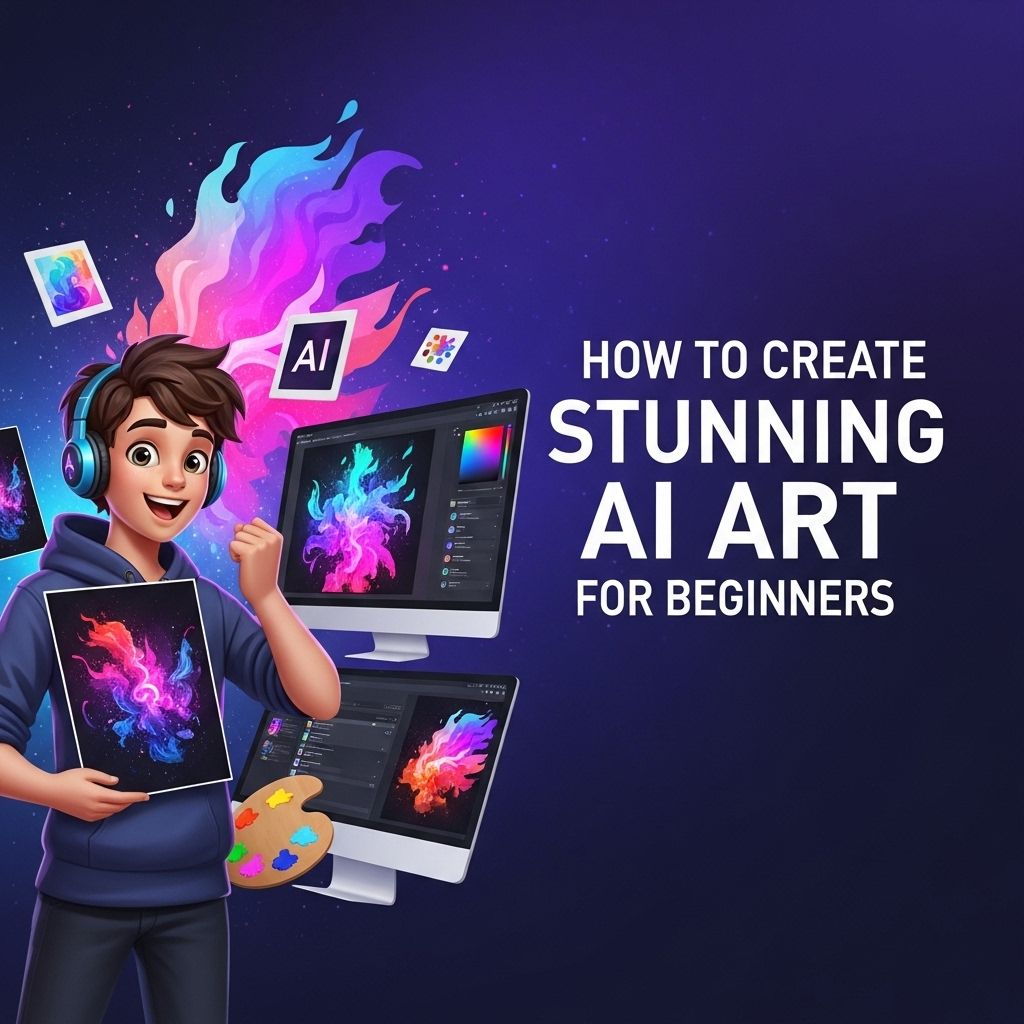
In recent years, artificial intelligence has revolutionized various fields, including the world of art. The ability of AI to generate stunning visuals has captivated artists, designers, and technophiles alike. Whether you’re an aspiring artist or simply a curious individual, creating AI art can be an exciting venture. This article will guide you through the steps to create your own mesmerizing AI-generated artwork, exploring the tools, techniques, and important concepts you need to know.
Creating stunning AI art can seem daunting for beginners, but with the right tools and guidance, anyone can embark on this creative journey. This guide aims to simplify the process, helping you understand the basics of AI art generation and providing valuable resources, like browse logo mockup templates, to enhance your projects.
Understanding AI Art
Before diving into the practical aspects, let’s explore what AI art actually is. At its core, AI art refers to artwork created with the assistance of artificial intelligence algorithms. These algorithms can analyze existing art, learn from various styles, and replicate or create entirely new pieces that may be indistinguishable from human-made art.
Types of AI Art
- Generative Art: This involves using algorithms to create new forms of art by manipulating existing data.
- Style Transfer: This technique applies the style of one image to the content of another, resulting in a unique artistic creation.
- Deep Learning-Based Art: AI models trained on large datasets can produce artworks that mimic various artistic styles and genres.
Essential Tools for Creating AI Art
There are numerous tools available that cater to different skill levels and artistic styles. Here’s a selection of popular AI art generators:
1. DeepArt
Using a technique called neural style transfer, DeepArt allows users to upload their images and apply artistic styles from famous artworks.
2. Artbreeder
This collaborative platform lets users blend images to create new art. You can adjust parameters or use the platform’s AI to evolve images over time.
3. Runway ML
Aimed at creatives, Runway ML offers tools for artists to explore machine learning in their work. It includes features for video, image, and text generation.
4. DALL-E
Developed by OpenAI, DALL-E can create images from textual descriptions. It can generate unique visuals based on the input you provide.
5. NightCafe Studio
This tool uses neural networks to generate art based on user-defined parameters, allowing for a wide range of artistic styles and outputs.
Getting Started with AI Art Creation
Now that you’ve familiarized yourself with the tools, let’s look at the steps to create your first AI artwork.
Step 1: Choose Your Tool
Select one of the tools mentioned above based on your comfort level and artistic goals. For beginners, tools like DeepArt or NightCafe Studio are user-friendly and require minimal technical expertise.
Step 2: Brainstorm Ideas
Think about the themes or concepts you would like to explore in your artwork. Here are some ideas to consider:
- Nature and landscapes
- Abstract concepts
- Portraits of fictional characters
- Combining different styles
Step 3: Create Base Images
For tools like Artbreeder, you might need to upload base images. For style transfer tools, prepare an image you want to transform along with a style reference image.
Step 4: Experiment with Settings
Most AI art generators allow you to tweak settings such as style strength, color palettes, and other parameters. Experimenting with these can lead to unexpected and unique results.
Step 5: Generate and Refine
Once satisfied with the settings, generate your artwork. Some tools may allow you to make adjustments to the output or create variations. Don’t hesitate to create several iterations to find the best result.
Step 6: Post-Processing
After generating your artwork, consider using image editing software (like Adobe Photoshop or GIMP) to make final tweaks, such as enhancing colors, adding textures, or adjusting composition.
Tips for Creating Stunning AI Art
To maximize the potential of your AI art creation process, keep the following tips in mind:
- Explore Different Styles: Don’t limit yourself to one type of artwork. Experiment with various styles to discover what resonates with you.
- Understand Color Theory: Familiarize yourself with color theory to ensure a harmonious and visually appealing outcome.
- Combine Techniques: Use multiple AI tools to blend different techniques and styles, leading to innovative compositions.
- Stay Inspired: Follow other AI artists, join communities, and participate in challenges to keep your creativity flowing.
Examples of AI Art to Inspire You
To help ignite your imagination, here are some notable examples of AI art:
| Artist | Title | Tool Used |
|---|---|---|
| Refik Anadol | Melting Memories | StyleGAN |
| Mike Tyka | Portraits of Imaginary People | DeepDream |
| Mario Klingemann | Memories of Passersby | GAN |
Conclusion
Artificial intelligence is opening new doors in the world of art, making it accessible to beginners and professionals alike. By leveraging AI tools, you can tap into your creative potential and produce artworks that reflect your unique vision. Remember to embrace experimentation and learn from each creation, as this will enhance your skills and broaden your artistic horizons. So, whether you’re creating for fun or to express deeper ideas, the canvas of AI art awaits your imagination.
FAQ
What is AI art and how does it work?
AI art refers to artwork created with the assistance of artificial intelligence algorithms, which analyze and generate visuals based on input data and parameters set by the user.
What tools can beginners use to create AI art?
Beginners can use user-friendly platforms like DeepArt, Artbreeder, and DALL-E to create stunning AI art without needing advanced technical skills.
Do I need any artistic skills to create AI art?
No, you don’t need to have traditional artistic skills; AI art tools are designed to allow anyone to create visually appealing art easily.
Can I use AI art for commercial purposes?
Yes, many AI art tools allow users to use their creations for commercial purposes, but it’s essential to review the terms of service for each platform.
How can I improve my AI art creations?
Experiment with different styles, adjust parameters, and combine various AI tools to enhance your creativity and improve your AI art results.
Is there a community for AI art enthusiasts?
Yes, there are several online communities and forums, such as Reddit and Discord groups, where AI art enthusiasts share their work, tips, and techniques.