10 Powerful Facebook Ads Targeting Strategies
Discover 10 effective Facebook ads targeting strategies to enhance your ad campaigns and reach your ideal audience with precision.
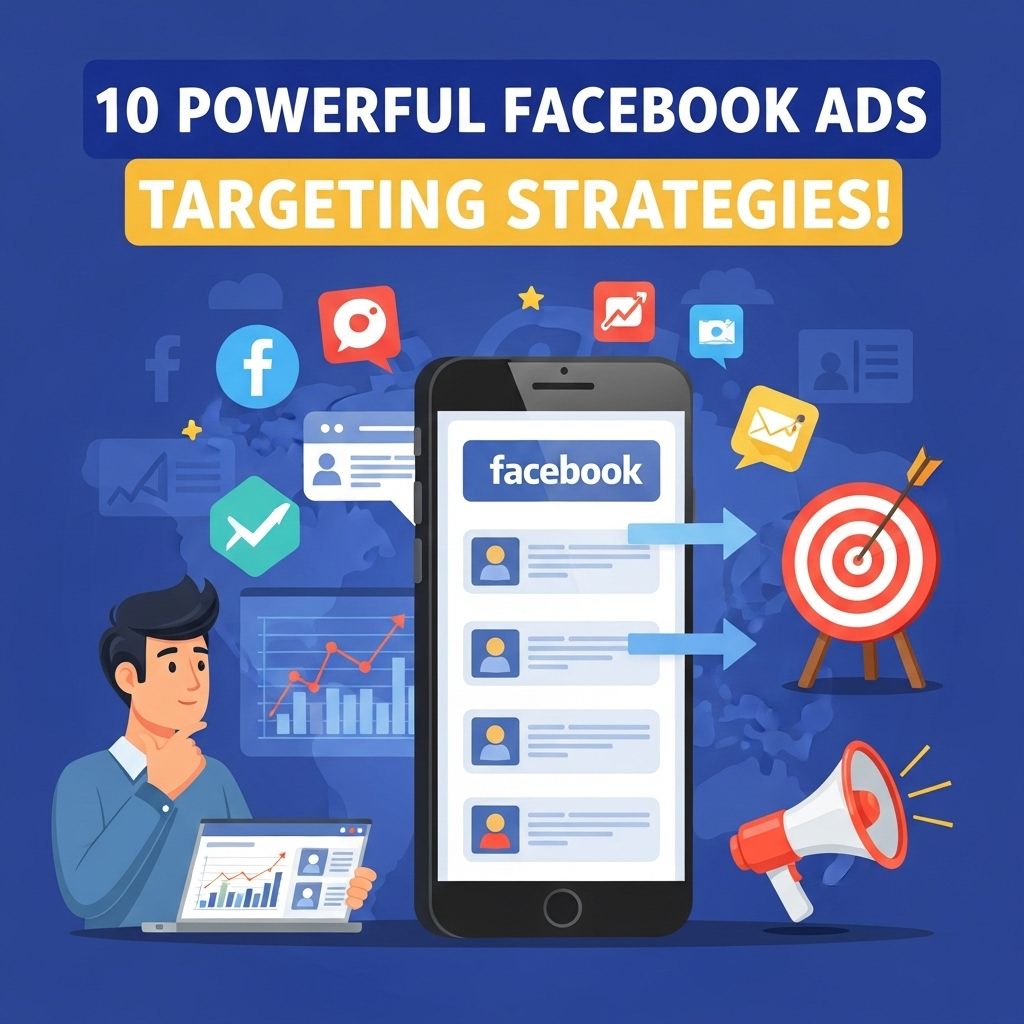
In the realm of digital marketing, Facebook Ads hold an unparalleled position due to their vast audience and sophisticated targeting capabilities. Whether you’re a small business owner or a marketing professional at a large corporation, harnessing the power of Facebook Ads can significantly elevate your marketing strategy. However, to truly maximize your ROI, you need to implement effective targeting strategies that reach the right users at the right time. In this article, we will explore ten powerful strategies to enhance your Facebook Ads targeting.
In today’s competitive digital landscape, effectively targeting your audience on Facebook is crucial for maximizing your ad performance. By employing powerful targeting strategies, you can ensure your message resonates with the right people, driving better engagement and conversions. For inspiration in creating visually appealing ads, discover unique 3D logo examples.
Understanding Facebook Audience Insights
Before diving into specific strategies, it’s essential to grasp how Facebook Audience Insights can inform your advertising efforts. This free tool provides data about your target audience, including demographics, location, interests, and behaviors. By analyzing this data, you can create more effective ad campaigns.
Key Features of Audience Insights
- Demographic Information: Understand age, gender, relationship status, education, and job titles.
- Page Likes: Discover what other pages your audience follows to tailor your content.
- Location Insights: Identify where your audience is located and adjust your targeting accordingly.
- Activity Level: Analyze how often users interact with your content and their purchasing behavior.
1. Custom Audiences
Creating Custom Audiences allows you to retarget users who have previously interacted with your brand. This could include website visitors, app users, or customers from your email list. By targeting these individuals, you can encourage them to complete a purchase or engage more deeply with your brand.
How to Create Custom Audiences
- Go to the Audiences section in the Ads Manager.
- Select ‘Create Audience’ and then ‘Custom Audience.’
- Choose your source (Website, App Activity, Customer File, etc.).
- Define your audience parameters and save.
2. Lookalike Audiences
Once you have established a Custom Audience, you can create Lookalike Audiences to reach new users who share similar characteristics with your existing customers. This strategy expands your reach while maintaining relevance.
Steps to Create a Lookalike Audience
- In the Audiences section, select ‘Create Audience’ and then ‘Lookalike Audience.’
- Choose your source audience.
- Select the location for your Lookalike Audience.
- Customize the audience size (1% to 10%), where 1% is the closest match.
3. Behavioral Targeting
Facebook offers advanced behavioral targeting that allows advertisers to reach users based on their online behavior, including past purchases, device usage, and travel habits. This data-driven approach can significantly enhance the effectiveness of your ads.
Examples of Behavioral Targeting
| Behavior Category | Description |
|---|---|
| Purchasing Behavior | Target users who have made purchases in specific categories. |
| Travel Preferences | Reach users who frequently travel or have recently shown interest in travel. |
| Device Usage | Focus on users based on the devices they own or use. |
4. Interest Targeting
Interest targeting allows advertisers to select specific interests relevant to their products or services. By understanding your audience’s passions and hobbies, you can create ads that resonate with them.
How to Utilize Interest Targeting
- Identify core interests relevant to your campaign.
- Use Facebook’s suggestions to find related interests.
- Combine multiple interests for more precise targeting.
5. Geographic Targeting
Geographic targeting enables you to hone in on users in specific locations, whether on a local, regional, or national scale. This strategy is particularly beneficial for businesses with physical locations or those offering region-specific services.
Methods for Geographic Targeting
- Use location targeting options in Ads Manager.
- Consider including both broad and narrow geographic areas.
- Utilize geofencing to target users in a specific vicinity.
6. Demographic Targeting
Facebook provides options to target users based on demographic information such as age, gender, education level, and marital status. This allows you to ensure your ads reach the most relevant audience segments.
Demographic Parameters to Consider
- Age Range: Tailor your ad’s message based on age.
- Gender: Customize visuals and copy to appeal to a specific gender.
- Education Level: Target users based on their educational background.
7. Ad Placement Optimization
Choosing where your ads appear is as crucial as choosing the audience. Facebook allows you to customize ad placements, whether on Facebook, Instagram, Audience Network, or Messenger.
Recommended Ad Placements
- Feed: Ideal for engaging content.
- Stories: Great for short, impactful messages.
- In-stream Videos: Useful for bringing attention to longer content.
8. Use Dynamic Ads
Dynamic Ads automatically show the right products to users based on their interests and behaviors. This strategy is particularly effective for e-commerce businesses, as it allows for personalized marketing at scale.
Setting Up Dynamic Ads
- Install the Facebook Pixel on your website.
- Create a product catalog in Facebook Business Manager.
- Set up your dynamic ad campaign in Ads Manager.
9. A/B Testing for Targeting
A/B testing, or split testing, involves running two variations of an ad to see which performs better. By testing different audience segments, ad placements, or creatives, you can refine your targeting strategy.
Steps for Effective A/B Testing
- Identify a single variable to test (e.g., audience segment).
- Create two versions of the ad with the same content but different targeting.
- Monitor the results and analyze performance metrics.
10. Continuously Monitor and Adjust
Facebook Ads require ongoing monitoring and adjustment to maintain effectiveness. Regularly review performance metrics and audience engagement to refine your targeting strategies.
Key Metrics to Track
- Click-Through Rate (CTR)
- Conversion Rate
- Cost Per Acquisition (CPA)
Conclusion
Employing these ten powerful targeting strategies can significantly enhance the effectiveness of your Facebook Ads campaigns. From leveraging Audience Insights to continuously monitoring performance, these techniques will help ensure that your ads reach the right people at the right time. Remember, the key to success in digital marketing lies in understanding your audience and adapting your strategies accordingly.
FAQ
What are the most effective Facebook Ads targeting strategies?
The most effective Facebook Ads targeting strategies include using Custom Audiences, Lookalike Audiences, detailed demographic targeting, interest-based targeting, behavioral targeting, and retargeting website visitors.
How can I use Custom Audiences for Facebook Ads?
Custom Audiences allow you to target users who have already interacted with your business, such as previous customers or website visitors, enabling you to create tailored ads that resonate with specific segments of your audience.
What is a Lookalike Audience in Facebook Ads?
A Lookalike Audience is a type of audience created by Facebook that targets users who share similar characteristics with your existing customers, helping you reach new potential customers who are likely to be interested in your products or services.
How can I effectively use demographic targeting on Facebook?
Demographic targeting allows you to focus on specific attributes such as age, gender, location, education, and relationship status, ensuring your ads reach the most relevant audience for your business.
What is behavioral targeting in Facebook Ads?
Behavioral targeting allows you to reach users based on their online behavior, such as purchase history or device usage, helping you deliver more personalized and relevant ads to your audience.
How can retargeting help improve my Facebook Ads performance?
Retargeting allows you to show ads to users who have previously interacted with your website or app, reminding them of your products and increasing the likelihood of conversion by keeping your brand top-of-mind.