
10 Powerful Raspberry Pi Projects You Must Try
Explore 10 innovative Raspberry Pi projects that will enhance your skills and creativity. Perfect for beginners and experts alike!
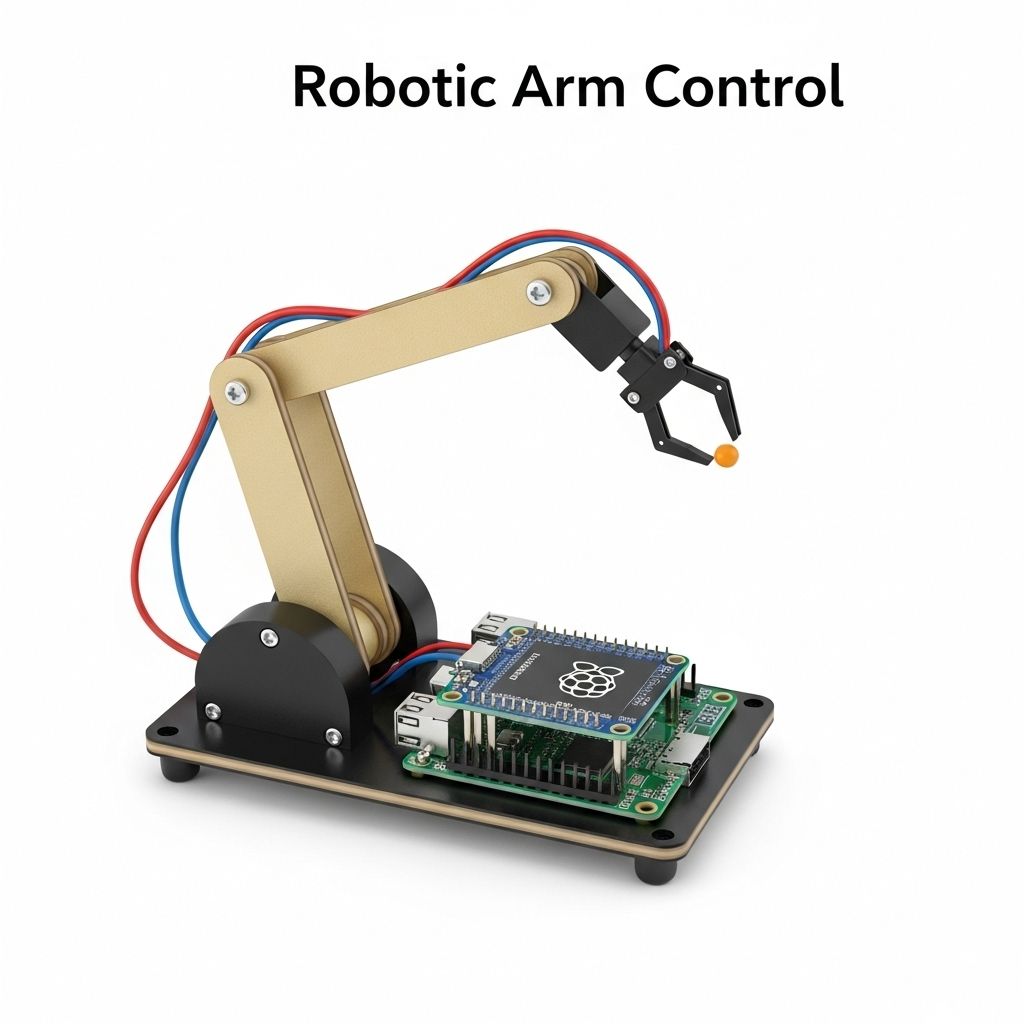
The Raspberry Pi has revolutionized the world of DIY electronics, enabling enthusiasts and professionals alike to create innovative projects with ease. This compact and affordable single-board computer is not just for hobbyists; it has found applications in education, industry, and even home automation. In this article, we will explore ten powerful Raspberry Pi projects that not only demonstrate the capabilities of this tiny computer but also inspire creativity and technical skill.
If you’re looking to unleash your creativity and technical skills, exploring Raspberry Pi projects is a fantastic way to do so. From building a retro gaming console to creating your own smart home hub, the possibilities are endless. And if you want to take your creations to the next level, consider using tools to visualize your 3D logo concepts.
1. Home Automation System
One of the most popular uses for the Raspberry Pi is as the central hub for a home automation system. By integrating various smart devices, users can control everything from lighting to security systems.
Components Needed:
- Raspberry Pi (any model)
- Smart bulbs/sensors
- Home Assistant software
- Wi-Fi network
Steps to Build:
- Install Home Assistant on your Raspberry Pi.
- Connect your smart devices through the configuration panel.
- Create automation rules for your devices.
2. Retro Gaming Console
Transform your Raspberry Pi into a retro gaming console using software like RetroPie. This project allows you to play classic games from consoles like NES, SNES, Sega Genesis, and more.
Essential Tools:
- Raspberry Pi 3 or later
- MicroSD card (8GB or larger)
- USB game controller
- HDMI cable
Set-Up Process:
- Download the RetroPie image and flash it onto the microSD card.
- Boot your Raspberry Pi and complete the setup process.
- Load ROMs legally obtained and configured for your system.
3. Personal Cloud Storage
Create your own cloud storage solution using Nextcloud or ownCloud, allowing you to store and access files from anywhere, while retaining control of your data.
Required Materials:
- Raspberry Pi 4
- External hard drive or USB stick
- Internet connection
Installation Steps:
- Install Raspbian on your Raspberry Pi.
- Set up Nextcloud or ownCloud via a web server (Apache, Nginx, etc.).
- Configure your storage and users.
4. Network-Attached Storage (NAS)
Utilize your Raspberry Pi as a NAS, allowing you to share files across a network, serve media, and back up important data.
Components:
- Raspberry Pi 4
- Large-capacity USB hard drive
- OpenMediaVault software
Creating Your NAS:
- Install OpenMediaVault on your Raspberry Pi.
- Connect your external hard drive and format it for use.
- Set up shared folders and user permissions.
5. Smart Mirror
A smart mirror is an interactive display that shows useful information, such as time, weather, and news, while maintaining the functionality of a regular mirror.
What You Need:
- Raspberry Pi 3 or later
- Two-way mirror
- Monitor
- Frame for the mirror
Assembly Instructions:
- Set up the monitor behind the two-way mirror.
- Install the MagicMirror software.
- Customize the modules to display your desired information.
6. Weather Station
Build a comprehensive weather station that collects and displays real-time weather data, including temperature, humidity, and atmospheric pressure.
Necessary Components:
- Raspberry Pi
- Weather sensors (DHT22, BMP180, etc.)
- Python programming knowledge
Steps:
- Connect the sensors to the Raspberry Pi GPIO pins.
- Write a Python script to read sensor data.
- Display data on a webpage or local screen.
7. AI Voice Assistant
Create your own voice-controlled AI assistant similar to Amazon’s Alexa or Google Assistant using software such as Mycroft.
Hardware Requirements:
- Raspberry Pi 3 or later
- Microphone
- Speaker
Configuration Steps:
- Install Mycroft on your Raspberry Pi.
- Connect the microphone and speaker.
- Train the assistant to respond accurately to your voice.
8. Network Monitoring Tool
Use the Raspberry Pi to monitor network activity and performance. Tools like Pi-hole can block ads or monitor bandwidth usage.
What You’ll Need:
- Raspberry Pi
- MicroSD card
- Internet connection
Setting Up:
- Install Pi-hole software on your Raspberry Pi.
- Configure your router to use the Pi-hole as the DNS server.
- Monitor traffic through Pi-hole’s web interface.
9. Surveillance Camera System
Create a home security system using your Raspberry Pi with motion detection and real-time alerts.
Components:
- Raspberry Pi
- Camera module (or USB webcam)
- MotionEyeOS software
Steps to Deploy:
- Install MotionEyeOS on your Raspberry Pi.
- Connect the camera and configure the software settings.
- Set up alerts for motion detection.
10. Media Center
Turn your Raspberry Pi into a full-fledged media center using software such as Kodi. This allows you to stream movies, music, and more.
What You Need:
- Raspberry Pi 3 or later
- MicroSD card
- External media storage or network access
Installation Process:
- Download and install Kodi on your Raspberry Pi.
- Set up library sources for movies and music.
- Configure settings for optimal performance.
Conclusion
The versatility of the Raspberry Pi opens up a world of possibilities for technology enthusiasts and DIYers. From home automation to media centers, the projects listed above harness the full potential of this remarkable device. Whether you are a seasoned developer or a newcomer, these projects provide a solid foundation for expanding your knowledge and skills in programming and electronics.
FAQ
What are some interesting projects I can build with a Raspberry Pi?
You can create a retro gaming console, a home automation system, a media center, a personal web server, or a network-attached storage (NAS) device.
Do I need any special skills to start Raspberry Pi projects?
Basic programming knowledge and familiarity with electronics can be helpful, but many projects come with detailed tutorials suitable for beginners.
What accessories do I need for Raspberry Pi projects?
Common accessories include a power supply, microSD card, HDMI cable, keyboard, mouse, and additional components like sensors or cameras depending on your project.
Can I use Raspberry Pi for home automation?
Yes, Raspberry Pi is an excellent platform for home automation projects, allowing you to control lighting, security systems, and more using various sensors and IoT devices.
Is Raspberry Pi suitable for learning programming?
Absolutely! Raspberry Pi supports languages like Python, Scratch, and Java, making it a great tool for both beginners and experienced programmers.
What operating systems can I use with Raspberry Pi?
Raspberry Pi supports several operating systems, including Raspberry Pi OS, Ubuntu, LibreELEC for media centers, and many others tailored for specific projects.







