Kickstart Your Cloud Computing Journey Today
Discover essential steps to begin your cloud computing journey today with this comprehensive guide for beginners.

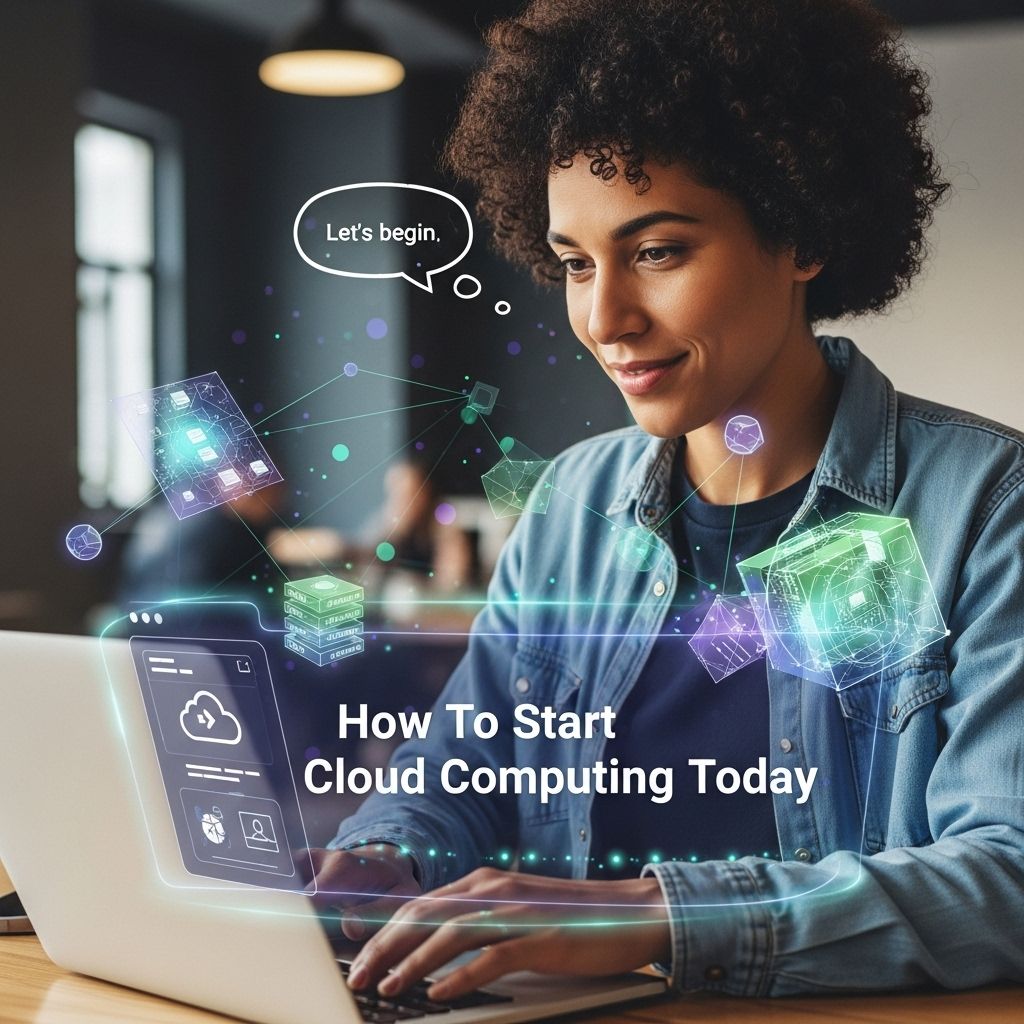
In today’s digital era, cloud computing has emerged as a pivotal technology transforming how businesses operate and manage their resources. With its scalable infrastructure, flexibility, and cost-effectiveness, cloud computing enables organizations to innovate and stay competitive in the ever-evolving landscape of technology. If you’re looking to dive into cloud computing, whether you’re an entrepreneur, a student, or an IT professional, this guide will provide you with essential information and steps to start your journey into the cloud.
Embarking on your cloud computing journey opens up a world of opportunities for innovation and efficiency. As you explore the digital landscape, consider enhancing your projects with eye-catching designs, such as find the best 3D logo templates, to make a memorable impression in your new ventures.
Table of Contents
Understanding Cloud Computing
Cloud computing refers to the delivery of computing services—including servers, storage, databases, networking, software, and analytics—over the internet (“the cloud”). This model offers faster innovation, flexible resources, and economies of scale. Instead of owning their computing infrastructure, businesses can rent access to anything from applications to storage from a cloud service provider.
Key Characteristics of Cloud Computing
- On-Demand Self-Service: Users can automatically provision computing capabilities without requiring human interaction with each service provider.
- Broad Network Access: Services are available over the network and accessed through standard mechanisms that promote use across various platforms.
- Resource Pooling: The provider’s computing resources are pooled to serve multiple consumers using a multi-tenant model.
- Rapid Elasticity: Resources can be elastically provisioned and released to scale rapidly outward and inward commensurate with demand.
- Measured Service: Cloud systems automatically control and optimize resource use by leveraging a metering capability.
Types of Cloud Services
Cloud computing services can be divided into three main categories:
IaaS (Infrastructure as a Service)
IaaS provides virtualized computing resources over the internet. It is the most basic cloud service model, and users can rent IT infrastructure such as servers and virtual machines (VMs). Major providers include:
- Amazon Web Services (AWS)
- Google Cloud Platform (GCP)
- Microsoft Azure
PaaS (Platform as a Service)
PaaS offers hardware and software tools over the internet, typically for application development. It allows developers to build, run, and manage applications without the complexity of building and maintaining the infrastructure. Popular PaaS providers include:
- Heroku
- Google App Engine
- AWS Elastic Beanstalk
SaaS (Software as a Service)
SaaS delivers software applications over the internet, eliminating the need for installations or downloads. Users can access SaaS applications from any device with an internet connection. Noteworthy SaaS offerings include:
- Salesforce
- Dropbox
- Slack
Choosing a Cloud Provider
When selecting a cloud service provider, consider the following factors:
1. Cost
Analyze the pricing structure of the provider. Understand the payment model—whether it’s pay-as-you-go, reserved instances, or subscription-based—and choose one that fits your budget and usage patterns.
2. Compliance and Security
Security is paramount in cloud computing. Ensure that the provider complies with relevant regulations such as GDPR, HIPAA, or CCPA. Check their security certifications and offerings, including encryption, access controls, and incident response protocols.
3. Performance and Reliability
Examine the provider’s uptime records and performance metrics. Look for guarantees around uptime and response times, typically outlined in a Service Level Agreement (SLA).
4. Support
Assess the level of customer support provided. A responsive support team can be invaluable in troubleshooting issues or assisting with service configurations.
Getting Started with Cloud Computing
To begin your cloud computing journey, follow these steps:
Step 1: Define Your Objectives
Identify what you aim to achieve with cloud computing. Whether you’re looking to reduce costs, improve performance, or enhance scalability, having clear objectives will guide your decisions.
Step 2: Learn the Fundamentals
Familiarize yourself with cloud computing concepts. Online courses, webinars, and tutorials from platforms like Coursera, Udemy, and edX can provide valuable knowledge. Key topics to study include:
- Cloud deployment models (public, private, hybrid)
- Networking basics (VPC, DNS, Load Balancer)
- Data storage options (object, block, file storage)
Step 3: Hands-On Experience
Practice by signing up for free tiers offered by major cloud providers. This allows you to experiment with services without incurring costs. Start with simple projects, like deploying a static website or running a basic server.
Step 4: Build Proficiency
As you become more confident, tackle more complex projects. Consider developing a web application, setting up a database, or exploring machine learning services. Resources like GitHub can provide sample projects to learn from.
Step 5: Stay Updated
Cloud computing is a rapidly evolving field. Stay informed about new technologies and best practices. Subscribe to industry blogs, join forums, and participate in local meetups to network with experts.
Common Cloud Computing Challenges
While cloud computing offers numerous advantages, it also comes with challenges:
Data Security and Privacy
Storing sensitive data in the cloud raises concerns about security breaches. Implement rigorous security measures and ensure compliance with relevant regulations.
Downtime and Service Reliability
Cloud services can experience outages or slowdowns. Have contingency plans in place, including backup services or alternative cloud providers.
Vendor Lock-in
Moving between cloud providers can be complex and costly. Consider multi-cloud strategies to mitigate this risk and maintain flexibility.
The Future of Cloud Computing
The future of cloud computing looks promising, with trends indicating continued growth and innovation. Technologies such as serverless computing, edge computing, and artificial intelligence integration are set to revolutionize how businesses utilize the cloud.
| Trend | Description |
|---|---|
| Serverless Computing | A model where cloud providers manage the infrastructure, allowing developers to focus solely on code. |
| Edge Computing | Processing data closer to the source (e.g., IoT devices) to reduce latency and bandwidth usage. |
| AI and Machine Learning | Integration of AI tools and ML algorithms into cloud services for smarter applications. |
By embracing these advancements, businesses can enhance their operational capabilities and deliver better services to customers.
In conclusion, starting your journey in cloud computing opens up endless possibilities for personal and professional growth. With the right knowledge and approach, you can harness the power of the cloud to achieve your goals.
FAQ
What is cloud computing?
Cloud computing is the delivery of computing services over the internet, allowing users to access and store data and applications on remote servers instead of local machines.
How can I start using cloud computing?
To start using cloud computing, choose a cloud service provider, create an account, and explore their services, such as storage, computing power, and software applications.
What are the benefits of cloud computing?
The benefits of cloud computing include scalability, cost-effectiveness, enhanced collaboration, data backup and recovery, and accessibility from anywhere with an internet connection.
What types of cloud services are available?
The main types of cloud services are Infrastructure as a Service (IaaS), Platform as a Service (PaaS), and Software as a Service (SaaS), each catering to different business needs.
Is cloud computing secure?
Yes, while cloud computing has its risks, reputable cloud providers implement robust security measures, including encryption, access controls, and regular security updates to protect user data.
Can small businesses benefit from cloud computing?
Absolutely! Small businesses can benefit from cloud computing by reducing IT costs, increasing flexibility, and improving collaboration and efficiency among team members.