5 Powerful Tools for Minimal UI Design
Discover 5 powerful tools that can elevate your minimal UI design projects and enhance user experience.

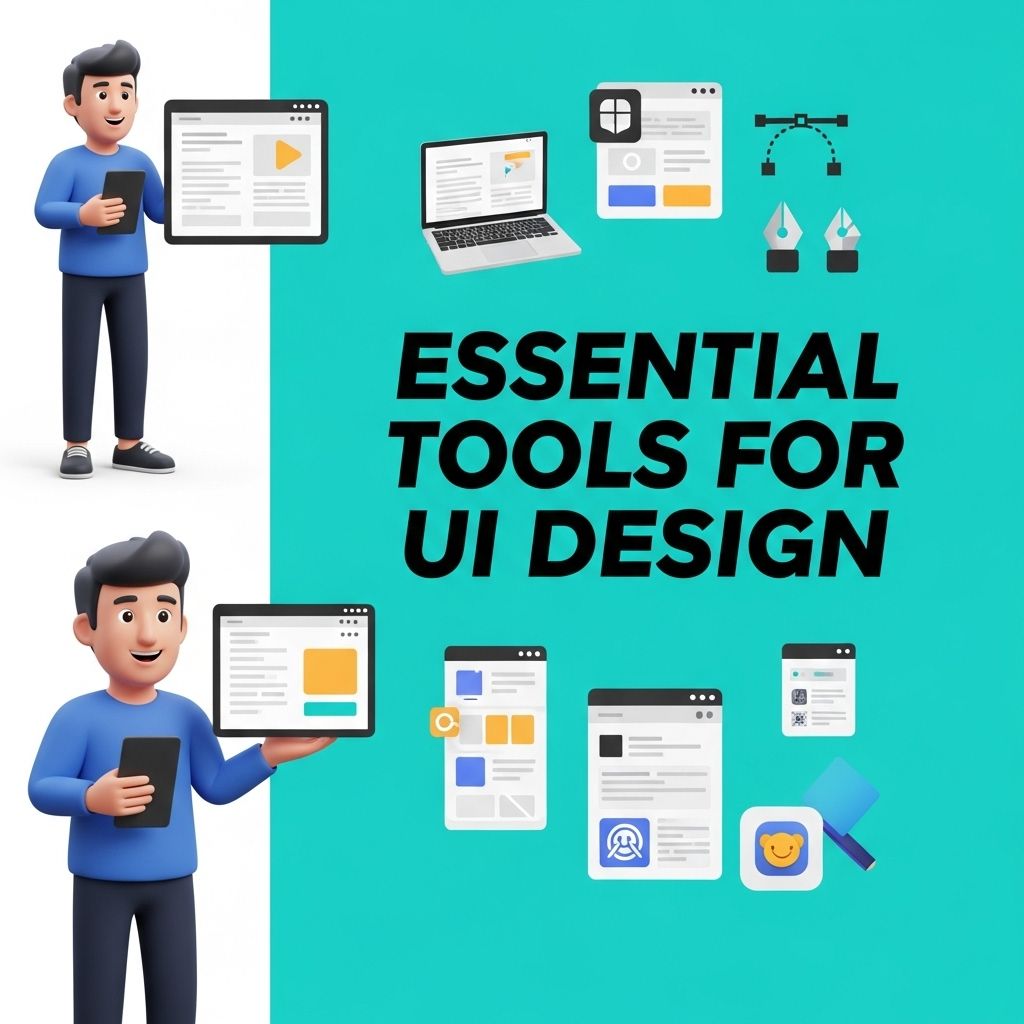
In the ever-evolving world of design, minimalism has emerged as a powerful approach that emphasizes simplicity and functionality. As designers and developers seek to create user-friendly interfaces, the tools that assist in achieving minimal UI design have become indispensable. This article delves into five powerful tools that can elevate your minimalist designs and streamline your workflow.
In the realm of minimal UI design, having the right tools can significantly enhance your workflow and output quality. This article will explore five powerful tools that streamline the design process, allowing you to create clean and effective interfaces. For those looking to elevate their branding further, check out our premium logo mockups.
Table of Contents
Understanding Minimal UI Design
Minimal UI design is centered around the idea of stripping away unnecessary elements while focusing on essential features. This design philosophy not only enhances aesthetic appeal but also improves user experience by reducing cognitive load. Here are some core principles of minimal UI design:
- Focus: Prioritize essential elements that contribute to user goals.
- Whitespace: Use ample space to create breathable layouts.
- Typography: Choose clear and legible fonts.
- Color Palette: Stick to a limited color scheme to avoid visual clutter.
1. Figma
Figma is a collaborative interface design tool that has gained immense popularity among designers for its versatility and ease of use. It enables real-time collaboration, making it perfect for teams working on minimalist UI designs.
Key Features:
- Vector Graphics: Create clean and scalable graphics.
- Components and Assets: Reuse design elements for consistency.
- Prototyping: Test user interactions before finalizing designs.
Figma’s ability to create responsive designs to adapt to various screen sizes makes it an ideal choice for minimal UI design projects.
2. Sketch
Sketch is an intuitive design tool specifically tailored for digital projects. Known for its user-friendly interface, Sketch is particularly popular among UI/UX designers looking to create minimalist designs quickly.
Key Features:
- Symbols: Create reusable components for consistency across designs.
- Artboards: Design multiple screens within a single document.
- Plugins: Enhance functionality with various third-party integrations.
With its focus on vector editing and prototyping, Sketch allows designers to focus on the essence of their projects without unnecessary distractions.
3. Adobe XD
Adobe XD provides a robust platform for designing and prototyping user experiences. Its seamless integration with other Adobe products makes it a natural choice for users who are already in the Adobe ecosystem.
Key Features:
| Feature | Description |
|---|---|
| Repeat Grid | Effortlessly create repeating elements for lists or galleries. |
| Voice Prototyping | Integrate voice commands to enhance user interaction. |
| Collaboration Tools | Share prototypes with stakeholders for feedback. |
Adobe XD’s minimalist user interface allows for a distraction-free design process, making it easier to focus on creating functional and aesthetically pleasing UI.
4. InVision
InVision is a powerful prototype and collaboration platform that is ideal for teams focused on user-centric design. It allows designers to create interactive mockups that embody minimalist principles.
Key Features:
- Hotspots: Create clickable areas to simulate user interactions.
- Feedback Tools: Gather and manage team and client feedback efficiently.
- Design System Manager: Maintain consistency across projects using shared assets.
InVision’s features help maintain a clear focus on user experience, making it easier to integrate minimalist design principles into your projects.
5. Webflow
Webflow is a powerful web design tool that enables users to design, build, and launch responsive websites visually. This platform is particularly effective for creating minimalist designs that are clean and functional.
Key Features:
- Visual Editor: Design without writing code, using a drag-and-drop interface.
- Responsive Design: Create designs that adapt seamlessly to various devices.
- CMS and E-commerce: Build dynamic content and online stores with minimal effort.
Webflow empowers designers to craft stunning minimalist websites while maintaining full control over the design process.
Conclusion
Embracing minimal UI design can significantly enhance user experience and engagement. The tools listed above are instrumental in achieving a minimalistic approach, providing designers with the necessary resources to create functional and aesthetically pleasing interfaces. Whether you prefer Figma’s collaborative features, Sketch’s intuitive design capabilities, Adobe XD’s comprehensive prototyping options, InVision’s user feedback mechanisms, or Webflow’s powerful web design tools, each of these platforms can help you harness the power of minimalism in your design projects. Start exploring these tools today to elevate your user interfaces and create impactful designs that resonate with your audience.
FAQ
What are the best tools for minimal UI design?
Some of the best tools for minimal UI design include Sketch, Figma, Adobe XD, InVision, and Canva. These tools offer features that help create clean and simple interfaces.
How can I create a minimal UI design?
To create a minimal UI design, focus on using a limited color palette, ample white space, and simple typography. Prioritize essential elements and eliminate unnecessary features.
Why is minimal UI design important?
Minimal UI design is important because it enhances user experience by making interfaces easier to navigate, reducing cognitive load, and allowing users to focus on key actions.
What features should I include in a minimal UI design?
In a minimal UI design, include essential features such as clear navigation, intuitive icons, and concise text. Avoid clutter and keep the layout straightforward to improve usability.
Can I use free tools for minimal UI design?
Yes, there are several free tools for minimal UI design, such as Figma (free tier), Canva, and Gravit Designer. These tools provide great functionalities to help you create effective designs without cost.