10 Essential Time Management Tools for Students
Discover 10 essential time management tools that help students enhance productivity, stay organized, and achieve academic success.

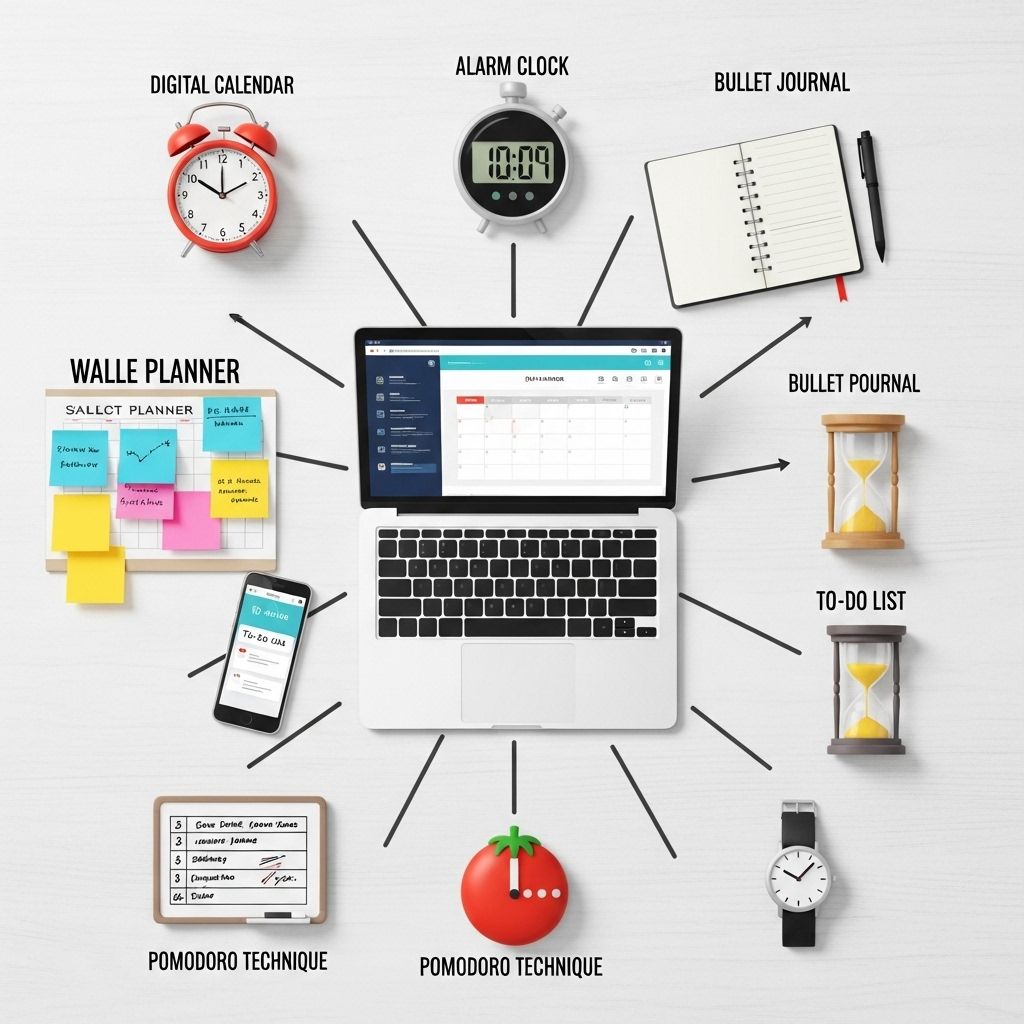
In today’s fast-paced academic environment, students face increasing challenges in managing their time effectively. With a multitude of assignments, extracurricular activities, and personal commitments, finding the right balance can be overwhelming. Fortunately, there are numerous time management tools available that can help students organize their tasks, boost productivity, and ultimately achieve their academic goals. This article explores ten essential time management tools that every student should consider incorporating into their daily routine.
As students navigate the demands of coursework, extracurricular activities, and personal commitments, mastering time management becomes essential for success. This guide will explore 10 essential time management tools that can help students optimize their schedules and enhance productivity. For those looking to elevate their presentations or projects, incorporating visually compelling elements, like a professionally designed 3D logo, can also make a difference. Check out find the best 3D logo templates to enhance your work.
Table of Contents
1. Todoist
Todoist is a powerful task management app that allows users to create, organize, and prioritize their to-do lists efficiently. With its intuitive interface and robust features, students can:
- Break down large projects into manageable tasks.
- Set deadlines and reminders for important assignments.
- Use labels and filters to categorize tasks by subject or priority.
- Collaborate with classmates on group projects.
Key Features:
| Feature | Description |
|---|---|
| Cross-platform availability | Access your tasks on multiple devices. |
| Integration | Connect with other apps like Google Calendar and Slack. |
| Gamification | Earn Karma points for completing tasks. |
2. Trello
Trello is an organizational tool that uses boards, lists, and cards to help students visualize their projects and tasks. This Kanban-style platform is particularly useful for group projects or lengthy assignments. Students can:
- Create boards for different subjects or projects.
- Add cards for specific tasks with due dates and checklists.
- Assign tasks to team members and communicate within the app.
Benefits of Trello:
With its visual approach, Trello makes it easy to see progress at a glance, which can help reduce anxiety and improve focus.
3. Google Calendar
Google Calendar is an indispensable tool for students looking to manage their schedules and plan ahead. By using Google Calendar, students can:
- Schedule classes, study sessions, and deadlines.
- Set reminders for important events.
- Share calendars with peers for group study sessions.
Advanced Features:
The integration of Google Calendar with other Google services like Gmail and Google Drive enhances its functionality, making it a central hub for all academic and personal commitments.
4. Pomodoro Technique Apps
The Pomodoro Technique is a time management method that encourages people to work in short bursts followed by breaks. There are various apps available that implement this technique, allowing students to:
- Set a timer for focused study sessions (e.g., 25 minutes).
- Take short breaks (5 minutes) between sessions.
- Track productivity and adjust work habits.
Popular Pomodoro Apps:
- Focus Booster
- TomatoTimer
- Forest (which gamifies the process by growing virtual trees)
5. Evernote
Evernote is a note-taking application that helps students organize their notes, research, and ideas systematically. Some of its features include:
- Creating notebooks for different subjects.
- Taking notes in various formats (text, audio, images).
- Tagging notes for easy retrieval.
Why Choose Evernote?
With Evernote, students can keep all their study materials in one place, making it easier to prepare for exams and complete assignments efficiently.
6. Focus@Will
Focus@Will is a unique productivity tool that combines music with neuroscience to enhance concentration. By using this tool, students can:
- Listen to curated music tracks designed to improve focus.
- Choose from different music genres that suit their study preferences.
- Track their listening habits and productivity levels.
How It Works:
Research-backed playlists help reduce distractions and promote a more productive studying environment, making it an excellent choice for auditory learners.
7. Microsoft OneNote
Microsoft OneNote is a versatile note-taking application that allows students to capture and organize information in a digital notebook format. Key features include:
- Freeform note-taking with text, images, and drawings.
- Integration with Microsoft Office suite.
- Collaboration features for group projects.
Advantages of OneNote:
Its flexibility and ease of use make OneNote a preferred choice among students for organizing lecture notes and research materials.
8. RescueTime
RescueTime is a time-tracking app that helps students understand how they spend their time on various tasks. This tool allows users to:
- Track time spent on apps and websites.
- Identify time-wasting activities.
- Set goals for more productive behavior.
Usage Insights:
With detailed reports and insights, students can make informed decisions about improving their time management skills based on their actual usage patterns.
9. Habitica
Habitica is a gamified approach to habit tracking and productivity. Students can turn their tasks and to-dos into a game, making it more engaging to stay on track. Features include:
- Creating a customizable avatar.
- Setting daily tasks and goals.
- Earn rewards for completing tasks and forming good habits.
Motivation through Gamification:
This unique method of managing tasks taps into the innate desire for achievement, making mundane tasks more enjoyable and motivating.
10. Asana
Asana is a project management tool suitable for students working on group projects or managing multiple assignments. Its key benefits include:
- Creating projects with assigned tasks and deadlines.
- Using visual project timelines for planning.
- Integrating with other apps for enhanced productivity.
Collaboration Features:
Asana’s collaborative features streamline communication among team members, ensuring that everyone is on the same page regarding project timelines and responsibilities.
Conclusion
Incorporating effective time management tools into a student’s daily routine can significantly enhance productivity and reduce stress. By exploring these ten essential resources, students can find solutions that best fit their unique learning styles and schedules. Ultimately, mastering time management not only leads to academic success but also fosters essential life skills that will be invaluable in their future careers.
FAQ
What are the best time management tools for students?
Some of the best time management tools for students include Todoist, Trello, Google Calendar, Notion, and Pomodoro timers.
How can students benefit from using time management tools?
Students can enhance their productivity, reduce stress, and improve their academic performance by effectively organizing tasks and managing their time.
Are there any free time management tools available for students?
Yes, many time management tools like Google Calendar, Trello, and Todoist offer free versions that are great for students.
How do digital planners compare to traditional planners for time management?
Digital planners often provide more flexibility, reminders, and integrations with other apps, while traditional planners can be more tactile and personal.
What is the Pomodoro Technique and how can it help students?
The Pomodoro Technique involves working in focused bursts of 25 minutes followed by short breaks, helping students maintain concentration and avoid burnout.
Can time management tools help with balancing study and personal life?
Absolutely! Time management tools can help students allocate time for studies, personal activities, and relaxation, ensuring a balanced lifestyle.