Create Stunning AI Images in Minutes
Discover simple techniques to create stunning AI-generated images quickly and easily. Unleash your creativity with these powerful tools!
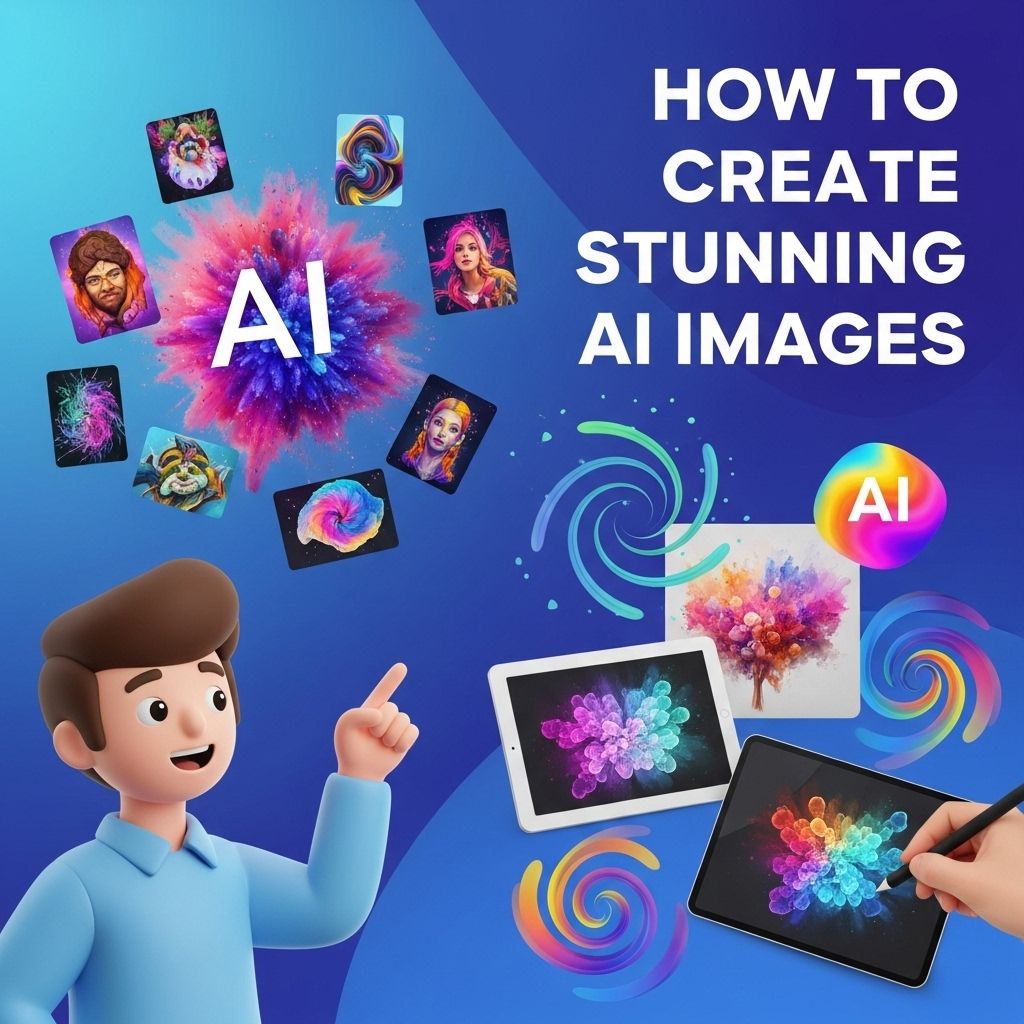
In the realm of digital art and design, artificial intelligence (AI) has emerged as a powerful tool that enables creative expression and innovation. With advancements in machine learning algorithms and deep learning techniques, artists and designers can now create stunning images that push the boundaries of imagination. This article delves into the intricacies of creating captivating AI-generated images, offering insights on tools, techniques, and best practices.
Creating stunning AI images has never been easier, allowing you to elevate your design projects in minutes. Whether you’re looking to generate striking visuals or refine existing designs, the process is streamlined and accessible. To enhance your designs further, learn how to use logo mockups effectively and bring your ideas to life.
Understanding AI Image Generation
AI image generation is a field that combines art and technology, allowing users to generate images through algorithms. The core of these techniques often lies in Generative Adversarial Networks (GANs), Variational Autoencoders (VAEs), and neural style transfer. Here’s a quick breakdown of these concepts:
- Generative Adversarial Networks (GANs): A framework where two neural networks, a generator and a discriminator, compete against each other to produce realistic images.
- Variational Autoencoders (VAEs): A type of neural network that learns to encode images into a compressed format and then decode them back into variations of the original images.
- Neural Style Transfer: A technique that merges the content of one image with the style of another to create a new artistic image.
Essential Tools for AI Image Creation
To begin creating stunning AI images, you need access to powerful tools and platforms. Here are some of the most widely used tools in the industry:
1. DeepArt.io
DeepArt uses neural networks to apply artistic styles to your images. Users can upload a photo and choose from various artistic styles.
2. Runway ML
This platform provides a suite of AI tools for creators, enabling complex video and image manipulation through an easy-to-use interface.
3. Artbreeder
A creative platform that allows users to blend images together using GANs, allowing unique image creation through collaborative breeding.
4. DALL-E 2
Created by OpenAI, DALL-E 2 generates images from textual descriptions, showcasing the potential for creativity through language.
5. Midjourney
An innovative tool that focuses on generating artistic images from simple prompts, using community-driven techniques to refine outputs.
Steps to Create AI Images
Creating stunning AI images can be broken down into several key steps:
- Define Your Concept: Know what you want to create. Sketch out ideas or gather inspiration from various sources.
- Select the Right Tool: Choose an appropriate AI tool based on your needs, whether it’s for style transfer, image blending, or generating from text.
- Upload Your Base Image: If applicable, start with a high-quality base image that serves as a foundation for your AI-generated artwork.
- Experiment with Parameters: Adjust the settings and parameters available in your chosen tool to explore different styles and effects.
- Iterate and Refine: Generate multiple iterations, select the best results, and continue to refine your images to achieve your vision.
Best Practices for Stunning Results
To elevate your AI-generated images, consider the following best practices:
- Use High-Quality Inputs: The quality of your base images significantly impacts the output; always start with high-resolution images.
- Experiment with Styles: Don’t be afraid to experiment with various artistic styles. The unique combinations can yield surprising and beautiful outcomes.
- Leverage Community Feedback: Engage with online communities and forums to showcase your work and receive constructive feedback.
- Stay Updated: AI technology is rapidly evolving. Keep up with the latest trends and tools in the AI art landscape.
Case Studies: Inspiring AI Image Projects
Many artists and technologists have harnessed the power of AI to create breathtaking works. Here are a few notable projects:
The Next Rembrandt
This project involved the analysis of thousands of paintings by Rembrandt to create a new, original painting in his style. By utilizing deep learning techniques, researchers were able to produce a convincing artwork that mirrored the Dutch master’s techniques.
AI-Generated Fashion Designs
Fashion designers are increasingly using AI to create unique clothing patterns and styles. By analyzing trends and consumer preferences, AI can generate new designs that are both innovative and market-ready.
Portrait of Edmond de Belamy
This portrait created by the Paris-based art collective Obvious was generated by a GAN model and famously sold at auction for a staggering $432,500. It exemplifies how AI can be used to create artworks that are commercially viable.
Conclusion
The integration of AI into the realm of image creation has opened up endless possibilities for artists and designers. By leveraging the right tools, understanding the underlying technologies, and adopting best practices, anyone can create stunning AI-generated images that captivate audiences. As this field continues to evolve, embracing these innovations will undoubtedly lead to even more remarkable artistic expressions.
FAQ
What tools can I use to create stunning AI images?
There are several tools available for creating stunning AI images, including DALL-E, Midjourney, and Artbreeder, each offering unique features to generate visually appealing artworks.
Do I need any artistic skills to create AI images?
No, you don’t need artistic skills to create AI images. AI tools allow users to generate images based on textual prompts, making it accessible for everyone.
What are the best practices for writing prompts for AI image generation?
To get the best results, be descriptive and specific in your prompts. Include details about colors, styles, and subjects to help the AI understand your vision.
Can I edit AI-generated images?
Yes, you can edit AI-generated images using graphic design software like Photoshop or GIMP to enhance them further or add personal touches.
Are there copyright issues with AI-generated images?
Copyright issues can vary by platform. It’s important to check the usage rights of the AI tool you are using and how it pertains to the images you create.
How can I use AI images for my business or projects?
AI images can be used for marketing materials, social media posts, website graphics, and more, providing unique visuals that can enhance your brand’s appeal.