Create Stunning AI Art: A Step-by-Step Guide
Discover how to create stunning AI art with our step-by-step guide. Unlock your creativity and explore innovative techniques in digital art.
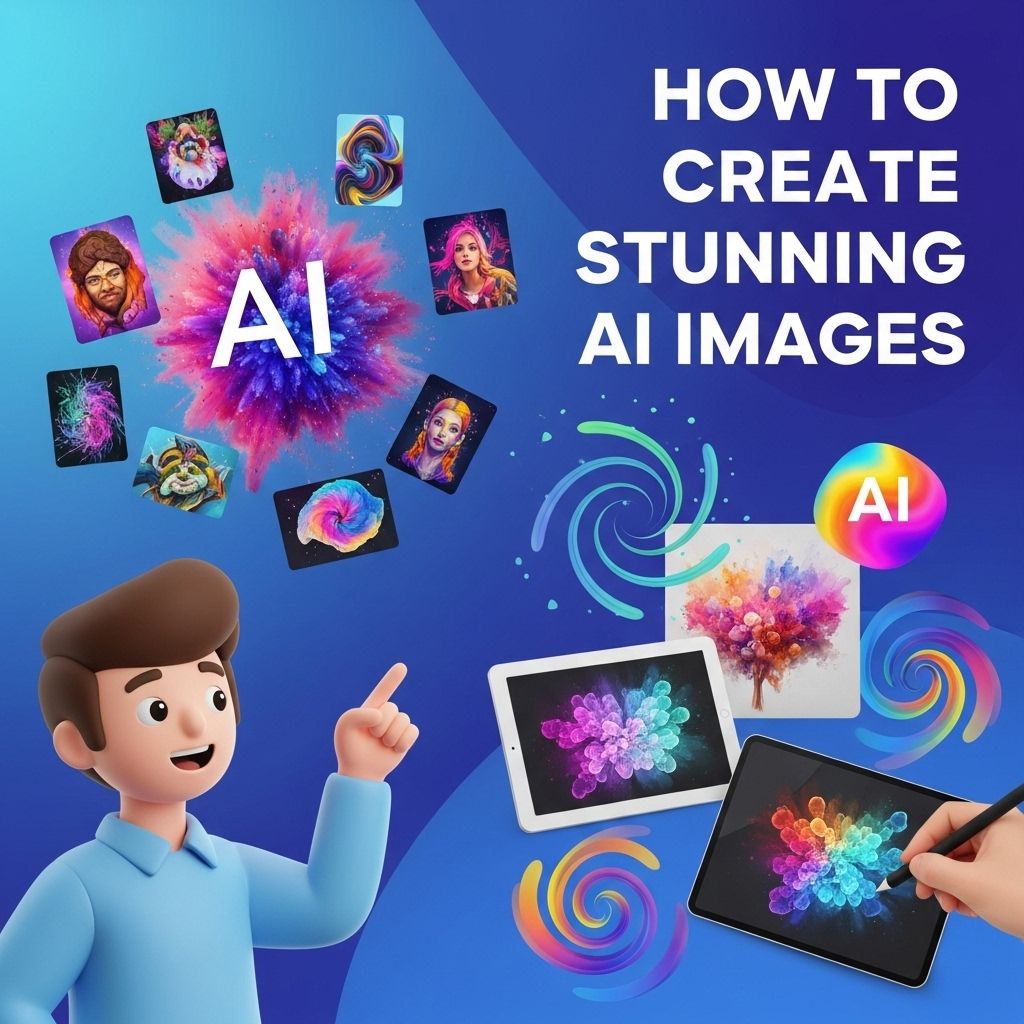
In the rapidly evolving world of technology, artificial intelligence (AI) has emerged as a revolutionary tool for artists and creatives alike. The ability to generate stunning artworks through algorithms and machine learning has opened up new avenues for expression and creativity. This article delves into how to harness the power of AI to create breathtaking art, exploring various tools, techniques, and the artistic implications of this innovative technology.
Creating stunning AI art can seem daunting, but with the right guidance, it’s entirely achievable. This step-by-step guide will lead you through the process, ensuring you harness the full potential of AI in your artistic endeavors. Additionally, if you’re looking to enhance your projects further, learn how to use logo mockups effectively.
Understanding AI Art
AI art refers to artwork created with the assistance of artificial intelligence. This can involve using algorithms to generate images, styles, or even concepts based on user input. The beauty of AI art lies in its ability to combine human creativity with machine precision, resulting in unique and compelling pieces that often push the boundaries of traditional art.
The Role of Machine Learning
Machine learning (ML), a subset of AI, plays a pivotal role in the creation of AI art. Through ML, systems can learn from vast datasets, recognizing patterns and styles that can then be replicated or transformed into new works. Here’s how ML impacts AI art:
- Data Training: AI systems are trained on large datasets consisting of images, styles, and artistic techniques.
- Pattern Recognition: ML allows algorithms to identify and replicate artistic patterns, enabling the generation of art that reflects various styles.
- Feedback Loops: Some AI systems improve over time with feedback from users, enhancing their ability to create more nuanced art.
Tools for Creating AI Art
There are numerous platforms and tools available for creating AI art, each offering unique features and capabilities. Here’s a breakdown of some popular options:
| Tool | Description | Best For |
|---|---|---|
| DeepArt.io | Transforms photos into artworks using styles from famous paintings. | Style Transfer |
| Artbreeder | Allows users to blend images and create unique artworks through genetic algorithms. | Image Generation |
| Runway ML | A creative suite for artists to experiment with machine learning models. | Prototyping and Collaboration |
| DALL-E | Generates images from textual descriptions using advanced AI. | Text-to-Image Creation |
Choosing the Right Tool
When selecting an AI art tool, consider the following factors:
- Purpose: What type of art do you want to create? Choose a tool that aligns with your artistic goals.
- User Experience: Look for platforms that offer intuitive interfaces and support for beginners.
- Output Quality: Research the quality of artworks produced by the tool to ensure it meets your standards.
Steps to Create AI Art
Creating stunning AI art involves a combination of creativity, experimentation, and understanding the tools at your disposal. Follow these steps to embark on your AI art journey:
Step 1: Define Your Concept
Before diving into the creation process, clarify your artistic vision. Consider what themes, emotions, or stories you want to convey. This foundational step guides your choices throughout the creation process.
Step 2: Choose Your Tool
Select an AI art tool based on your defined concept. Whether you’re looking for style transfer, image generation, or something else, the right tool will facilitate your creative process.
Step 3: Gather Inspiration
Explore existing artworks, styles, and artists that resonate with your concept. This can help inform your decisions and inspire your AI-generated creations.
Step 4: Experiment and Create
Leverage the features of your chosen tool:
- Modify Parameters: Adjust settings like style, colors, and patterns to guide the AI’s output.
- Iterate: Generate multiple versions of your artwork, tweaking elements with each iteration.
- Add Personal Touches: Combine AI-generated art with your own techniques, such as painting or digital editing.
Step 5: Finalize Your Artwork
Once satisfied with your creation, consider ways to finalize it:
- Print: High-quality prints can elevate your AI art, making it gallery-ready.
- Digital Display: Share your art online through social media or digital galleries.
- Frame: Physical displays can enhance the visibility and impact of your work.
The Artistic Implications of AI
The rise of AI art has stirred discussions about the role of technology in creativity. Here are some key implications:
Redefining Creativity
AI challenges traditional notions of creativity, blurring the lines between the artist and the machine. Questions arise about authorship: who is the true creator—the algorithm or the artist guiding it?
Inclusivity and Accessibility
AI tools democratize art creation, allowing individuals without formal training to express themselves creatively. This inclusivity expands artistic voices and perspectives.
Ethical Considerations
As AI continues to evolve, ethical concerns related to copyright and originality become prominent. Artists must navigate these issues while leveraging AI’s potential.
Conclusion
Creating stunning AI art is an exciting and transformative journey that merges technology with creativity. By understanding the capabilities of AI tools and embracing experimentation, anyone can produce captivating artworks that reflect their unique vision. As this field continues to grow, it presents both challenges and opportunities for artists worldwide, inviting a new era of artistic expression.
FAQ
What tools do I need to create stunning AI art?
To create stunning AI art, you can use tools like DALL-E, Midjourney, or DeepArt, which utilize advanced algorithms to generate unique artworks.
Can I create AI art without any programming skills?
Yes, many AI art generators are user-friendly and require no programming skills, allowing anyone to create art simply by inputting text prompts or images.
What are the best practices for crafting prompts for AI art?
To craft effective prompts, be specific about the style, mood, and elements you want in the artwork, and provide context or themes to guide the AI.
Is AI-generated art copyrightable?
The copyright status of AI-generated art can vary by jurisdiction, but generally, the person who creates the artwork may have some rights to it, depending on the level of human input.
How can I improve my AI art skills?
To improve your AI art skills, experiment with different prompts, styles, and techniques, and study successful works to understand what makes them effective.
Where can I share my AI art creations?
You can share your AI art on social media platforms like Instagram, Twitter, or dedicated art communities like DeviantArt and ArtStation to gain exposure and feedback.