

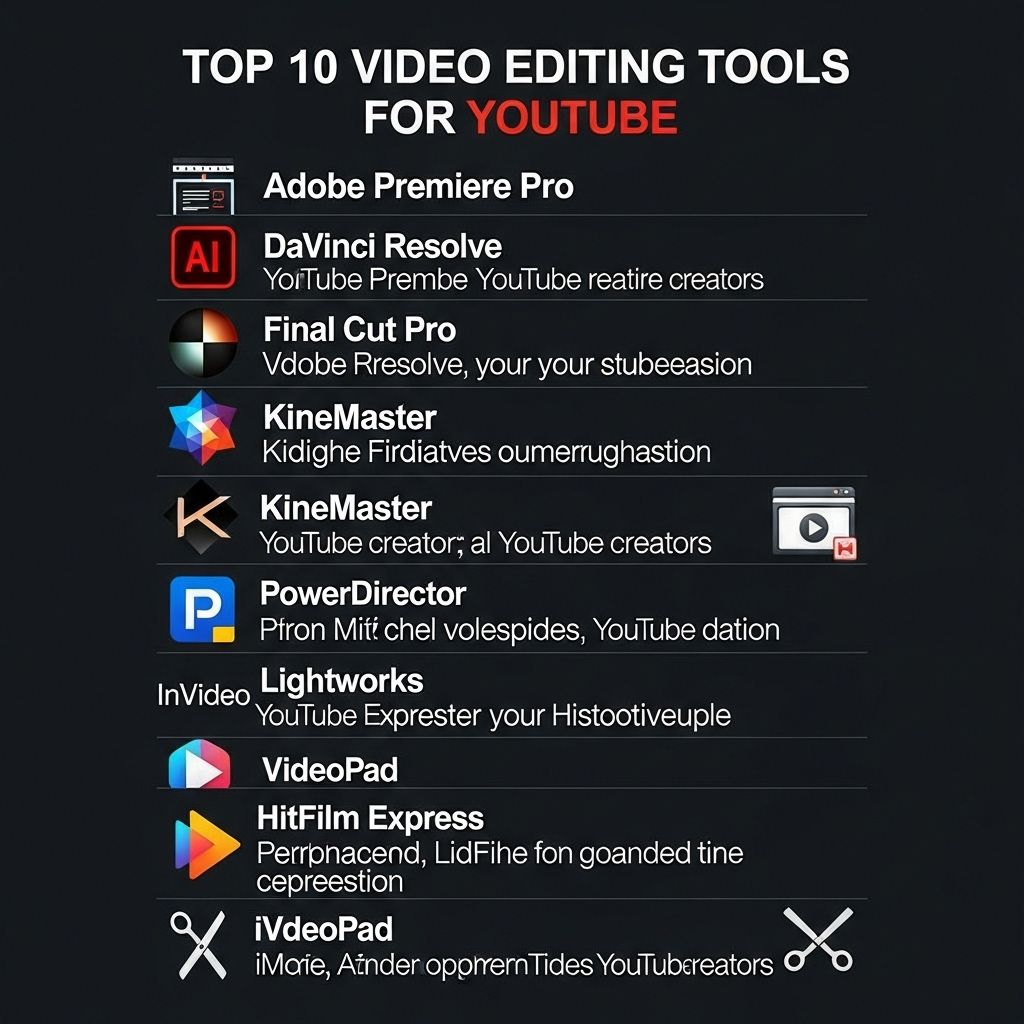
In the dynamic world of content creation, video editing has become a crucial skill for aspiring YouTubers. With the rise of visual storytelling, the demand for high-quality video content is at an all-time high. This article delves into the top video editing tools that can help elevate your YouTube videos, making them more engaging and professional. Whether you’re a beginner or a seasoned editor, there’s a tool here for everyone.
As YouTube continues to dominate the online video landscape, creators are constantly on the lookout for top-notch video editing tools to enhance their content. In this guide, we’ll explore the top 10 video editing tools that can elevate your YouTube creations to the next level. For those looking to add a professional touch to their branding, consider incorporating elements like explore our 3D logo mockups.
Table of Contents
1. Adobe Premiere Pro
Adobe Premiere Pro is a professional-grade video editing software used by industry experts. It offers a comprehensive set of features including:
- Multi-layer editing
- Support for various formats
- Advanced color correction
- Extensive audio editing capabilities
With its intuitive interface and powerful tools, Premiere Pro allows creators to produce high-quality content with ease.
2. Final Cut Pro X
This tool is a favorite among Mac users. Final Cut Pro X stands out due to its:
- Magnetic Timeline, which simplifies editing
- Speed and performance enhancements
- Advanced color grading options
- Seamless integration with other Apple products
Its user-friendly design and robust features make it an ideal choice for YouTubers looking for efficient editing.
3. DaVinci Resolve
DaVinci Resolve combines professional 8K editing, color correction, visual effects, and audio post-production all in one tool. Key features include:
- Cut Page for quick editing
- Fairlight audio for advanced sound editing
- Fusion visual effects for stunning graphics
Its free version is incredibly powerful, making it accessible for creators on a budget.
4. Filmora
Filmora is an easy-to-use video editing software that caters to beginners but offers advanced features as well. Its key attributes include:
- Intuitive drag-and-drop interface
- A wide range of built-in effects and transitions
- Screen recording capabilities
Filmora is perfect for those who want to create professional-looking videos without a steep learning curve.
5. HitFilm Express
For creators looking for a powerful free option, HitFilm Express is a standout choice. It provides robust editing tools along with:
- Visual effects compositing
- 3D rendering capabilities
- A vast library of tutorials for users
This software is great for users keen on adding special effects to their videos.
6. Camtasia
Camtasia shines when it comes to screen recording and video tutorial creation. Its strengths include:
- Built-in screen recorder for capturing on-screen content
- User-friendly interface ideal for quick editing
- Features for annotations and callouts
It’s an excellent choice for YouTubers focusing on educational content.
7. Sony Vegas Pro
Vegas Pro is known for its speed and intuitive workflow. It includes capabilities such as:
- Multi-camera editing
- GPU acceleration for faster rendering
- Comprehensive audio editing tools
This tool is perfect for creators who value efficiency in their editing process.
8. Avid Media Composer
Avid Media Composer is widely used in the film industry and offers robust editing capabilities that cater to serious creators. Key features include:
- Collaboration tools for team projects
- Advanced media management
- Powerful color grading and effects
Its proficiency in handling large projects makes it suitable for professional-level video editing.
9. iMovie
For those starting on Apple devices, iMovie is an excellent introduction to video editing. Its features encompass:
- Simplified editing with drag-and-drop functionality
- Templates for easy creation of trailers and films
- Integration with iCloud for project access from multiple devices
iMovie is a fantastic platform for beginners who are exploring video editing.
10. Lightworks
Lightworks is known for its professional features and flexibility. It supports a wide range of formats and includes:
- Real-time effects
- Multi-cam editing support
- Extensive export options
Lightworks caters to both novice and experienced editors, making it a versatile tool.
Conclusion
Choosing the right video editing software can significantly impact the quality of your YouTube videos. Depending on your editing skills and specific needs, each of these tools offers unique features that can help enhance your content. By investing time in learning and utilizing these platforms, you can create visually stunning videos that stand out in the crowded YouTube landscape. Remember, the best tool for you is the one that fits your workflow and creative vision. Happy editing!
FAQ
What are the best video editing tools for YouTube?
Some of the best video editing tools for YouTube include Adobe Premiere Pro, Final Cut Pro, DaVinci Resolve, Filmora, and iMovie.
Is Adobe Premiere Pro suitable for beginners?
While Adobe Premiere Pro is a powerful tool used by professionals, it has a learning curve, but beginners can still use it with various tutorials available online.
Can I edit YouTube videos for free?
Yes, there are free video editing tools available for YouTube like Shotcut, HitFilm Express, and DaVinci Resolve’s free version.
What features should I look for in a YouTube video editing tool?
Look for features like multi-track editing, color correction, audio editing, effects and transitions, and easy export options for YouTube.
How important is video editing for YouTube success?
Video editing is crucial for YouTube success as it enhances the quality of your content, engages viewers, and helps establish your channel’s brand.
Can I use mobile apps for YouTube video editing?
Yes, there are several mobile apps like Kinemaster, PowerDirector, and Adobe Premiere Rush that are great for editing YouTube videos on the go.







