Create Stunning Talking Head Videos Today
Learn how to create stunning talking head videos with expert tips and techniques to engage your audience and enhance your video content.

In today’s digital landscape, engaging video content is essential for creators, marketers, and businesses alike. Talking head videos—where a person speaks directly to the camera—are particularly effective for delivering messages, tutorials, and personal stories. As video consumption continues to rise, learning how to create stunning talking head videos can significantly enhance your communication strategy. This article will guide you through the process, covering everything from preparation to post-production.
Creating stunning talking head videos has never been easier, allowing you to engage with your audience in a personal and impactful way. To elevate your content further, consider incorporating visually appealing elements such as professional logo designs. For inspiration, you can view the latest logo mockup designs that can enhance your video branding.
Table of Contents
Understanding Talking Head Videos
Talking head videos are straightforward productions that primarily feature a single subject speaking directly to the audience. They can be used for various purposes, including:
- Instructional content
- Vlogs and personal stories
- Product reviews and demos
- Corporate communications
The Advantages of Talking Head Videos
There are several reasons why talking head videos are popular among content creators:
- Personal Connection: Directly addressing your audience helps build a connection, making your message more relatable.
- Clear Communication: This format allows for straightforward delivery of complex ideas.
- Easy to Produce: With minimal equipment and setup, these videos can be made quickly.
- Versatile Use: They can be adapted for different platforms and audiences.
Pre-Production: Planning Your Video
The success of your talking head video starts long before the camera is rolling. Here’s a step-by-step guide to the pre-production phase:
1. Define Your Objective
Understand what you want to achieve with your video. Are you informing, entertaining, or persuading your audience? Clear objectives will guide your content creation.
2. Know Your Audience
Identifying your target audience is crucial. Consider their interests, pain points, and preferences. Tailoring your content to their needs will enhance engagement.
3. Write a Script
Crafting a script can help keep your video focused and concise. Here are some tips for writing an effective script:
- Start with a hook to capture attention.
- Present your main points clearly and logically.
- Include a call to action at the end.
4. Choose the Right Location
The setting of your talking head video will impact its production quality. Look for a location with:
- Good lighting (natural light is ideal)
- Minimal background noise
- A clean and uncluttered background
Production: Capturing Your Video
Once you’ve prepared, it’s time to roll the camera. Follow these steps for capturing your talking head video:
1. Set Up Your Equipment
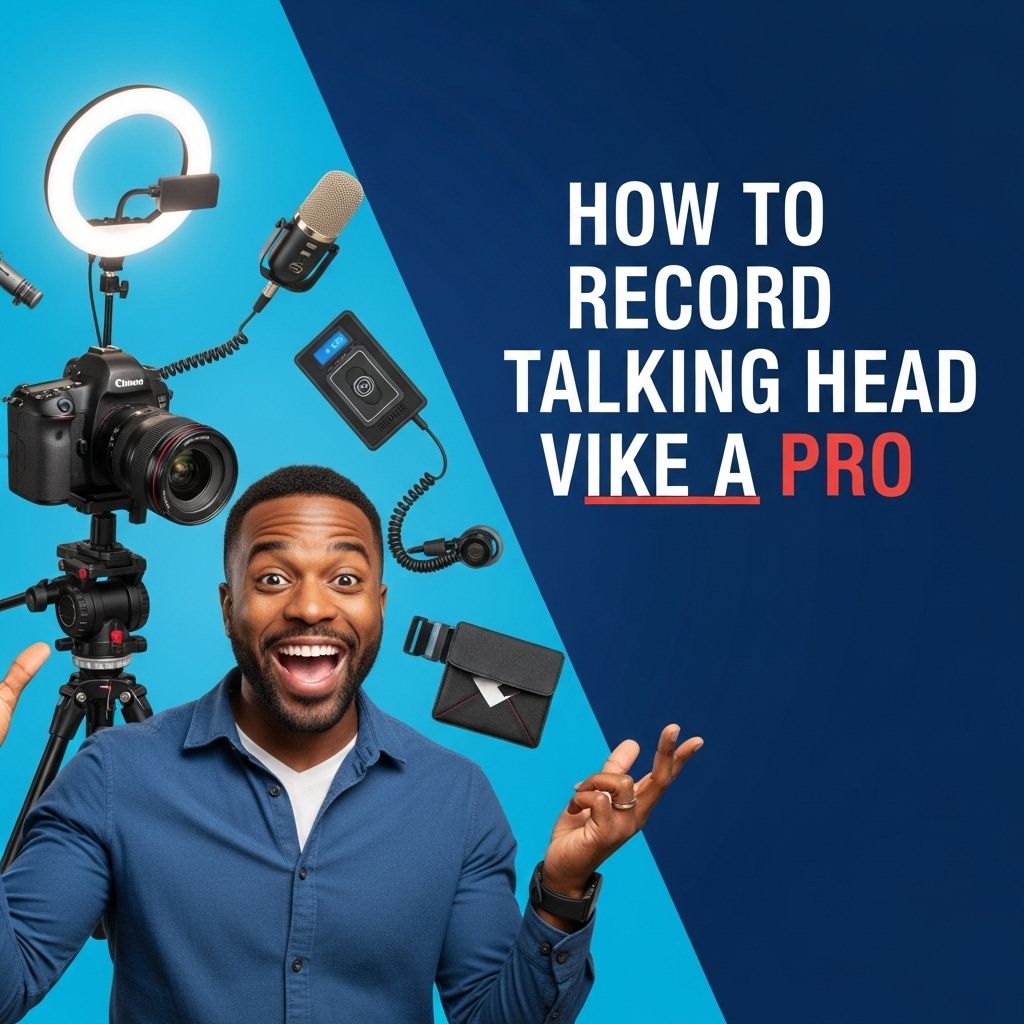
Investing in quality equipment can significantly improve your video. Here’s a basic setup:
| Equipment | Description |
|---|---|
| Camera | A DSLR or mirrorless camera for high-quality video. |
| Microphone | A lavalier mic or shotgun mic for clear audio. |
| Lighting | Softboxes or ring lights to enhance visibility. |
2. Frame Your Shot
Take the time to frame your shot effectively. Here are some tips to consider:
- Use the rule of thirds to position yourself within the frame.
- Ensure your head and shoulders are visible.
- Leave some space above your head for a balanced look.
3. Practice Your Delivery
Rehearse your script several times to improve your delivery. Pay attention to your tone, pacing, and body language. Consider doing the following:
- Record practice runs to evaluate your performance.
- Watch your facial expressions and gestures; they should align with your message.
Post-Production: Editing Your Video
After filming, it’s time to edit your talking head video. Here’s how to do it effectively:
1. Choose the Right Editing Software
Select software that suits your level of expertise. Here are a few popular options:
- For Beginners: iMovie, Windows Movie Maker
- For Intermediate Users: Adobe Premiere Pro, Final Cut Pro
- For Advanced Users: DaVinci Resolve
2. Edit for Clarity and Engagement
During editing, prioritize clarity and maintain the audience’s engagement. Here are some practices:
- Cut unnecessary pauses and mistakes.
- Use B-roll footage to supplement your talking points.
- Add visual elements like captions or graphics to emphasize key points.
3. Incorporate Music and Sound Effects
Adding background music or sound effects can enhance the overall production quality. Make sure to:
- Use royalty-free music to avoid copyright issues.
- Keep audio levels balanced; your voice should be the primary focus.
Publishing and Promoting Your Video
Once your video is polished and ready for public view, it’s time to publish and promote it effectively:
1. Choose the Right Platform
Select a platform that aligns with your audience’s preferences. Popular options include:
- YouTube: Ideal for a broad audience.
- Vimeo: Suitable for creative professionals.
- Social Media: Facebook, Instagram, and LinkedIn for targeted promotion.
2. Optimize for SEO
To maximize visibility, apply basic SEO techniques:
- Use relevant keywords in your title, description, and tags.
- Create a captivating thumbnail to attract clicks.
3. Engage with Your Audience
Encouraging viewer interaction can foster a community around your content. Consider:
- Responding to comments and feedback.
- Encouraging shares and subscriptions.
Conclusion
Creating stunning talking head videos requires preparation, technical knowledge, and a clear understanding of your audience. By following the steps outlined in this article, you can produce compelling content that resonates with viewers and enhances your messaging strategy. Start experimenting today and watch your video production skills grow!
FAQ
What are talking head videos?
Talking head videos are a type of video content that features a person speaking directly to the camera, often used for educational or informational purposes.
How can I create stunning talking head videos?
To create stunning talking head videos, focus on good lighting, clear audio, a clean background, and engaging delivery. Use quality video equipment and editing software to enhance production value.
What equipment do I need for talking head videos?
Essential equipment includes a high-definition camera, tripod, microphone for clear audio, and proper lighting to ensure your video looks professional.
What is the ideal length for a talking head video?
The ideal length for a talking head video typically ranges from 2 to 5 minutes, keeping the content concise and engaging to maintain viewer interest.
How do I script my talking head video?
When scripting your talking head video, outline key points you want to cover, use a conversational tone, and practice your delivery to make it feel natural.
Can I use talking head videos for marketing?
Yes, talking head videos are highly effective for marketing as they help build trust, showcase expertise, and create a personal connection with your audience.