Master Storyboarding for Engaging Videos
Discover the essential techniques to master storyboarding for videos and enhance your storytelling skills. Perfect for creators and filmmakers!
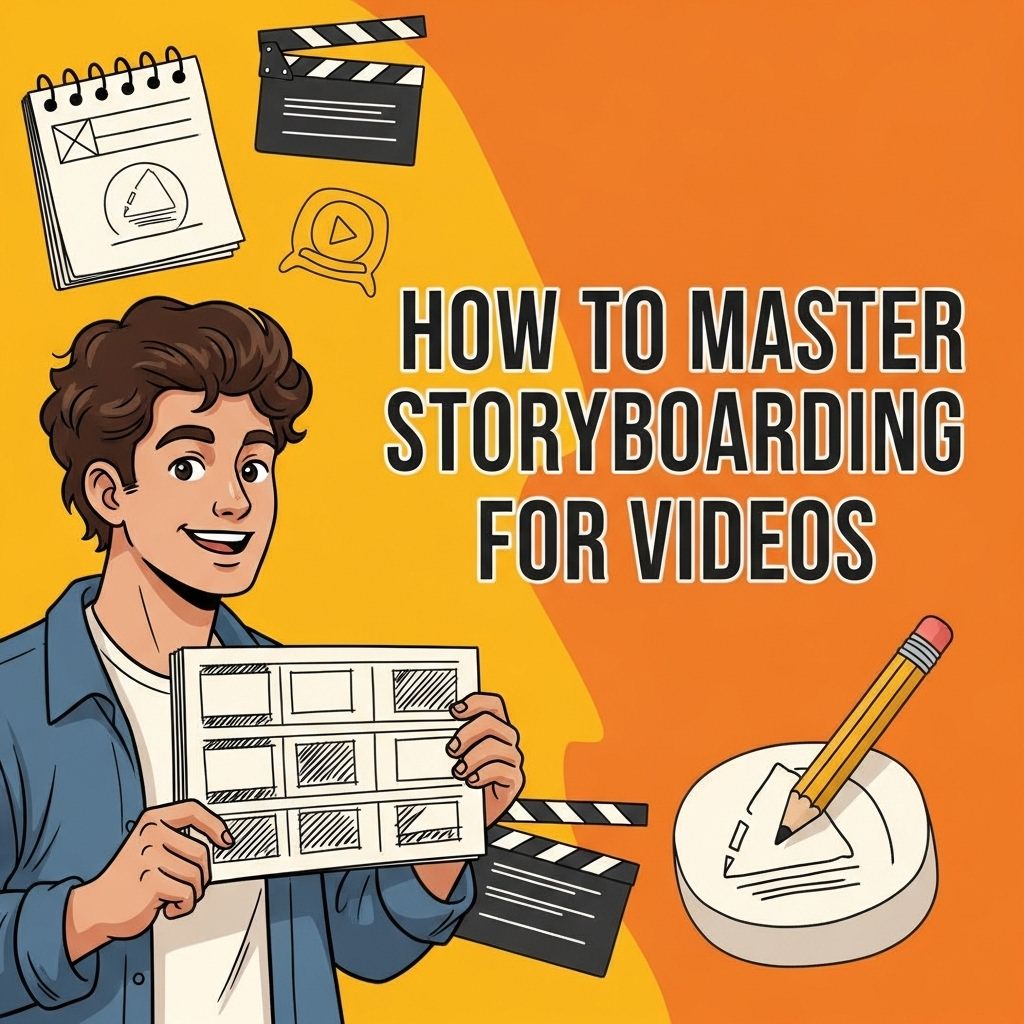
Mastering storyboarding is an essential skill for anyone involved in video production, whether you’re a filmmaker, animator, or content creator. Storyboarding allows you to visualize scenes, organize your ideas, and communicate your vision, making the entire production process smoother and more efficient. In this article, we will delve into the intricacies of storyboarding, providing you with tips, techniques, and tools that will elevate your video projects to a professional level.
Mastering the art of storyboarding is essential for creating engaging videos that captivate your audience from start to finish. By meticulously planning each scene and visual element, you can ensure a coherent narrative flow that enhances your message. To further elevate your video production, take a moment to explore our logo mockup collection for professional design ideas.
What is Storyboarding?
Storyboarding is the process of creating a visual representation of a video or film before it is shot. It consists of a sequence of drawings that outline each scene, including key actions, dialogue, and transitions. This visual blueprint serves several purposes:
- Clarifies the narrative flow
- Helps in planning shots and camera angles
- Facilitates communication among the cast and crew
- Saves time during filming
The Anatomy of a Storyboard
A well-structured storyboard contains several key elements:
Frames
Each frame represents a single shot or moment in the story. Typically, frames are organized in chronological order:
Visuals
These can be sketches, images, or even placeholders that give a sense of the composition, action, and characters involved in each scene.
Annotations
Notes about camera movements, dialogue, sound effects, and transitions are crucial for conveying the intended mood and pacing.
Timing
Indicating the duration of each shot can help streamline the editing process later on.
Steps to Create an Effective Storyboard
To master storyboarding, follow these systematic steps:
1. Define Your Concept
Before putting pencil to paper, clarify the core message, theme, and target audience of your video. Understanding your concept is fundamental to effective storyboarding.
2. Write a Script
Your script serves as the foundation for your storyboard. Break down the narrative into scenes and identify key moments and dialogues.
3. Sketch Your Frames
Begin drawing your frames. You don’t need to be an artist; rough sketches will suffice as long as they convey the main idea. Use a storyboard template to retain consistency throughout your project.
4. Add Details
Enhance your storyboard by incorporating annotations regarding camera angles, movements, and audio cues. For example:
| Element | Details |
|---|---|
| Camera Angle | Close-up, Wide-shot, Over-the-shoulder |
| Movement | Dolly, Pan, Tilt |
| Audio | Voiceover, Sound effects, Background music |
5. Review and Revise
Share your storyboard with team members for feedback. Revise accordingly to enhance clarity and effectiveness.
Tools for Storyboarding
There are numerous tools available to assist in creating storyboards:
Digital Tools
- Storyboard That: An intuitive web-based tool with customizable templates.
- Bordo: An app designed for mobile devices, allowing you to create storyboards on-the-go.
- Adobe Photoshop: For those looking for more flexibility and control in design.
Traditional Tools
- Sketchpads and markers for hands-on storyboarding.
- Storyboarding templates for structure.
Common Storyboarding Mistakes
To avoid pitfalls, steer clear of these common mistakes:
- Overcomplicating Frames: Keep your sketches simple and focused on the primary action.
- Lack of Consistency: Ensure that character designs and settings are consistent throughout all frames.
- Neglecting Annotations: Failing to include notes can confuse your team when it comes time to shoot.
Enhancing Your Storyboarding Skills
Like any other skill, storyboarding improves with practice. Here are some tips to enhance your ability:
Study Existing Storyboards
Analyze storyboards from films and shows you admire. Pay attention to the choices made in framing, pacing, and transitions.
Practice Regularly
Set aside time to storyboard various concepts, even if they aren’t tied to a specific project. This will help you develop a personal style and refine your techniques.
Join Workshops or Online Courses
Participating in workshops can provide valuable insights and feedback from experienced professionals in the field.
Conclusion
Mastering the art of storyboarding is a transformative process that can significantly enhance your video production skills. By following the steps outlined in this article, utilizing the right tools, and continuously practicing your craft, you can create compelling visual narratives that resonate with your audience. Remember, a well-crafted storyboard is not just a plan; it’s the blueprint for your creative vision.
FAQ
What is storyboarding in video production?
Storyboarding is the process of creating a visual representation of a video by sketching out scenes, including key actions and transitions, to plan the sequence of shots and ensure a cohesive narrative.
Why is storyboarding important for video creation?
Storyboarding is crucial as it helps clarify your vision, organizes your ideas, allows for better planning of shots, and facilitates communication among team members during production.
What are the key components of a storyboard?
Key components of a storyboard include scene sketches, shot descriptions, dialogue or voiceover notes, timing indications, and camera angles to guide the filming process.
How can I improve my storyboarding skills?
To improve your storyboarding skills, practice regularly, study examples from professional storyboards, seek feedback, and learn about visual storytelling techniques.
Are there any tools or software recommended for storyboarding?
Yes, popular tools for storyboarding include Storyboard That, Canva, Adobe Photoshop, and specialized software like Celtx or FrameForge, which can help streamline the process.
How does storyboarding help in the editing phase of video production?
Storyboarding provides a clear roadmap for editors, making it easier to understand the intended flow of the video and ensuring that all necessary shots are included in the final cut.