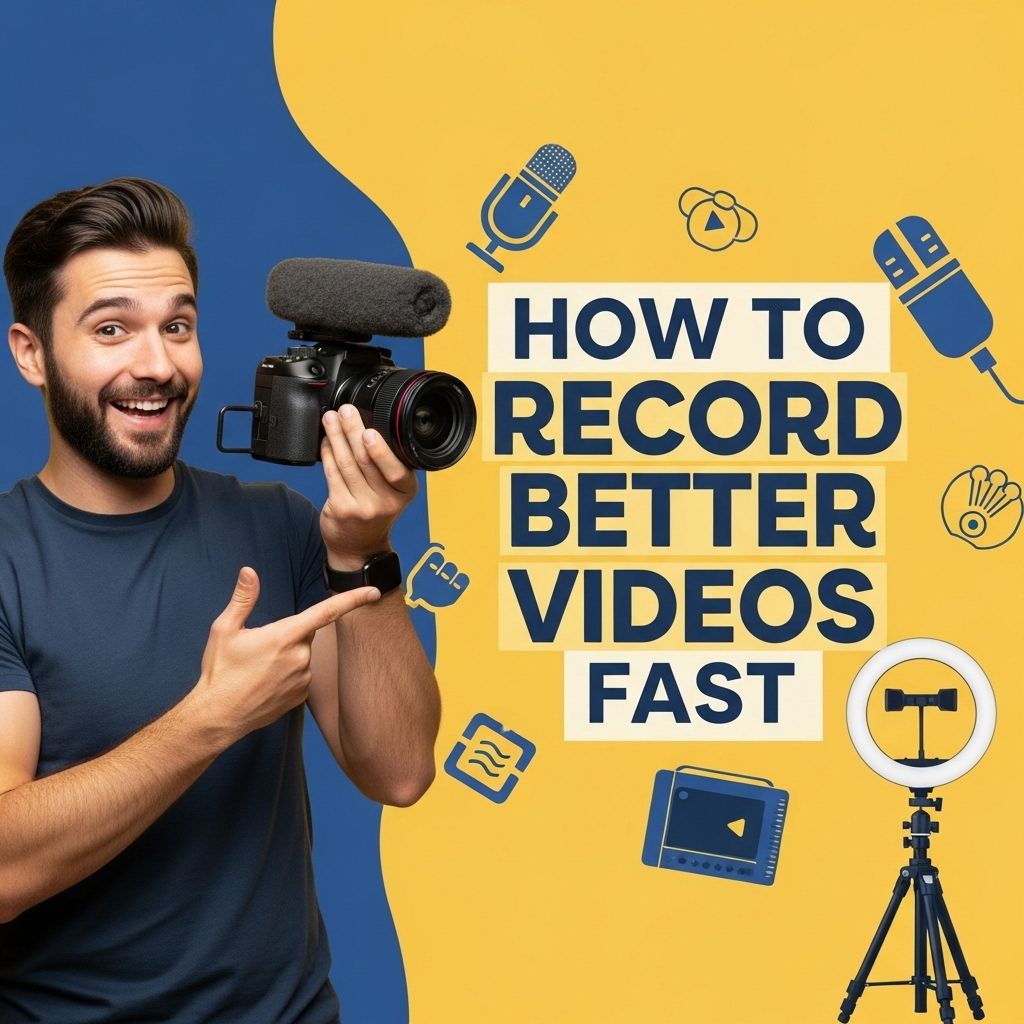
Create Stunning Videos in No Time
Learn quick and effective techniques to produce stunning videos efficiently without compromising quality.

Creating stunning videos quickly is a skill that has become increasingly valuable in today’s fast-paced digital landscape. Whether for marketing, personal projects, or social media content, the ability to produce engaging videos can set you apart from the crowd. In this article, we will explore effective strategies, tools, and techniques that can help you streamline the video creation process without compromising quality.
Creating stunning videos doesn’t have to be a time-consuming process. With the right tools and resources, you can produce professional-looking content in no time. For those looking to elevate their branding, explore our logo mockup collection to enhance your visual storytelling.
Understanding Your Audience
Before diving into the mechanics of video creation, it’s crucial to understand your target audience. Knowing what resonates with your viewers can significantly influence the content you produce. Consider the following:
- Demographics: Age, gender, location, and interests.
- Preferences: Types of content they engage with (e.g., tutorials, vlogs, reviews).
- Platforms: Where they consume videos most frequently (e.g., YouTube, Instagram, TikTok).
Planning Your Video Content
A well-thought-out plan can save you time during the production phase. Here’s a structured approach to planning your video:
1. Define Your Objective
What do you want to achieve with your video? Common goals include:
- Educating your audience
- Promoting a product or service
- Sharing a personal story
2. Create a Script or Outline
Having a script or at least an outline can help keep your video focused. Consider the following structure:
- Introduction: Grab the viewer’s attention.
- Main Content: Deliver your message clearly and concisely.
- Conclusion: Wrap up with a call to action.
3. Storyboarding
Creating a storyboard can help visualize the final product. It doesn’t have to be complex; simple sketches or a bullet-point list of scenes will suffice.
Choosing the Right Tools
The tools you choose can significantly affect your video production process. Below are some popular categories of tools to consider:
Video Editing Software
Here are a few highly regarded video editing tools:
| Software | Platform | Price |
|---|---|---|
| Adobe Premiere Pro | Windows & macOS | $20.99/month |
| Final Cut Pro | macOS | $299.99 (one-time) |
| DaVinci Resolve | Windows, macOS & Linux | Free / $299 (Studio) |
| iMovie | macOS & iOS | Free |
Video Recording Tools
Quality video recordings rely heavily on the right hardware:
- Cameras: DSLRs, mirrorless cameras, or even your smartphone can capture high-quality video.
- Microphones: Invest in good audio equipment, as clear sound is crucial for engagement.
- Lighting: Proper lighting can elevate your video quality significantly.
Production Techniques for Speed
Once you have your tools ready and your plan set, it’s time to start producing. Here are some tips to speed up the process:
1. Batch Filming
Record multiple videos in one session. This approach saves setup time and allows you to get into a productive flow.
2. Use Templates
Editing software often provides templates for titles, transitions, and layouts. Utilizing these can drastically reduce editing time.
3. Minimize Re-Takes
Practice your script before filming to minimize mistakes. The less you have to re-shoot, the quicker the project will be completed.
Editing for Impact
Editing is where you can truly enhance your video’s quality. Here are some essential editing tips:
1. Keep It Concise
Aim for clarity and brevity. Ideally, your video should be short enough to retain attention but long enough to convey your message effectively.
2. Incorporate Visual Elements
Add graphics, text overlays, and animations to keep the audience engaged and improve information retention.
3. Use Music and Sound Effects
Background music and sound effects can enhance the mood of your video. Be sure to use royalty-free music to avoid copyright issues.
Publishing Your Video
After editing, the next step is to publish your video. Consider the following:
1. Optimize for SEO
Use relevant keywords in your video title, description, and tags to help your video get discovered.
2. Choose the Right Thumbnail
An eye-catching thumbnail can significantly increase click-through rates. Use high-resolution images and bold text.
3. Promote Across Platforms
Share your video on multiple platforms to maximize reach. Tailor your promotional strategy depending on where your audience is most active.
Measuring Video Performance
Once your video is published, tracking its performance is essential. Here are key metrics to monitor:
- Views: How many times has your video been watched?
- Engagement Rate: Likes, shares, and comments indicate how well your content resonates.
- Watch Time: This metric shows how long viewers stay engaged with your video.
Conclusion
Creating stunning videos quickly is achievable with the right approach, tools, and techniques. By understanding your audience, planning your content, and using efficient production methods, you can produce high-quality videos that capture attention and convey your message effectively. Now, go ahead and start creating captivating content that stands out!
FAQ
What are the best tools for creating stunning videos quickly?
Some of the best tools include Adobe Premiere Pro, Final Cut Pro, and online platforms like Canva and InVideo, which offer user-friendly interfaces and templates.
How can I improve the quality of my videos without spending too much time?
Focus on good lighting, use high-quality audio, and select visually appealing backgrounds to enhance video quality quickly.
What are some tips for scripting a video efficiently?
Keep your script concise, focus on key messages, and use bullet points to outline your ideas for a smoother production process.
How can I edit videos faster?
Utilize keyboard shortcuts, pre-made templates, and batch processing features in your editing software to speed up the editing process.
What are the common mistakes to avoid when creating videos?
Avoid long-winded content, poor audio quality, and neglecting to optimize for different platforms, which can detract from viewer engagement.