5 Essential Tools to Boost Your Freelancing Success
Discover 5 essential tools that can significantly enhance your freelancing success and help you manage your projects more efficiently.

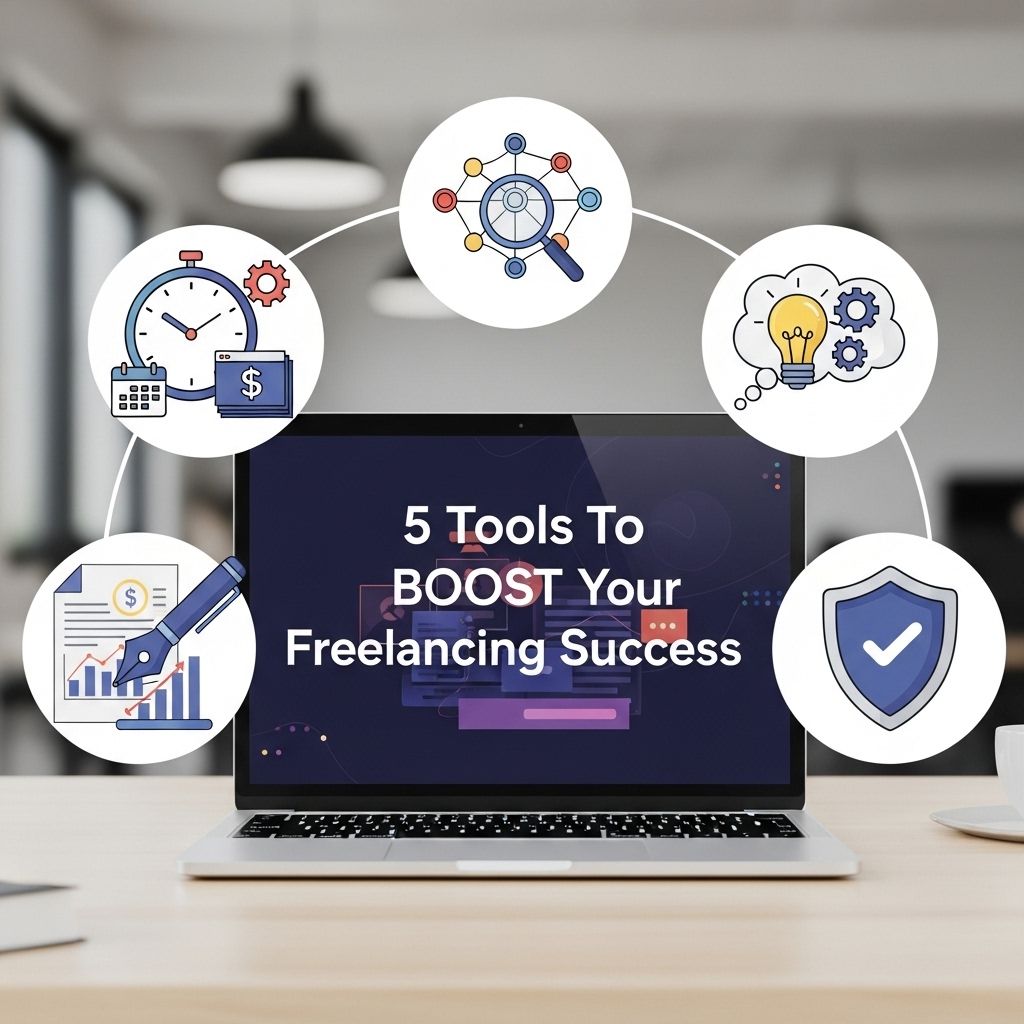
Freelancing has become a popular career choice for many professionals seeking flexibility, autonomy, and the opportunity to work on diverse projects. However, navigating the freelancing landscape can be challenging, especially when it comes to managing time, finances, and client relationships. Fortunately, there are numerous tools available to help freelancers optimize their workflow, increase productivity, and ultimately boost their success. In this article, we will explore five essential tools that every freelancer should consider integrating into their business toolkit.
In the competitive world of freelancing, having the right tools can significantly enhance your productivity and success. From project management software to effective marketing strategies, leveraging essential resources will help streamline your workflow. One such resource for creatives is 3D logo mockups; for inspiration, you can view 3D logo variations.
Table of Contents
1. Project Management Software
Effective project management is crucial for freelancers who juggle multiple clients and projects simultaneously. A good project management tool helps you organize tasks, set deadlines, and communicate with clients efficiently. Here are some popular options:
- Trello: A visual project management tool that uses boards and cards to help you track tasks and progress.
- Asana: Ideal for teams, Asana enables collaboration and allows you to create tasks, set priorities, and track deadlines.
- Monday.com: A highly customizable platform that can adapt to various workflows and team sizes.
- ClickUp: A comprehensive tool that combines project management, docs, goals, and chat all in one place.
2. Time Tracking Applications
Understanding how you spend your time is vital for freelancers, especially when it comes to billing clients accurately. Time tracking tools help you monitor hours spent on different projects and generate invoices accordingly. Here are some recommended time tracking applications:
| Tool | Key Features | Pricing |
|---|---|---|
| Toggl Track | One-click time tracking, reporting, integrations with other tools | Free tier; paid plans start at $10/month |
| Harvest | Time tracking, invoicing, expense tracking, reporting | Free for one user; paid plans start at $12/month |
| Clockify | Unlimited tracking, reporting, timesheet management | Free tier; paid plans start at $9.99/month |
| RescueTime | Automated tracking, productivity reports, goal setting | Free tier; premium version $12/month |
3. Invoicing and Payment Solutions
Getting paid promptly is essential for any freelancer. Invoicing software simplifies the bill creation process and streamlines payment collection. Consider these options:
- FreshBooks: A user-friendly accounting tool that offers invoicing, expense tracking, and reporting.
- QuickBooks: A comprehensive accounting platform ideal for freelancers who need to manage finances beyond just invoicing.
- PayPal: An easy-to-use payment system that allows clients to pay invoices quickly and securely.
- Wave: A free invoicing tool that also offers additional financial features, such as accounting and receipt scanning.
4. Communication and Collaboration Tools
Strong communication is key to successful freelancing relationships. Tools that facilitate easy communication can help ensure that projects stay on track and clients remain satisfied. Here are some popular communication and collaboration tools:
Instant Messaging and Video Conferencing
- Slack: A messaging platform designed for team collaboration, featuring channels for organized discussions.
- Zoom: A widely used video conferencing tool that facilitates remote meetings and webinars.
- Microsoft Teams: An all-in-one collaboration tool that combines chat, video calls, and file sharing.
Document Collaboration
Sharing and collaborating on documents can be seamless with the right tools:
- Google Workspace: Offers cloud-based applications for document creation, spreadsheets, and presentations, all easily shareable.
- Dropbox: Provides cloud storage and file sharing with collaboration features.
5. Marketing and Networking Platforms
Freelancers must market their services effectively to attract new clients. Marketing platforms can help you build a portfolio, showcase your work, and connect with potential clients. Here are some key platforms to consider:
Portfolio and Social Media
- Behance: Great for creative freelancers, this platform allows you to showcase your portfolio and discover others’ work.
- LinkedIn: An essential networking tool for professionals to connect, share updates, and find freelance opportunities.
Freelancing Marketplaces
Joining freelancing marketplaces can open up new opportunities and provide a platform to find clients:
- Upwork: A popular marketplace for freelancers across various industries.
- Fiverr: Allows freelancers to offer specific services at set prices.
- Freelancer.com: Connects freelancers with clients looking for specific skills or expertise.
Conclusion
Integrating the right tools into your freelancing workflow can dramatically enhance your productivity, streamline your processes, and help you build lasting relationships with clients. From project management to invoicing and marketing, these five categories of tools cover the essential aspects of running a successful freelance business. By leveraging these resources, you can focus more on delivering quality work and less on the administrative tasks that can bog you down. Start exploring these tools today and watch your freelancing success soar!
FAQ
What are the best tools for freelancers?
Some of the best tools for freelancers include project management software like Trello or Asana, time tracking tools like Toggl, invoicing software such as FreshBooks, communication platforms like Slack, and cloud storage solutions like Google Drive.
How can I manage my time effectively as a freelancer?
Using time tracking tools like Toggl or Harvest can help you manage your time effectively by allowing you to track how much time you spend on various tasks and projects.
What invoicing tools should I use as a freelancer?
Freelancers can benefit from using invoicing tools like FreshBooks, QuickBooks, or Wave, which simplify the process of creating and sending invoices, tracking payments, and managing finances.
How do I find clients as a freelancer?
You can find clients through platforms like Upwork, Fiverr, or Freelancer, as well as by networking on social media, attending industry events, or leveraging your personal connections.
What communication tools are essential for freelancers?
Essential communication tools for freelancers include Slack for team collaboration, Zoom for virtual meetings, and email services like Gmail for professional correspondence.
How can I improve my freelancing skills?
Improving your freelancing skills can be achieved through continuous learning via online courses, attending workshops, networking with other freelancers, and seeking feedback from clients.