Choosing the Best CRM Tools for Your Business
Discover essential tips and insights on how to choose the best CRM tools that fit your business needs and enhance customer relationships.

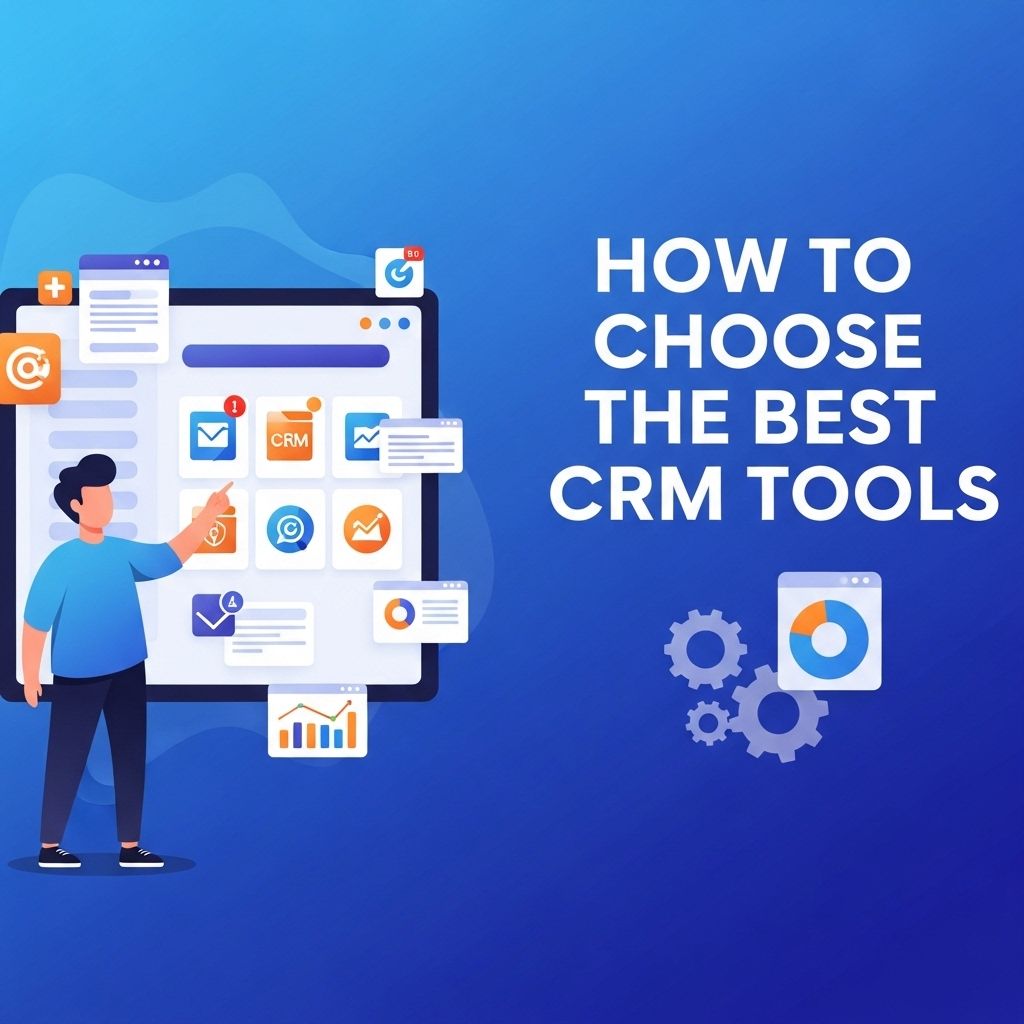
In today’s fast-paced business environment, customer relationship management (CRM) tools have become indispensable for companies seeking to enhance their customer interactions, streamline processes, and ultimately drive sales growth. However, with a plethora of options available in the market, choosing the best CRM tool tailored to your organization’s unique needs can be a daunting task. This article will guide you through essential factors to consider when selecting a CRM, exploring the features, benefits, and types of CRM solutions available.
Choosing the best CRM tools for your business is crucial in streamlining operations and enhancing customer relationships. With a wide variety of options available, it’s important to assess features tailored to your specific needs. For inspiration in branding, you might also want to explore our 3D logo mockups to ensure your business stands out.
Table of Contents
Understanding the Importance of CRM Systems
CRM systems are designed to help businesses manage their customer relationships in a structured manner. These systems allow organizations to track interactions, analyze data, and automate processes related to customer engagement. Below are some key advantages of implementing a robust CRM system:
- Improved customer service: By maintaining detailed customer records, businesses can respond to inquiries and issues more efficiently.
- Enhanced communication: CRMs centralize communication, ensuring that all team members are on the same page regarding customer interactions.
- Increased sales: By tracking customer behavior and preferences, CRMs enable targeted marketing and sales strategies.
- Data-driven decisions: CRMs provide valuable insights through analytics, allowing organizations to make informed business decisions.
- Streamlined processes: Automation features can help reduce manual tasks, increasing productivity.
Key Features to Look for in a CRM Tool
When evaluating CRM options, certain features are critical to consider. Here’s a breakdown of vital functionalities:
1. User-Friendly Interface
The usability of the CRM tool is crucial. A clean, intuitive interface encourages team members to adopt the platform effectively.
2. Integration Capabilities
Your CRM should seamlessly integrate with existing tools and platforms, such as:
- Email marketing systems
- Social media platforms
- Accounting software
- Helpdesk solutions
3. Customization Options
Every business has unique requirements. A good CRM should allow you to tailor fields, reports, and dashboards to match your needs.
4. Mobile Access
In an increasingly mobile world, having a CRM that offers mobile compatibility ensures your team can access customer information anytime, anywhere.
5. Reporting and Analytics
Choose a CRM that provides comprehensive reporting and analytics features to track performance metrics and gain insights into customer behaviors.
6. Automation Features
Automation can save time for your team. Look for CRM tools that offer:
- Email automation
- Task reminders
- Lead scoring
7. Customer Support
Reliable customer support is essential, especially when issues arise. Ensure the vendor offers robust support channels, including phone, email, and live chat.
Types of CRM Solutions
CRMs can be categorized into three main types:
1. Operational CRM
Focuses on automating and improving customer-facing processes. Features often include:
- Sales force automation
- Marketing automation
- Customer service management
2. Analytical CRM
Concentrates on analyzing customer data collected through various touchpoints. This type aids in strategic decision-making and understanding customer trends.
3. Collaborative CRM
Encourages sharing customer information across different departments to enhance customer experience and engagement.
Popular CRM Tools in the Market
Here’s a list of some leading CRM solutions, along with their standout features:
| CRM Tool | Key Features |
|---|---|
| Salesforce | Customizable dashboards, extensive app marketplace, robust analytics. |
| HubSpot CRM | Free version, easy integration, and marketing tools. |
| Zoho CRM | Multi-channel communication, AI-powered insights, and automation. |
| Microsoft Dynamics 365 | Integration with Microsoft products, AI capabilities, and flexibility. |
| Pipedrive | User-friendly interface, sales pipeline management, and reporting features. |
Steps to Choose the Right CRM for Your Business
Follow these steps to select the ideal CRM tool:
- Define Your Needs: Assess what problems you aim to solve and which features are a priority for your business.
- Set a Budget: Determine how much you’re willing to spend, considering both initial and ongoing costs.
- Research Options: Compile a list of potential CRM systems that fit your criteria.
- Request Demos: Engage with vendors to see the tools in action and evaluate their usability and functionality.
- Involve Your Team: Gather feedback from users who will interact with the CRM daily to gauge their opinions on the options.
- Check Reviews and Ratings: Look for user reviews to hear real experiences and common issues.
- Make a Decision: Choose a CRM based on your analysis, and ensure a smooth transition with adequate training and support.
Conclusion
Choosing the right CRM tool is a pivotal decision that can influence your organization’s customer relationships and overall efficiency. By understanding your specific needs, considering vital features, and evaluating various options, you can make an informed choice. Remember that the best CRM is one that aligns with your business goals, enhances collaboration among teams, and ultimately improves customer satisfaction.
FAQ
What should I consider when choosing a CRM tool?
When selecting a CRM tool, consider factors such as your business size, specific needs, budget, integration capabilities, user-friendliness, and customer support.
Are there free CRM tools available?
Yes, there are several free CRM tools available that offer basic features suitable for small businesses or startups, such as HubSpot CRM and Zoho CRM.
How can I evaluate CRM software features?
Evaluate CRM software features by identifying your business requirements, comparing functionalities like lead management, analytics, automation, and mobile access.
What is the importance of CRM integration with other tools?
CRM integration with other tools enhances data flow, improves workflow efficiency, and allows for better insights by consolidating customer information across platforms.
How do I ensure user adoption of a new CRM system?
To ensure user adoption, provide comprehensive training, demonstrate the CRM’s benefits, and involve team members in the selection process to address their concerns.
Can CRM tools help improve customer service?
Yes, CRM tools can significantly enhance customer service by providing a centralized database of customer interactions, enabling personalized communication and timely responses.