Top AI Prompts for Stunning Posters in 2025
Discover the top AI prompts to create stunning posters in 2025. Elevate your design skills with these creative ideas and inspirations.

In the rapidly evolving world of design and technology, artificial intelligence (AI) is revolutionizing how we create visuals. From marketing materials to personal projects, AI-driven design tools are enabling individuals and businesses to produce stunning posters with ease. This article explores effective AI prompts that can help you generate eye-catching posters in 2025, taking your creative projects to new heights.
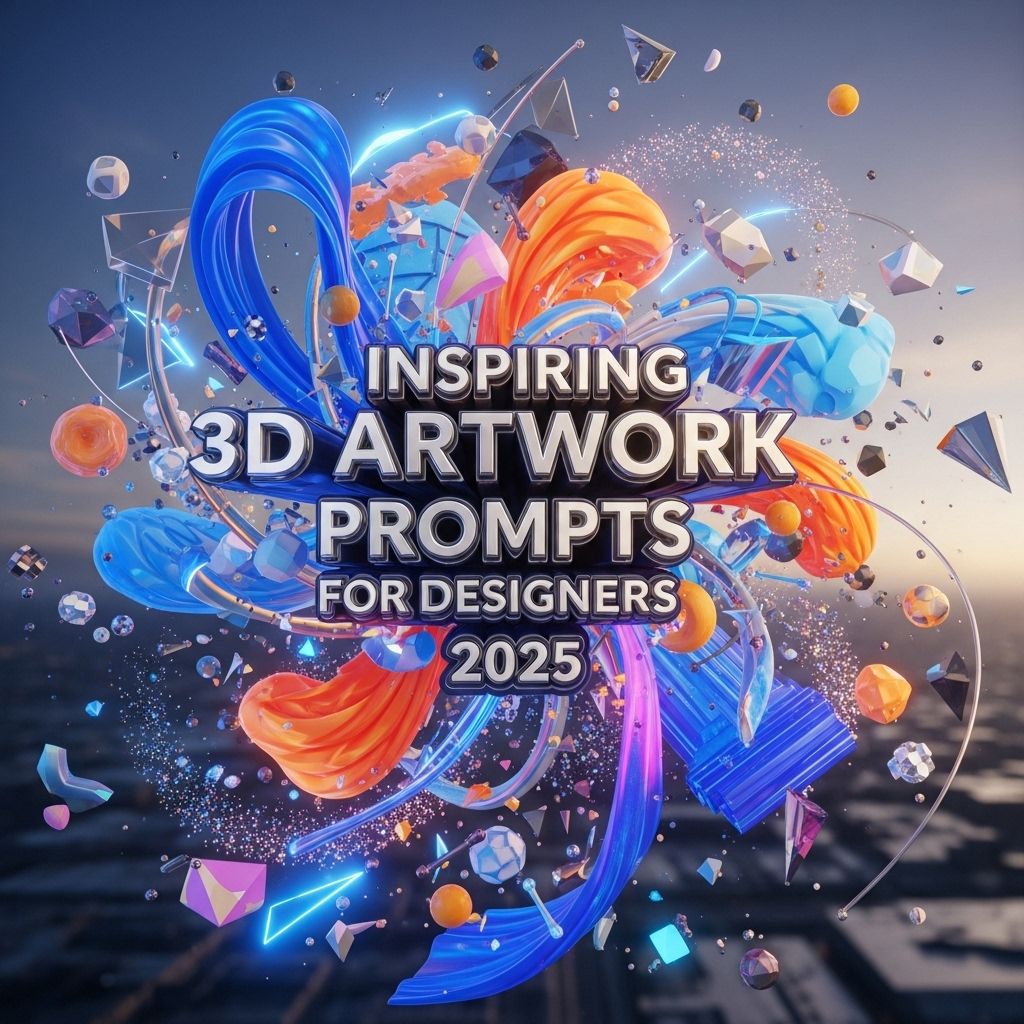
As we delve into the world of graphic design in 2025, the power of AI continues to revolutionize creativity, particularly in crafting stunning posters. By using tailored prompts, designers can unlock innovative visual concepts that captivate audiences and elevate their projects. For those interested in enhancing their designs, you can visualize your 3D logo concepts.
Understanding AI in Design
Artificial Intelligence has transformed various industries, and design is no exception. AI tools leverage machine learning algorithms to analyze data and generate creative outputs. In poster design, these tools can automate repetitive tasks and offer innovative design suggestions based on current trends and user inputs.
Benefits of Using AI for Poster Design
- Efficiency: Speed up the design process by automating mundane tasks.
- Creativity: Generate unique design ideas that you might not think of yourself.
- Accessibility: Allow non-designers to create professional-looking posters.
- Cost-Effective: Reduce the need for expensive design software and professional services.
Key AI Prompts for Stunning Posters
Creating stunning posters with AI involves using specific prompts that can help generate desirable results. Here are some categories of prompts to consider:
1. Theme-Based Prompts
When initiating your design, consider prompts that specify a particular theme or mood. Here are some examples:
- Nature: “Create a serene poster featuring lush forests and tranquil lakes.”
- Technology: “Design a futuristic poster showcasing AI advancements in everyday life.”
- Events: “Generate a vibrant poster for a music festival featuring bold colors and dynamic shapes.”
2. Color Palette Prompts
Color plays a vital role in design. Using prompts that incorporate specific color palettes can elevate your poster’s appeal:
- Warm Tones: “Design a poster using a palette of warm reds, oranges, and yellows.”
- Cool Colors: “Create an ocean-themed poster with shades of blue and green.”
- Monochromatic: “Generate a poster using varying shades of a single color for a clean look.”
3. Typography Prompts
Typography sets the tone of your poster. Here are prompts focusing on font styles:
| Font Style | Prompt Example |
|---|---|
| Bold | “Create a poster with bold typography to emphasize the main message.” |
| Handwritten | “Design a playful poster using handwritten fonts for a cozy feel.” |
| Modern | “Generate a sleek, modern poster with sans-serif fonts for a tech event.” |
Incorporating Imagery and Graphics
Imagery is crucial in poster design. Here are prompts to help you select and incorporate images effectively:
Image Style Prompts
- Realistic: “Create a poster featuring high-resolution images that depict real-life objects.”
- Illustrative: “Design a poster with hand-drawn illustrations for a unique touch.”
- Abstract: “Generate a poster using abstract shapes and patterns to convey emotion.”
Graphic Element Prompts
Adding graphic elements can enhance the overall design:
- Textures: “Incorporate textured backgrounds to add depth and interest.”
- Shapes: “Use geometric shapes to create a modern look for your poster.”
- Icons: “Design a poster including icons to visually represent the main ideas.”
Final Touches and Adjustments
Once you’ve generated your poster design, refining it is essential. Here are prompts to focus on final adjustments:
Enhancement Prompts
- Contrast: “Adjust the contrast to make colors pop and enhance readability.”
- Saturation: “Increase saturation for a vibrant, eye-catching look.”
- Balance: “Ensure visual balance by aligning elements harmoniously.”
Exporting and Sharing
Finally, when your poster is ready, consider these prompts for exporting and sharing:
- Formats: “Export the poster in high resolution for print and web formats.”
- Social Media: “Create a version optimized for social media sharing, including appropriate dimensions.”
- Feedback: “Share the poster with peers for feedback before finalizing.”
Conclusion
The future of poster design is undoubtedly intertwined with AI advancements. By using thoughtful prompts that guide the design process, you can create stunning posters that not only capture attention but also convey powerful messages. As we move through 2025, embracing AI tools will enhance creativity, efficiency, and accessibility in design for everyone, from seasoned professionals to enthusiastic amateurs.
FAQ
What are the best AI prompts for creating stunning posters in 2025?
The best AI prompts for stunning posters in 2025 include themes like futuristic landscapes, vibrant color palettes, and innovative typography. Experiment with prompts that incorporate popular cultural references or current design trends.
How can I use AI to enhance my poster design process?
You can use AI tools to generate creative ideas, automate design layouts, and suggest color schemes. These tools can help streamline your creative process, allowing you to focus on refining your concepts.
Are there specific AI tools recommended for poster design?
Yes, popular AI tools for poster design include Canva, Adobe Spark, and Artbreeder. These platforms offer various features to create visually appealing posters with ease.
What design elements should I consider for a visually appealing poster?
Key design elements include color harmony, typography, imagery, and layout. Ensure that your poster has a focal point and that text is legible and complements the overall design.
Can AI generate unique poster concepts that stand out?
Absolutely! AI can analyze trends and generate unique concepts that may not be immediately obvious to human designers, helping your posters stand out in a crowded market.
What tips can I follow to create effective posters using AI?
To create effective posters using AI, start with a clear message, use high-quality images, maintain a balanced layout, and leverage AI-generated suggestions to inspire creativity.