Budget-Friendly YouTube Setup Ideas for Creators
Explore cost-effective YouTube setup ideas to elevate your video quality without breaking the bank. Perfect for aspiring creators on a budget!
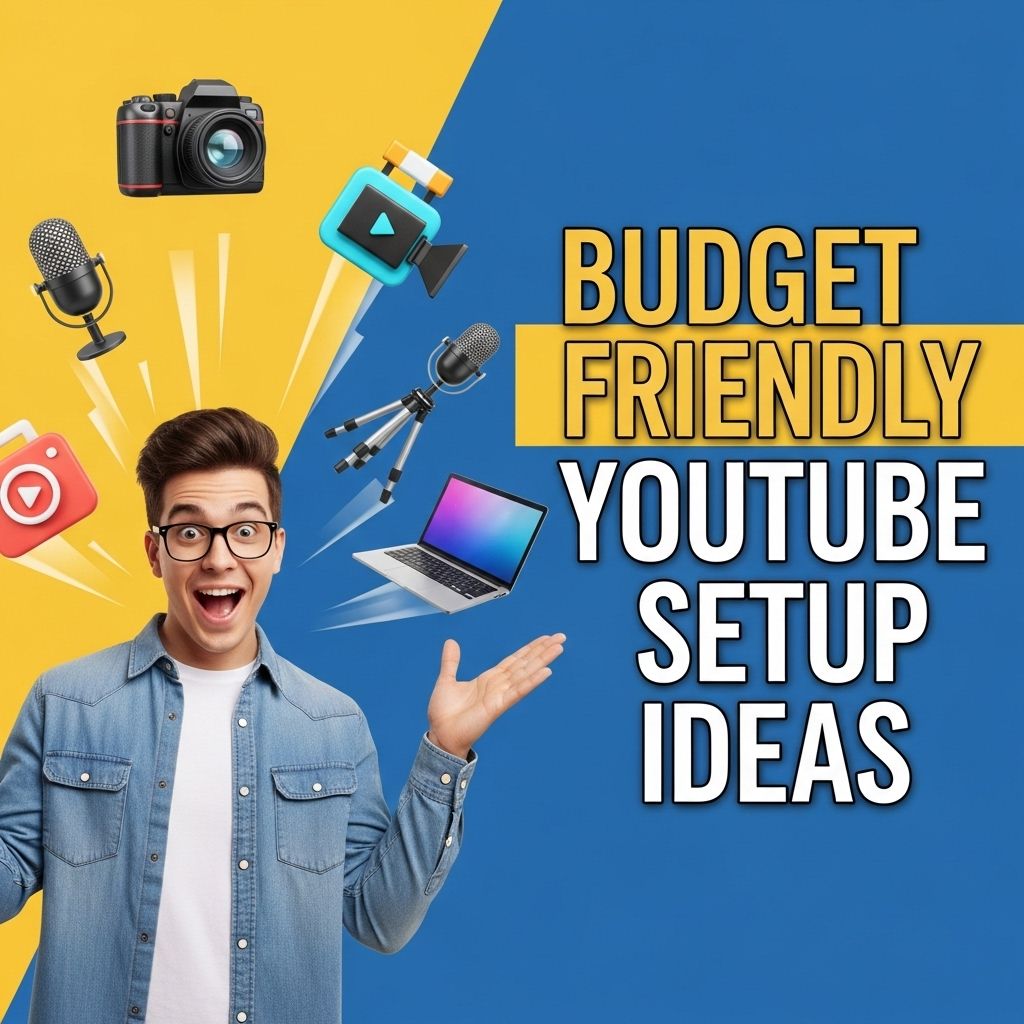
Creating high-quality YouTube videos doesn’t always require a hefty budget. In fact, many successful creators started out with minimal resources and slowly upgraded their equipment as their channels grew. This article aims to provide you with budget-friendly setup ideas that can help you kickstart your YouTube journey without breaking the bank. Whether you’re a vlogger, educator, or gamer, there are affordable options available that can elevate your video production quality.
Setting up a budget-friendly YouTube channel doesn’t have to break the bank. With a little creativity and resourcefulness, you can find tools and equipment that enhance your content without overspending. For instance, consider exploring ways to discover unique logo mockup ideas that can elevate your brand’s identity.
Understanding Your Needs
Before you dive into purchasing equipment, it’s essential to understand your channel’s niche and the type of content you’ll be producing. Different genres may require different setups:
- Vlogs: Focus on portability and ease of use.
- Gaming: Prioritize screen capture and audio quality.
- Tutorials/Reviews: Invest in good lighting and clear audio.
Identifying your needs will help you make informed decisions about your setup. Below, we will discuss the essential components of a budget-friendly YouTube setup.
Essential Equipment for Your YouTube Setup
1. Camera
Your camera choice can range from smartphones to dedicated DSLR cameras. Here are some budget-friendly options:
| Camera | Price Range | Notes |
|---|---|---|
| Smartphone (e.g., iPhone SE, Google Pixel 5) | $300 – $700 | Excellent video quality with a good stabilization feature. |
| Webcam (e.g., Logitech C920) | $80 – $150 | Good for streaming and recording videos directly to your PC. |
| Mirrorless Camera (e.g., Canon EOS M50) | $600 – $800 | Compact and versatile, great for vlogs and tutorials. |
2. Microphone
Clear audio is crucial for keeping viewers engaged. Here are some affordable microphone options:
- Lavalier Microphone: The Boya BY-M1 offers excellent quality for about $20.
- USB Microphone: The Blue Snowball is a solid choice for around $50.
- Shotgun Microphone: The Rode VideoMic Go can be found for about $100, offering great sound quality for video production.
3. Lighting
Good lighting can significantly improve the visual quality of your videos. Consider these affordable lighting options:
- Natural Light: Filming during the day near windows can provide excellent lighting without any cost.
- Softbox Lights: Kits can be found online for around $50.
- Ring Lights: Ideal for beauty and tutorial videos, with prices starting at $30.
Creating a Functional Workspace
1. Desk Setup
Your workspace should be comfortable and conducive to creativity. Here are some budget considerations:
- Use an existing desk or table.
- Consider ergonomic chairs for long recording sessions.
- Organize your space with affordable desk organizers.
2. Background Options
A clean, uncluttered background can enhance your video’s professionalism. Consider these ideas:
- DIY Backdrops: Use plain sheets or posters for a simple backdrop.
- Bookshelves: A well-organized bookshelf can serve as an attractive background.
- Green Screens: For around $30, you can invest in a green screen to create dynamic backgrounds.
Editing Software
After capturing your content, editing it is crucial to polish your videos. Here are some budget-friendly software options:
1. Free Software
- iMovie: Available for Mac users, simple and effective.
- DaVinci Resolve: A powerful free tool suitable for all skill levels.
- HitFilm Express: Good for beginners and offers a variety of features.
2. Low-Cost Paid Software
- Filmora: Affordable with a straightforward interface ($69.99 annually).
- Adobe Premiere Elements: A one-time purchase of around $99.
Promoting Your Channel
Once your videos are ready, the next step is to promote your content. Here are some effective strategies:
- Utilize Social Media: Share your videos across various platforms like Instagram, Twitter, and Facebook.
- Collaborate: Partner with other YouTubers to reach their audience.
- SEO Optimization: Use keywords in your video titles, descriptions, and tags to improve discoverability.
Final Thoughts
A budget-friendly YouTube setup is absolutely achievable. By focusing on essential equipment, creating a functional workspace, utilizing free or low-cost editing software, and promoting your channel effectively, you can create engaging content without a significant financial investment. Remember, the most crucial aspect is not the equipment itself but your creativity and dedication to producing quality content. Happy filming!
FAQ
What equipment do I need for a budget-friendly YouTube setup?
For a budget-friendly YouTube setup, you need a decent camera or smartphone, a good microphone, basic lighting (like softbox or ring light), and a simple editing software.
How can I improve audio quality on a budget?
Improving audio quality on a budget can be achieved by using an external microphone, recording in a quiet space, and utilizing free or low-cost audio editing software.
What are some cost-effective lighting options for YouTube videos?
Cost-effective lighting options include using natural light, affordable softbox lights, LED ring lights, or even DIY solutions like using lamps with white bulbs.
Can I use my smartphone for YouTube videos?
Yes, smartphones today have excellent cameras that can produce high-quality videos. Pair it with a tripod and external microphone for the best results.
What budget video editing software do you recommend?
For budget video editing, consider using free software like DaVinci Resolve, HitFilm Express, or iMovie if you’re on a Mac.
How can I create engaging content without spending much?
You can create engaging content by focusing on your unique ideas, storytelling, and using your existing skills and knowledge to connect with your audience.