Make Your Talking Head Videos POP: Essential Tips
Discover essential tips to make your talking head videos stand out and engage your audience effectively.
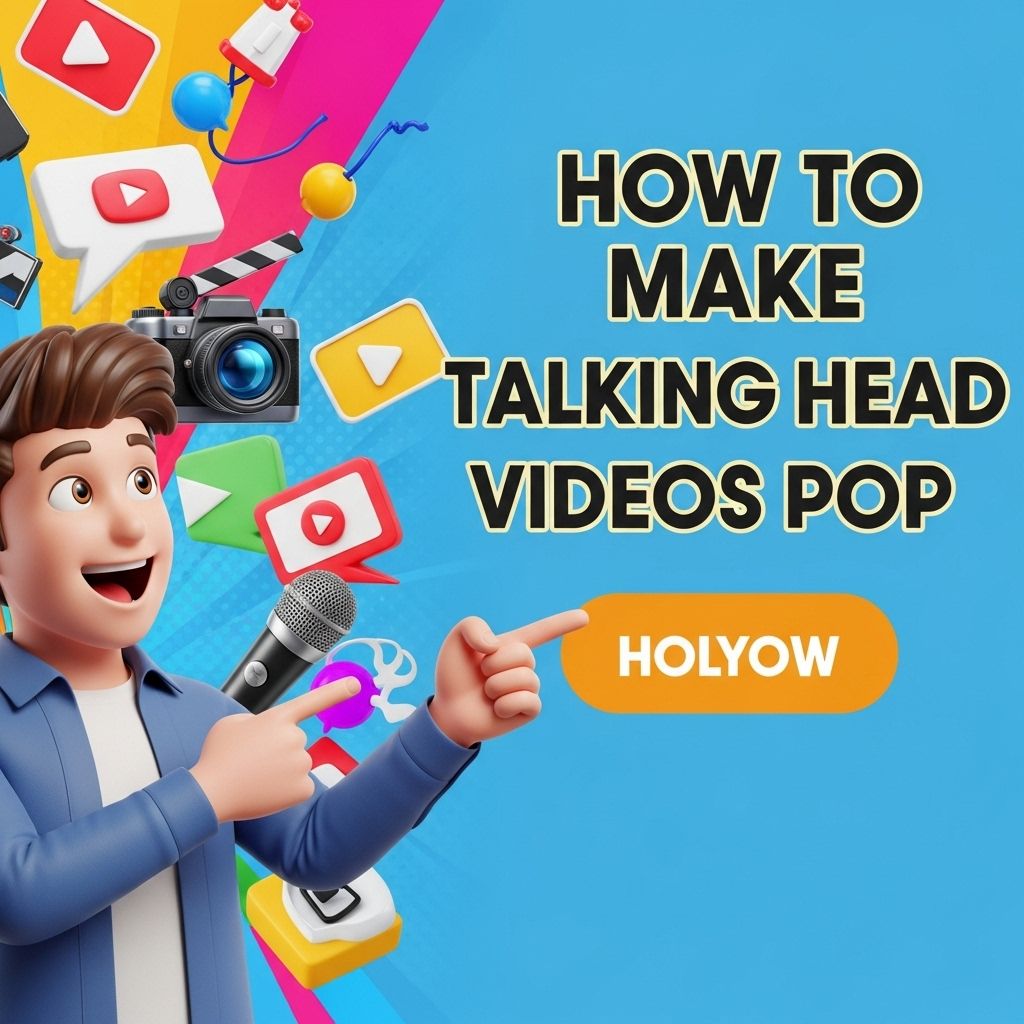
In the age of digital media, talking head videos have become a cornerstone of content creation. These videos, which feature a presenter speaking directly to the camera, serve various purposes from educational tutorials to promotional content. However, with a plethora of content flooding platforms like YouTube and social media, how do you make your talking head videos stand out? This article delves into essential strategies to enhance the visual and auditory appeal of your videos, ensuring they captivate and engage your audience.
Creating engaging talking head videos requires attention to detail that makes them visually striking and memorable. From your backdrop to your lighting and framing, every element plays a role in keeping your audience’s attention. For those looking to enhance their video quality, exploring view the latest logo mockup designs can provide inspiration for branding your content effectively.
Understanding the Basics of Talking Head Videos
Before diving into specific techniques, it’s crucial to understand the fundamental elements that make up an effective talking head video:
- Clear Audio: Auditory clarity is paramount; viewers will quickly disengage if audio quality is poor.
- Good Lighting: Proper lighting sets the mood and enhances visual quality.
- Strong Framing: Composition affects viewer perception; ensure you’re centered in the frame.
Enhancing Visual Appeal
1. The Right Background
Your background plays a significant role in how your video is perceived. Consider the following:
- Neutral Backgrounds: These can help keep the focus on you.
- Professional Settings: Use an office or library setting for a formal tone.
- Customized Backdrops: Add elements that reflect your brand or content theme.
2. Camera Techniques
Utilizing specific camera techniques can enhance the visual storytelling of your videos:
- Angles: Shoot from slightly above eye level for a more engaging appearance.
- Zoom: Use close-ups to emphasize key points.
- Dynamic Shots: Incorporate b-roll footage to break the monotony of a static frame.
3. Incorporating Graphics and Text
Adding graphics can help emphasize important points and retain viewer attention:
- On-Screen Text: Highlight key phrases or quotes to reinforce your message.
- Infographics: Use data visuals to present complex information clearly.
- Branding Elements: Include logos or color schemes that align with your brand for consistency.
Improving Auditory Quality
1. Choosing the Right Microphone
Audio quality is often the most overlooked aspect of video production. Consider these options:
| Microphone Type | Best For | Price Range |
|---|---|---|
| Lavalier Microphone | On-the-go presenters | $20 – $200 |
| Shotgun Microphone | Controlled environments | $50 – $300 |
| USB Microphone | Home studios | $30 – $150 |
2. Sound Editing Techniques
Post-production audio editing can vastly improve the quality of your audio:
- Noise Reduction: Clean up background noise to enhance voice clarity.
- Equalization: Adjust frequencies to achieve a balanced sound.
- Compression: Maintain consistent volume levels throughout the video.
Engaging Your Audience
1. Crafting a Compelling Script
A well-written script forms the backbone of your video. Consider the following tips:
- Hook: Start with a captivating statement or question.
- Structure: Organize content into clear sections with transitions.
- Call to Action: Encourage viewer interaction at the end of the video.
2. Personality and Delivery
Your delivery style can significantly impact viewer engagement:
- Authenticity: Be yourself; authenticity resonates with viewers.
- Energy: Maintain a lively tone to keep interest high.
- Eye Contact: Look directly into the camera to create a connection.
Editing for Impact
1. Pace Your Editing
Editing should enhance the viewer experience:
- Cut Out Filler Words: Eliminate ‘um’ and ‘like’ to maintain professionalism.
- Vary the Pace: Use fast cuts during exciting moments and slower cuts for emphasis.
- Transitions: Use smooth transitions to maintain flow between segments.
2. Music and Sound Effects
Background music and sound effects can elevate your video:
- Choose the Right Genre: The music should match the tone of your video.
- Volume Levels: Ensure the music doesn’t overpower your voice.
- Sound Effects: Use sparingly to punctuate important moments.
Final Thoughts
Creating talking head videos that pop involves a combination of technical skills, creativity, and audience engagement strategies. By focusing on high-quality visuals, clear audio, and compelling content, you can elevate your videos from ordinary to extraordinary. Embrace these techniques, and watch your audience grow as you deliver impactful and memorable video content.
FAQ
What are talking head videos?
Talking head videos are recordings of a person speaking directly to the camera, often used for educational, promotional, or personal content.
How can I improve the visual appeal of my talking head videos?
To make your talking head videos pop, use good lighting, a clean background, and engaging visuals or graphics that complement your message.
What equipment do I need for high-quality talking head videos?
A good camera, microphone, and lighting setup are essential for producing high-quality talking head videos that capture your audience’s attention.
How important is editing in talking head videos?
Editing is crucial as it helps to enhance the overall quality, removes mistakes, and adds elements like text overlays and transitions to keep viewers engaged.
What tips can I follow for better on-camera presence in talking head videos?
Practice speaking clearly, maintain eye contact with the camera, and use natural body language to create a more engaging on-camera presence.
How can I promote my talking head videos effectively?
Share your videos on social media platforms, optimize them for SEO, and engage with your audience through comments and feedback to boost visibility.