10 Essential Storyboarding Tips for YouTube Success
Discover 10 must-know storyboarding tips to enhance your YouTube videos and engage your audience effectively.
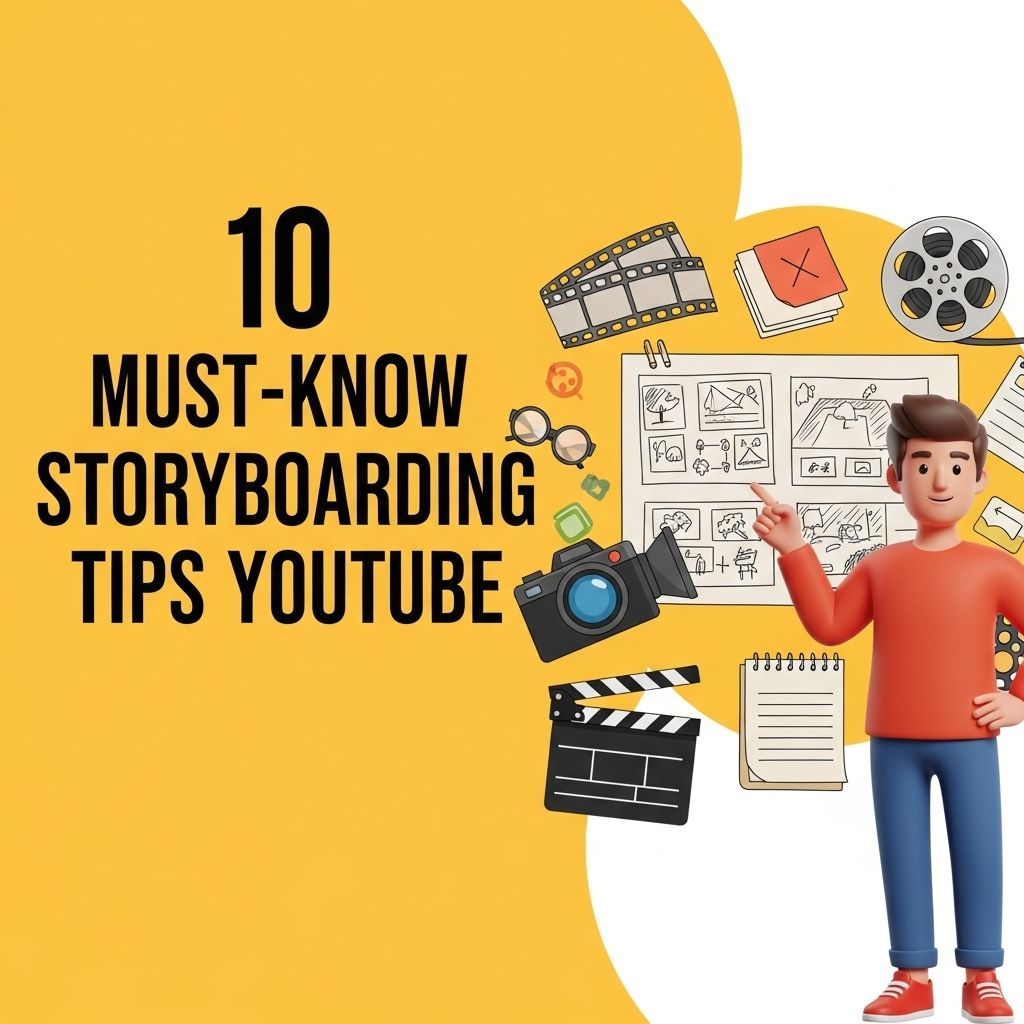
In the rapidly evolving landscape of online content creation, storyboarding has emerged as a crucial element for producing polished and engaging videos. Whether you’re a seasoned YouTuber or just starting out, mastering the art of storyboarding can significantly enhance your content quality, streamline your production process, and keep your audience glued to their screens. This article will delve into essential tips that will help you craft compelling storyboards, ensuring your YouTube videos resonate with viewers.
Creating compelling YouTube content requires more than just a good idea; effective planning through storyboarding can make all the difference. In this article, we’ll explore 10 essential storyboarding tips that can elevate your videos and help you engage your audience. For those looking to enhance their branding, learn how to use logo mockups effectively to create a professional image.
Understanding the Basics of Storyboarding
Before diving into the tips, it’s important to grasp what storyboarding is. At its core, storyboarding is a visual representation of your video’s narrative. It involves creating a sequence of drawings or images that outline each shot, allowing you to visualize the flow of your video from start to finish.
Why Storyboarding Matters
Storyboarding offers several advantages:
- Helps visualize the narrative
- Organizes thoughts and ideas
- Facilitates smoother filming and editing processes
- Identifies potential issues before production begins
Tip 1: Start with a Clear Concept
Every successful video begins with a solid idea. Before you sketch anything, ensure you have a clear concept of what your video will be about. Ask yourself:
- What is the main message I want to convey?
- Who is my target audience?
- What emotions do I want to evoke?
Tip 2: Break the Script into Visual Segments
Once you have your concept, break the script down into manageable segments. Each segment should correspond to a specific shot or scene in your video. This will make it easier to visualize how the narrative unfolds and ensures you don’t overlook critical story elements.
Tip 3: Utilize Visual Storytelling Techniques
Effective storytelling relies on more than just dialogue. Consider incorporating:
- Body language and facial expressions
- Camera angles and movements
- Props and backgrounds
By illustrating these elements in your storyboard, you can create a more dynamic and engaging viewing experience.
Tip 4: Create a Storyboard Template
Designing a storyboard template can streamline the planning process. Your template can include sections for:
- Shot Number
- Description of Action
- Dialogue
- Camera Angles
- Duration
This structured approach allows for quick reference during filming.
Tip 5: Sketch or Use Digital Tools
Your storyboard can be hand-drawn or created using digital tools. Here are some popular digital options:
| Tool | Features |
|---|---|
| Storyboarder | Free, user-friendly, and offers a range of drawing tools. |
| Canva | Lots of templates and design elements, suitable for non-drawers. |
| StudioBinder | Comprehensive production management tool with storyboard functions. |
Tip 6: Focus on Transitions
Smooth transitions between scenes are vital for maintaining viewer engagement. As you storyboard, think about how each segment flows into the next. Consider using:
- Cutting to the next scene
- Fades and dissolves
- Camera pans or zooms
Tip 7: Incorporate Feedback Early
Sharing your storyboard with peers or mentors can provide valuable insights. Early feedback allows you to identify potential flaws or areas for improvement, ensuring your final product is as refined as possible.
Tip 8: Be Flexible and Adaptable
Storyboarding is a guide, not a strict rulebook. As you begin filming, you may find that certain shots don’t translate as well to video as anticipated. Don’t be afraid to make adjustments on the fly; flexibility can lead to unexpected creative breakthroughs.
Tip 9: Include Technical Details
Incorporate technical details into your storyboard, such as:
- Lighting setups
- Sound requirements
- Special effects
This foresight helps in coordinating your crew and ensuring all elements are in place during the shoot.
Tip 10: Review and Revise
Your storyboard should be a living document. After your first draft, take the time to review and revise it. Consider:
- Does the structure flow logically?
- Are there any gaps in the narrative?
- Does each scene serve a purpose?
Regularly refining your storyboard will lead to a more cohesive final product.
Conclusion
Storyboarding is an invaluable tool in the content creator’s arsenal. By following these ten essential tips, you can ensure that your YouTube videos are not only well-planned but also engaging and impactful. Remember, the goal is to captivate your audience, and a well-structured storyboard is a critical step toward achieving that objective. Happy filming!
FAQ
What is storyboarding and why is it important for YouTube videos?
Storyboarding is the process of creating a visual outline of your video. It helps organize your ideas, plan the flow of your content, and ensure that your video communicates effectively with your audience.
How can I create an effective storyboard for my YouTube video?
Start by writing a script or outline of your video. Then sketch out key scenes, including visuals and dialogue, to visualize the sequence of events. You can use digital tools or traditional paper to create your storyboard.
What are the essential elements to include in a YouTube storyboard?
Include the scene number, visuals, dialogue, camera angles, and any important notes or transitions. This will help you stay focused during the filming process and ensure a cohesive video.
How detailed should my storyboard be for a YouTube video?
Your storyboard should be detailed enough to convey the key points and visuals of each scene, but it doesn’t need to be overly complicated. Focus on clarity and coherence to guide your filming.
Can I use software to create a storyboard for my YouTube videos?
Yes, there are various storyboard software options available, such as Storyboard That, Canva, and Adobe Story. These tools can help you create professional-looking storyboards easily.
What are some common mistakes to avoid when storyboarding for YouTube?
Avoid being too rigid with your storyboard; flexibility can lead to creative improvements. Also, ensure that your storyboard reflects your target audience’s interests to keep them engaged.