Create Engaging PPTs with AI: A Step-by-Step Guide
Discover how to leverage AI tools to create captivating PowerPoint presentations that engage your audience effectively.
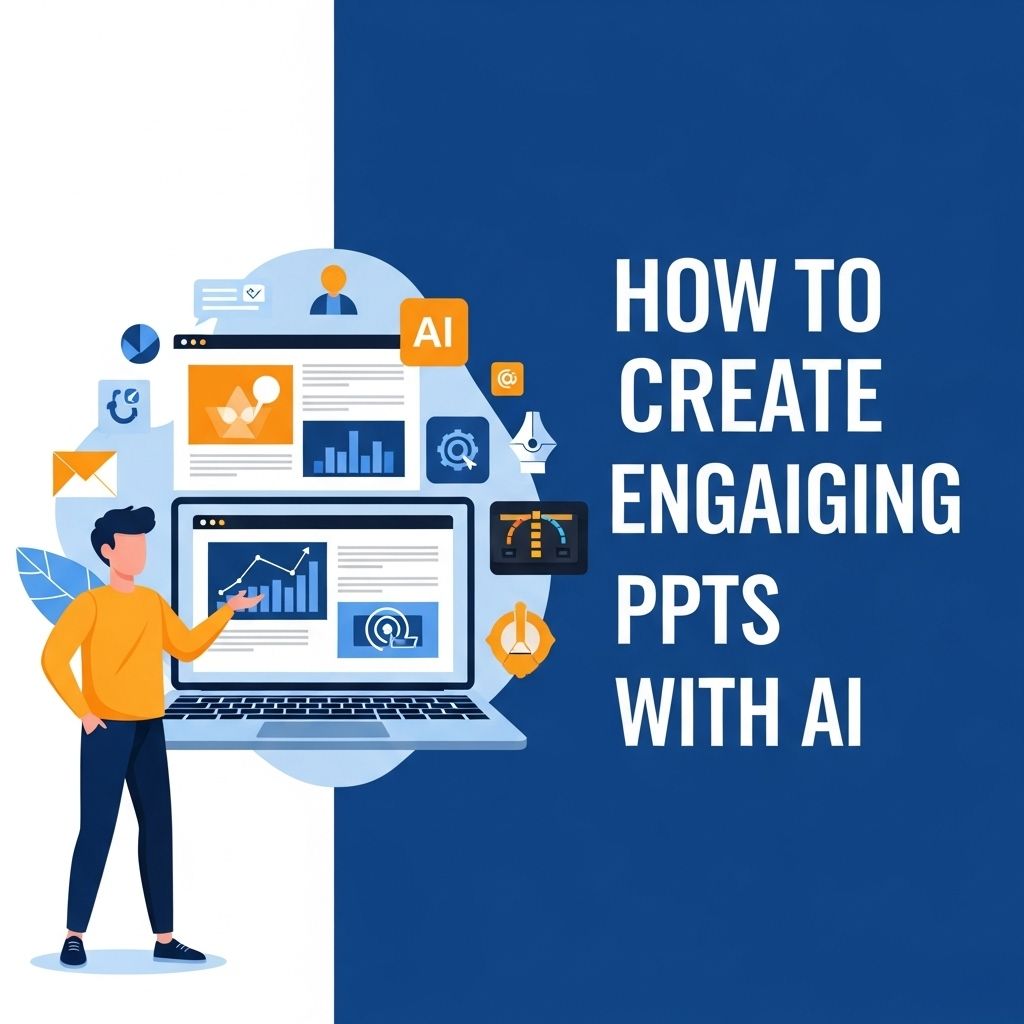
In the modern world of presentations, simply having good content is not enough. You need to engage your audience visually and emotionally, and one of the best ways to do this is through the use of Artificial Intelligence (AI). AI tools can help you create stunning PowerPoint presentations that not only look professional but also enhance the storytelling aspect of your message. In this article, we will explore how to create engaging PPTs using AI, covering various tools, techniques, and tips.
Creating engaging PowerPoint presentations can be a game changer in effectively communicating your ideas. In this step-by-step guide, we’ll explore how AI tools can simplify the design process and enhance your presentation’s visual appeal. For those looking to elevate their branding, learn how to use logo mockups effectively to add a professional touch.
Understanding the Importance of Engaging Presentations
Engagement is key when it comes to delivering a presentation. An audience that is engaged is more likely to retain information, respond positively, and act on your message. Here are some reasons why engaging presentations are vital:
- Retention: People remember information better when it is presented in an engaging manner.
- Interaction: Engaging presentations encourage audience interaction, leading to a more dynamic experience.
- Professionalism: A well-designed presentation reflects professionalism and attention to detail.
- Storytelling: Engaging presentations often incorporate storytelling, making the content more relatable and memorable.
AI Tools for Creating Engaging Presentations
Technology has advanced to a point where AI can assist in various aspects of creating presentations. Below are some notable AI-powered tools that can help you create effective PPTs:
1. Beautiful.ai
Beautiful.ai is an intuitive presentation tool that leverages AI to help you design stunning slides effortlessly. With numerous templates and design recommendations, it simplifies the process of creating engaging presentations. Key features include:
- Smart slide layouts that adjust to content changes.
- A vast library of templates tailored for different industries.
- Collaboration features for team projects.
2. Slidebean
Slidebean is a presentation tool that allows you to focus more on your content while AI takes care of the design. You can input your text, and the AI will generate a variety of design options. Noteworthy features include:
- A simple interface that separates content from design.
- Access to a rich library of icons and images.
- Analytics to understand audience engagement.
3. Canva
Canva is a versatile design tool that incorporates AI elements for presentations. With an easy-to-use drag-and-drop interface and a plethora of templates, Canva is perfect for those who want to create visually striking presentations. Features include:
- Customizable templates for various presentation styles.
- Drag-and-drop interface for easy design.
- Image and video integration options.
Best Practices for Designing with AI
While AI tools can significantly enhance your presentation design, adhering to best practices is crucial for achieving optimal results. Here are some tips:
1. Know Your Audience
Understanding your audience’s preferences and expectations can help guide your design choices. Consider:
- Their age group and professional background.
- The nature of your content and the level of detail they require.
- Their interests and how they prefer to consume information.
2. Keep It Simple
Less is often more in presentation design. Aim for:
- Minimal text on each slide.
- High-quality visuals that support your message.
- A straightforward color scheme that enhances readability.
3. Leverage Multimedia
Integrating multimedia elements like videos, images, and infographics can make your presentation more engaging. Consider:
- Using relevant videos to illustrate key points.
- Incorporating infographics to simplify complex data.
- Adding sound effects to enhance emotional appeal.
Structuring Your Presentation
Once you have selected your AI tools and established best practices, structuring your presentation becomes essential. A well-structured presentation typically includes:
1. Title Slide
Your title slide should capture your audience’s attention and set the tone for your presentation. It should include:
- The title of your presentation.
- Your name and designation.
- The date and any relevant branding.
2. Introduction Slide
Introduce your topic and outline what you will cover. This roadmap helps your audience know what to expect and keeps them engaged.
3. Main Content Slides
Divide the main content into sections. Each section can include a mix of text, visuals, and infographics. Aim for a logical flow of information that builds on previous points.
4. Conclusion Slide
Summarize your key points, and restate the core message you want your audience to carry away. A strong call to action can also motivate your audience to act.
5. Q&A Slide
Encouraging questions can enhance engagement and provide clarity on your topic. Prepare for potential questions ahead of time to facilitate a smooth discussion.
Enhancing Your Presentation Skills
Even with a stunning presentation, delivery is key. Here are ways to enhance your presentation skills:
- Practice: Rehearse your presentation multiple times to build confidence.
- Engage with the Audience: Make eye contact and encourage participation.
- Be Authentic: Let your personality shine through to establish a connection with your audience.
Measuring Engagement and Effectiveness
After your presentation, measuring its effectiveness can provide insight into areas for improvement. Here are some methods:
- Feedback Surveys: Collect feedback from your audience to understand their perceptions.
- Analytics: Use analytics from platforms like Slidebean to track engagement metrics.
- Self-Reflection: Assess your own performance and note areas for improvement.
Conclusion
Creating engaging PowerPoint presentations is essential for effectively communicating your message. With the assistance of AI tools, you can design visually captivating slides that enhance the impact of your content. By adhering to best practices, structuring your presentation effectively, and honing your delivery skills, you can ensure that your audience is not only engaged but also inspired by your message. Embrace the power of AI in your presentation-making process, and watch as your ideas come to life in compelling ways.
FAQ
What are the benefits of using AI to create PowerPoint presentations?
AI can help streamline the design process, generate content ideas, and enhance visual elements, making your presentations more engaging and effective.
Which AI tools are best for creating PowerPoint presentations?
Some popular AI tools include Beautiful.ai, Canva, Prezi, and Microsoft Designer, which offer templates and design suggestions to enhance your slides.
How can I use AI to improve my presentation’s design?
AI can analyze your content and recommend layouts, color schemes, and fonts that are visually appealing and aligned with your message.
Can AI help me with content generation for my PPT?
Yes, AI can assist in generating text, summarizing information, and even creating bullet points or key takeaways to make your content more concise.
Is it easy to integrate AI tools with Microsoft PowerPoint?
Most AI tools can easily integrate with PowerPoint, allowing you to import designs or content directly into your existing presentations.
What tips can I follow to ensure my AI-created PPT is effective?
Focus on clear messaging, maintain visual consistency, use high-quality images, and keep your slides uncluttered to ensure effectiveness.