5 Essential Tools for Creating Stunning Gaming Thumbnails
Discover the top 5 tools you need to create eye-catching gaming thumbnails that attract viewers and boost engagement.
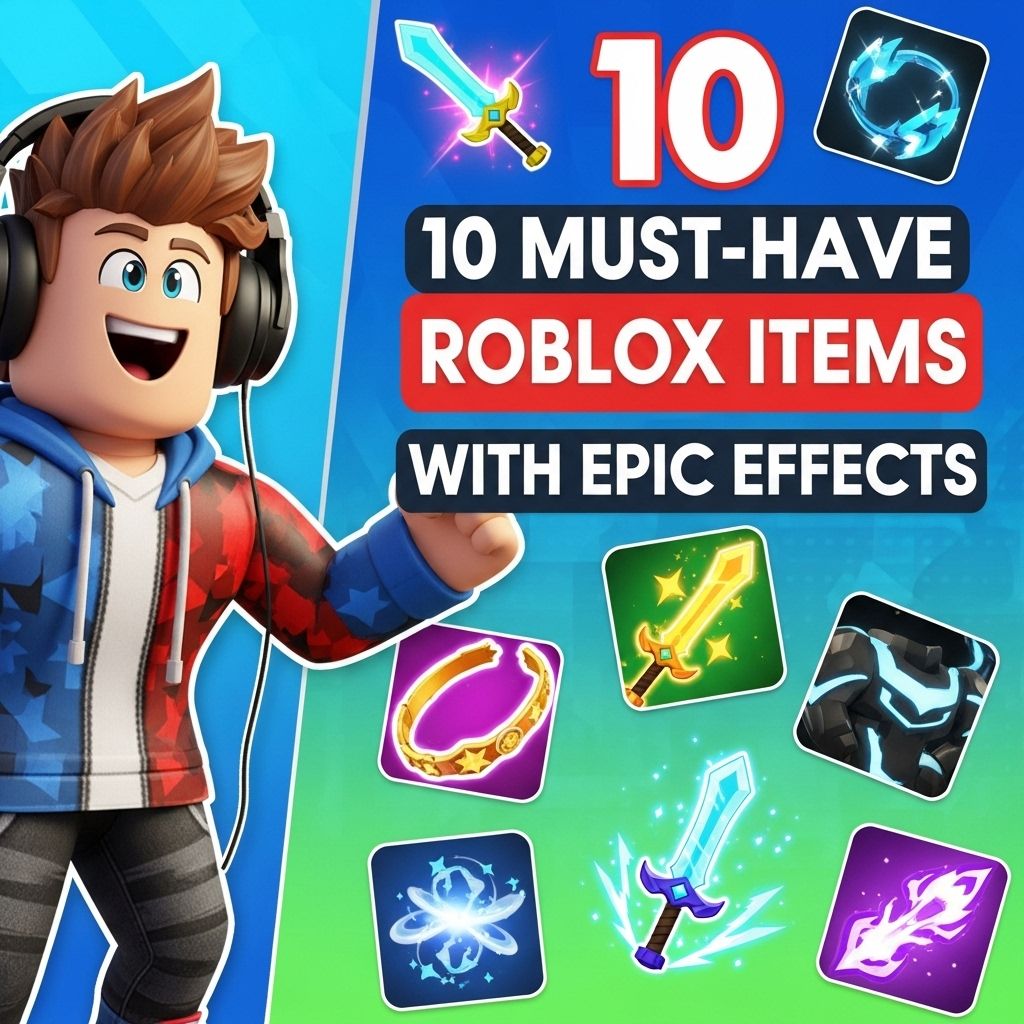
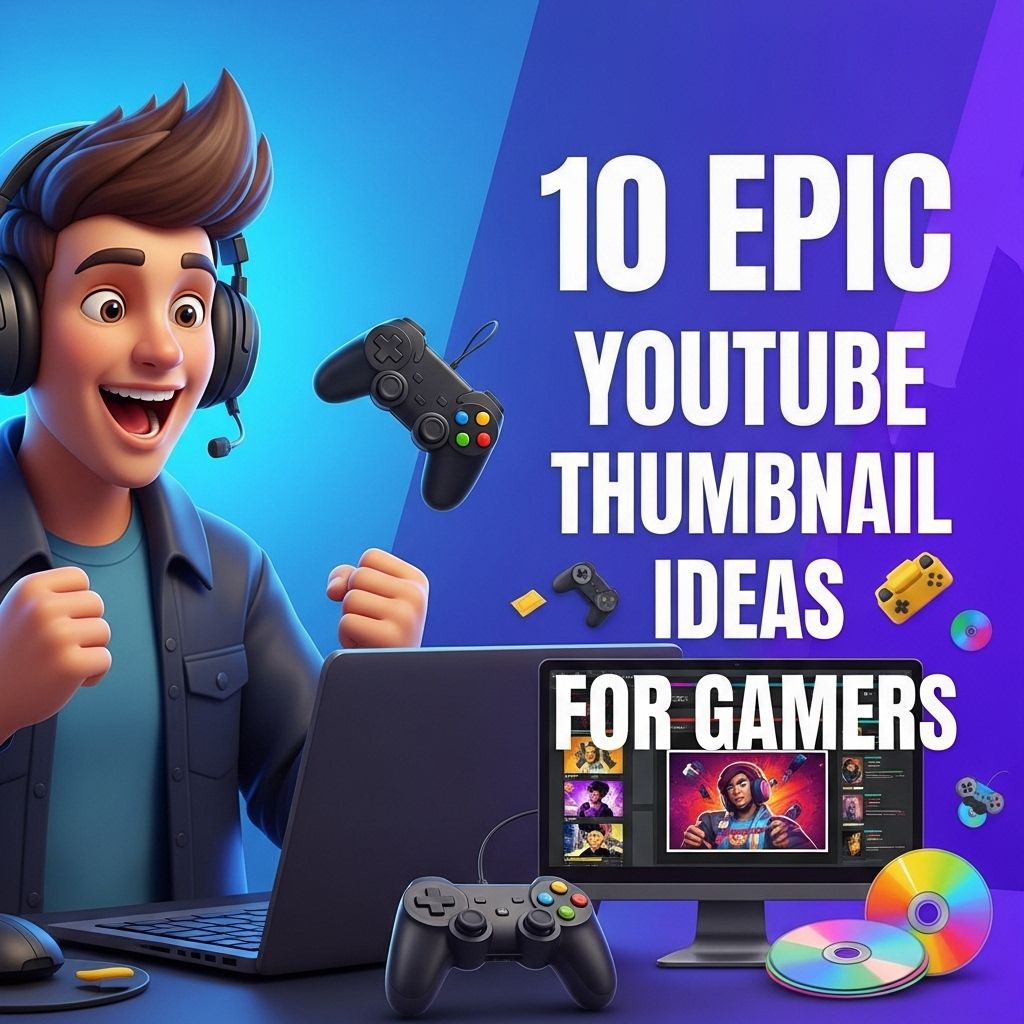
Creating eye-catching thumbnails is essential for attracting viewers to gaming videos. A well-designed thumbnail can significantly increase click-through rates and help your content stand out in a crowded marketplace. In this article, we will explore five indispensable tools that every gaming content creator should consider to enhance their thumbnail design.
Creating eye-catching gaming thumbnails is crucial for attracting viewers and conveying the essence of your content. From graphic design software to logo mockup tools, having the right resources can elevate your visuals significantly. To get started, you might want to browse logo mockup templates that can enhance your branding.
1. Adobe Photoshop
Adobe Photoshop is the industry standard for image editing and is widely used by professional designers around the world. With its extensive set of features and tools, Photoshop allows you to create stunning thumbnails that capture the attention of potential viewers.
Key Features:
- Layer Management: Easily manage multiple layers for different elements of your thumbnail.
- Advanced Text Tools: Customize fonts, styles, and effects to make your text pop.
- Filters and Effects: Enhance your images with a variety of filters and blending options.
Pros and Cons:
| Pros | Cons |
|---|---|
| Powerful and versatile | Subscription model can be expensive |
| Wide range of tutorials available | Steep learning curve for beginners |
2. Canva
For those who prefer a simpler and more user-friendly option, Canva is an excellent choice. This web-based design tool offers a plethora of templates specifically tailored for YouTube thumbnails, making it easy to create professional-looking images without extensive design skills.
Key Features:
- Drag-and-Drop Interface: Simple and intuitive interface for quick design.
- Templates: Access to a wide variety of customizable templates.
- Collaboration Tools: Easy to share designs with team members for feedback.
Pros and Cons:
| Pros | Cons |
|---|---|
| User-friendly and accessible | Limited advanced features compared to Photoshop |
| Free version available | Some templates require a paid subscription |
3. GIMP
GIMP, or GNU Image Manipulation Program, is a free and open-source alternative to Photoshop. It offers a robust set of features that can cater to both novice and advanced users. GIMP is an excellent choice for gamers on a budget who still want to produce high-quality thumbnails.
Key Features:
- Customizable Interface: Tailor the workspace to your liking for a more efficient workflow.
- Extensive Plugin Support: Enhance functionality with community-created plugins.
- Advanced Photo Retouching: Perfect for improving the quality of your images.
Pros and Cons:
| Pros | Cons |
|---|---|
| Completely free | Interface can be cluttered and confusing |
| Powerful tools for advanced editing | Steeper learning curve for beginners |
4. Snappa
Snappa is another web-based graphic design tool that specializes in social media graphics, including YouTube thumbnails. With its emphasis on speed and simplicity, Snappa is perfect for gamers who need to create thumbnails quickly without sacrificing quality.
Key Features:
- One-Click Resizing: Resize your designs for various platforms with ease.
- Stock Photos: Access to a library of high-quality stock images.
- Easy Customization: Quickly change colors, fonts, and layouts.
Pros and Cons:
| Pros | Cons |
|---|---|
| Fast and easy to use | Limited features in the free version |
| Wide range of templates available | Subscription required for full access |
5. TubeBuddy
While TubeBuddy is primarily known as a browser extension for YouTube channel management, it offers excellent features for thumbnail creation as well. TubeBuddy can assist in optimizing your thumbnails for better visibility and engagement on the platform.
Key Features:
- Thumbnail Generator: Create thumbnails directly within the TubeBuddy interface.
- Image Optimization Tools: Suggestions for improving visibility and click-through rates.
- Analytics: Insights on how thumbnails are performing in relation to viewer engagement.
Pros and Cons:
| Pros | Cons |
|---|---|
| Integrates with YouTube seamlessly | Some features behind a paywall |
| Helpful for overall channel management | Less focused on design than other tools |
Conclusion
In the competitive world of gaming content creation, having a compelling thumbnail is more crucial than ever. By utilizing tools such as Adobe Photoshop, Canva, GIMP, Snappa, and TubeBuddy, you can create thumbnails that not only look professional but also engage your audience effectively. Take the time to explore which tool best fits your needs and start designing thumbnails that will help elevate your gaming channel’s success.
FAQ
What are the best tools for creating gaming thumbnails?
Some of the best tools for creating gaming thumbnails include Adobe Photoshop, Canva, GIMP, PicMonkey, and Snappa. These tools offer a range of features to design eye-catching thumbnails.
Can I create gaming thumbnails for free?
Yes, there are several free tools available for creating gaming thumbnails, such as Canva, GIMP, and Snappa. These platforms offer free versions with essential features.
Why are thumbnails important for gaming videos?
Thumbnails are crucial for gaming videos as they serve as the first impression for viewers. An attractive thumbnail can significantly increase the click-through rate and attract more viewers to your content.
What size should gaming thumbnails be?
The recommended size for YouTube gaming thumbnails is 1280 x 720 pixels with a minimum width of 640 pixels. This ensures that the thumbnail looks good on all devices.
How can I make my gaming thumbnails stand out?
To make your gaming thumbnails stand out, use bold colors, clear images, and readable fonts. Incorporating elements from the game, such as characters or logos, can also enhance visibility.
Is it necessary to use professional software for thumbnail creation?
While professional software like Adobe Photoshop offers advanced features, it is not necessary. Many free and user-friendly tools can help you create professional-looking gaming thumbnails without extensive design skills.