
10 Must-Try Photo Editing Tools for Stunning Images
Discover 10 essential photo editing tools that can transform your images and enhance your photography skills. Perfect for beginners and pros alike!
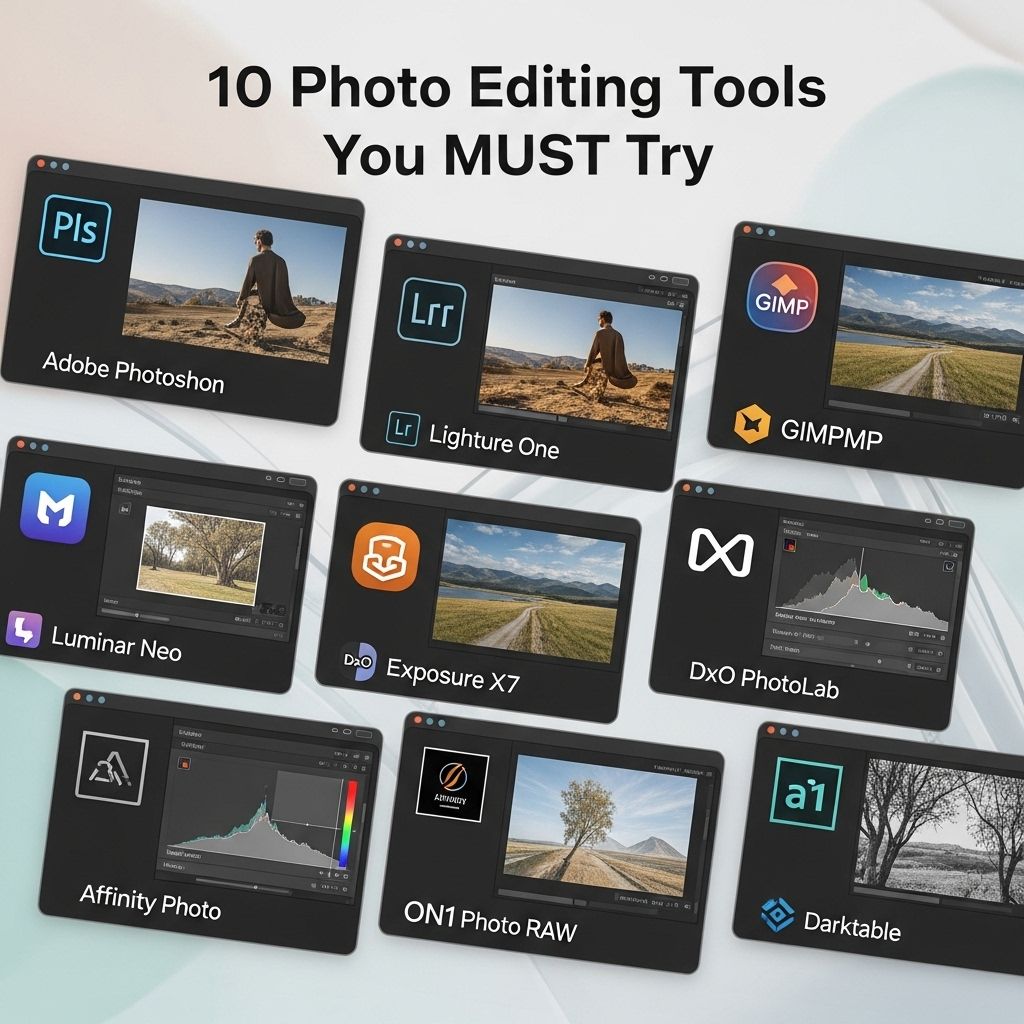
In the age of social media and visual content, photo editing has become an essential skill for both amateur and professional photographers. Whether you are looking to enhance your images, create stunning visuals for your blog, or simply share beautiful moments with friends, having the right tools can make all the difference. This article explores ten must-try photo editing tools that cater to a range of skill levels and requirements, ensuring that everyone can find the perfect software to bring their creative vision to life.
In the world of photography, having the right tools can transform an ordinary image into a stunning visual masterpiece. From enhancing colors to applying artistic effects, the options for photo editing are vast. To get started, see how to use 3D mockups effectively and explore ten must-try photo editing tools that can elevate your imagery.
1. Adobe Photoshop
Adobe Photoshop is arguably the most well-known photo editing software in the world. It offers a comprehensive set of tools for professionals and hobbyists alike. With features such as layers, masking, advanced color correction, and retouching tools, Photoshop allows you to create stunning images with precision.
Key Features:
- Advanced editing tools for fine-tuning images
- Support for various file formats
- Extensive library of plugins and brushes
- Regular updates and new features
2. Lightroom
Adobe Lightroom is tailored for photographers who focus on managing and editing large batches of images. Its user-friendly interface and powerful editing capabilities make it a favorite among both amateurs and professionals. With Lightroom, you can make significant adjustments to lighting, color, and detail.
Advantages:
- Non-destructive editing
- Excellent organizational tools
- Seamless integration with Photoshop
3. GIMP
GIMP, or GNU Image Manipulation Program, is a free and open-source alternative to Photoshop. It provides a robust set of features that rival many paid software options. GIMP is particularly popular among Linux users and those who prefer open-source solutions.
Features You’ll Love:
- Extensive customization options through plugins
- Support for multiple file formats
- Advanced editing capabilities like layer masks and filters
4. Canva
If you’re looking for a tool that simplifies the design and editing process, Canva is an excellent choice. It features a drag-and-drop interface, making it easy for anyone to create beautiful graphics, including social media posts, posters, and more.
Why Choose Canva?
- Pre-designed templates for quick editing
- Collaboration features for team projects
- Access to a vast library of images and graphics
5. Affinity Photo
Affinity Photo has gained recognition as a strong contender in the photo editing market, providing a one-time purchase option instead of a subscription model. This powerful software boasts a range of features comparable to Photoshop, including advanced retouching and digital painting tools.
Notable Features:
- Live filter layers for real-time editing
- High-quality RAW processing
- Integrated vector tools for graphic creation
6. Snapseed
Snapseed is a mobile photo editing app owned by Google. It is perfect for editing photos on the go, offering a variety of filters and tools that can turn ordinary images into stunning visuals right from your smartphone.
What Makes Snapseed Stand Out?
- User-friendly interface
- Wide array of editing tools
- Available on both iOS and Android
7. Pixlr
Pixlr offers a free and easy-to-use online photo editor that requires no installation. With a range of features that include overlays, borders, and filters, Pixlr is perfect for quick edits and enhancements.
Key Benefits:
- No download necessary; works directly in your browser
- Access to both advanced and beginner-friendly features
- Great for social media image creation
8. Fotor
Fotor is another online photo editing tool that allows users to edit images, create collages, and design graphics. Its simple interface is perfect for beginners who want an intuitive editing experience without the complexity of more advanced software.
Why Use Fotor?
- Easy-to-use collage maker
- Variety of templates for quick design projects
- Batch processing capabilities
9. Corel PaintShop Pro
Corel PaintShop Pro is an excellent choice for those looking for a powerful editing suite without the ongoing subscription costs. It offers extensive tools for photo editing, graphic design, and even animation.
Features to Explore:
- AI-powered editing tools for automated enhancements
- Creative filters and effects
- Robust text and graphics tools
10. Darktable
Darktable is an open-source photography workflow application and RAW developer. It is a fantastic alternative for photographers who need a tool for processing RAW images without incurring high costs.
Why Opt for Darktable?
- Powerful RAW image processing capabilities
- Non-destructive editing environment
- Customizable and extensible
Conclusion
The right photo editing tool can dramatically enhance your images and streamline your workflow. From professional software like Adobe Photoshop and Lightroom to accessible options like Canva and Snapseed, there’s something for everyone. Experiment with these tools to find the one that best suits your editing style and needs. Regardless of your skill level, these applications will help you elevate your photography and unleash your creativity.
FAQ
What are the best photo editing tools for beginners?
Some of the best photo editing tools for beginners include Canva, Fotor, and Pixlr, as they offer user-friendly interfaces and basic editing features.
Which photo editing software offers advanced features?
Adobe Photoshop and Lightroom are popular choices for advanced photo editing, offering a wide range of tools for professional photographers.
Are there any free photo editing tools available?
Yes, tools like GIMP, Paint.NET, and Snapseed are free and provide powerful editing capabilities without the need for a subscription.
What photo editing tool is best for mobile devices?
Snapseed and Adobe Photoshop Express are excellent choices for mobile photo editing, offering robust features suitable for on-the-go editing.
How can I enhance my photos using editing tools?
You can enhance your photos by adjusting brightness, contrast, saturation, and sharpness, as well as applying filters and cropping for better composition.
What should I look for in a photo editing tool?
When choosing a photo editing tool, consider factors like ease of use, available features, compatibility with your device, and whether it meets your editing needs.







