
10 Essential Tools Every Graphic Designer Needs
Discover the top 10 powerful tools that can elevate your graphic design projects and streamline your creative process.
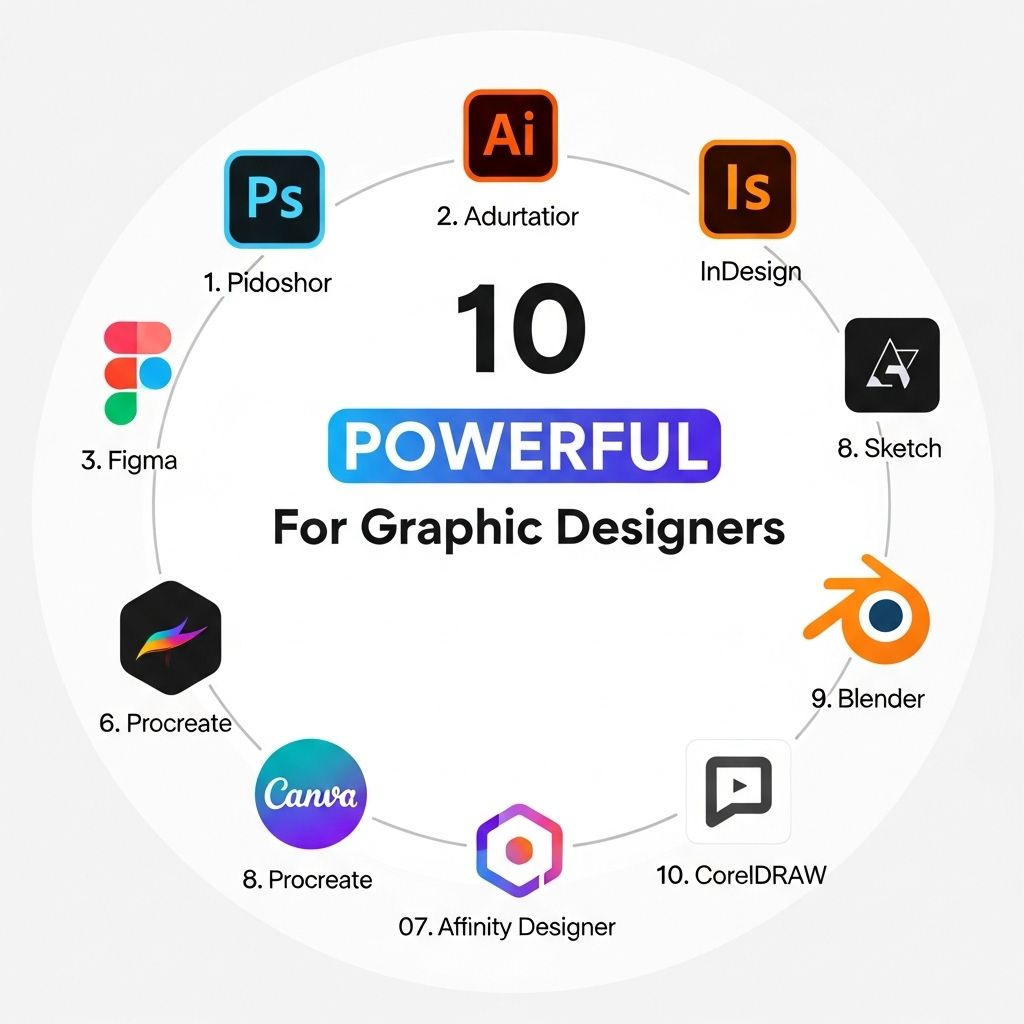
In the ever-evolving world of design, having the right tools can make a significant difference in both efficiency and quality of work. Graphic designers are often challenged to push creative boundaries while meeting tight deadlines, making powerful tools essential for success. Here’s a comprehensive overview of ten tools that can elevate the design experience, streamline workflows, and enhance creativity.
Graphic design is a dynamic field that requires a blend of creativity and the right tools to transform ideas into visual realities. Whether you’re crafting stunning graphics or delving into 3D designs, having the essential tools can significantly enhance your workflow. For inspiration, you might want to discover unique 3D logo examples to see how professional designs come to life.
1. Adobe Creative Cloud
Adobe Creative Cloud is the cornerstone of many designers’ toolkits. It includes several powerful applications that cater to graphic design, such as:
- Photoshop: Ideal for photo editing, digital painting, and compositing.
- Illustrator: Best known for vector graphics and logo design.
- InDesign: Perfect for layout design, including magazines, books, and digital publications.
The integration between these applications allows designers to switch easily between them, fostering a seamless workflow.
2. Sketch
Sketch has gained massive popularity, especially among UX and UI designers. Its vector-based design tools allow for precision and ease when creating interfaces. Key features include:
- Symbols for reusable components.
- Artboards for different device sizes.
- An extensive plugin ecosystem that enhances its capabilities.
Pros and Cons of Sketch
| Pro | Con |
|---|---|
| Intuitive interface | Mac-only availability |
| Strong community support | Learning curve for advanced features |
3. Figma
Figma is a web-based design tool that allows real-time collaboration among team members. It’s particularly beneficial for remote teams. Features include:
- Vector graphics editing with ease.
- Interactive prototyping capabilities.
- Plugins to extend functionality.
Why Choose Figma?
- Instant feedback from team members.
- Cross-platform accessibility.
- Design systems that facilitate consistency.
4. Canva
Canva is perfect for non-designers or those looking for quick solutions. Its drag-and-drop interface makes it accessible to everyone. Key offerings include:
- A vast library of templates.
- Customizable design elements.
- Easy sharing options.
Who Can Benefit from Canva?
While professional designers may find Canva limiting, it’s an excellent tool for:
- Small business owners
- Social media managers
- Marketing teams
5. Procreate
For digital illustrators and artists, Procreate has become a favorite, particularly on the iPad. Its user-friendly interface and powerful features include:
- Real-time brush performance.
- Customizable brushes.
- Layering system for complex illustrations.
6. Affinity Designer
Affinity Designer is a cost-effective alternative to Adobe Illustrator, offering similar vector graphic capabilities. Notable features include:
- Non-destructive editing.
- Dual display modes for raster and vector.
- Full compatibility with various file types.
When to Use Affinity Designer
Consider using Affinity Designer when:
- You need a one-time purchase compared to a subscription.
- You want robust features without the Adobe ecosystem.
7. CorelDRAW
CorelDRAW remains a strong contender in the graphic design space, particularly for print-oriented design. Its features include:
- Versatility in vector illustration.
- Robust text and typography tools.
- AI-powered image enhancement.
Target Users of CorelDRAW
This software is particularly beneficial for:
- Print designers
- Illustrators
- Sign makers
8. GIMP
GIMP (GNU Image Manipulation Program) is a robust open-source alternative to Photoshop. It provides numerous features, including:
- Customizable interface.
- Extensive file format support.
- Advanced image manipulation tools.
Advantages of GIMP
Some of the advantages of using GIMP are:
- It’s completely free.
- A thriving community offering support and plugins.
9. Adobe Spark
Adobe Spark is designed for creating web graphics, social media posts, and short videos quickly. Key benefits include:
- An intuitive interface.
- Built-in templates and themes.
- Seamless integration with Adobe products.
Who Should Use Adobe Spark?
This tool is particularly useful for:
- Content marketers.
- Social media influencers.
- Anyone needing quick, professional designs.
10. InVision
InVision is a prototyping tool that helps designers create interactive mockups. Its features include:
- Real-time collaboration.
- Feedback tools.
- Integration with other design tools.
Benefits of Using InVision
InVision is ideal for:
- Web designers.
- UX researchers.
- Teams needing clear communication in the design process.
Conclusion
The right tools can significantly enhance a graphic designer’s workflow, creativity, and productivity. Each tool mentioned offers unique features catering to different aspects of design. Whether you’re a seasoned professional or just starting, incorporating these powerful tools into your process can help you produce stunning visuals and improve your design skills.
FAQ
What are the best graphic design tools for beginners?
Some of the best graphic design tools for beginners include Canva, Adobe Spark, and Figma, which offer user-friendly interfaces and a variety of templates.
How can I choose the right graphic design software for my needs?
Choosing the right graphic design software depends on factors such as your design style, budget, and the specific features you require, like vector editing or photo manipulation.
What tools do professional graphic designers use?
Professional graphic designers often use tools like Adobe Creative Suite (Photoshop, Illustrator, InDesign), Sketch, and CorelDRAW for their design projects.
Are there free alternatives to popular graphic design tools?
Yes, there are several free alternatives to popular graphic design tools, such as GIMP, Inkscape, and Gravit Designer, which offer powerful features without the cost.
How important is software compatibility for graphic design tools?
Software compatibility is crucial for graphic design tools, as it ensures that you can easily collaborate with others and share files across different platforms without issues.
What graphic design tools are best for creating social media content?
Tools like Canva, Adobe Spark, and Crello are great for creating social media content due to their templates and easy-to-use features tailored for various platforms.







