
10 Must-Have Tools Every Graphic Designer Needs
Discover the top 10 essential tools that every graphic designer should have in their toolkit for enhanced creativity and productivity.
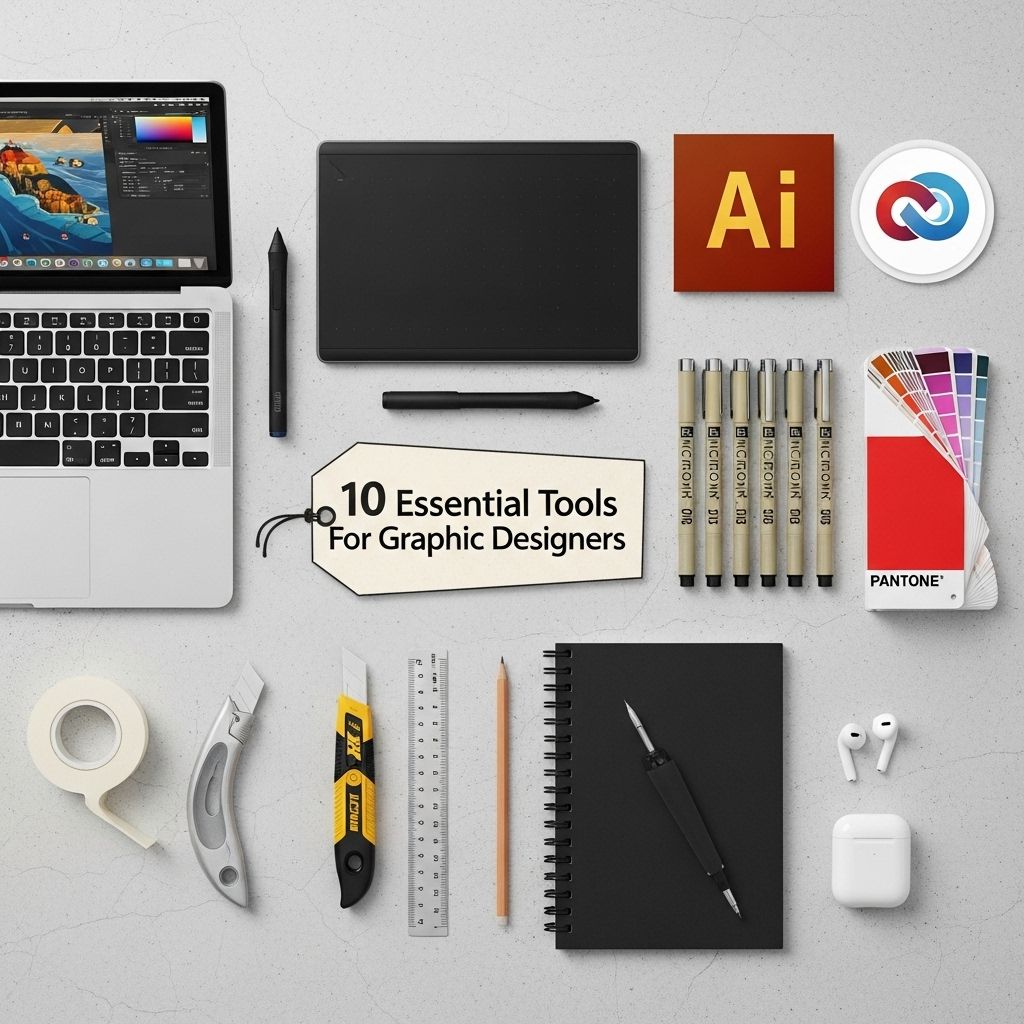
Graphic design has become an integral part of marketing and branding in today’s digital world. With the rise of social media, websites, and digital advertising, graphic designers play a crucial role in crafting visual content that attracts and engages audiences. To excel in this dynamic field, designers need access to the right tools that can enhance their creativity, streamline their workflow, and produce high-quality results. In this article, we will explore ten essential tools that every graphic designer should consider incorporating into their toolkit.
Graphic design is an ever-evolving field that requires a solid toolkit to bring creative visions to life. From essential software to innovative hardware, every designer needs the right resources at their fingertips. For inspiration, you can discover unique 3D logo examples that showcase the power of effective design.
1. Adobe Creative Cloud
The Adobe Creative Cloud suite is often regarded as the gold standard for graphic design. It offers a comprehensive collection of software applications that cater to various aspects of design, including:
- Adobe Photoshop: For photo editing and manipulation.
- Adobe Illustrator: For vector graphics and illustration.
- Adobe InDesign: For layout design, particularly in print media.
- Adobe XD: For designing and prototyping user interfaces.
Each application is powerful on its own, but together they provide a robust environment for designers to unleash their creativity.
2. Sketch
Sketch is a vector-based design tool specifically tailored for web and mobile interface design. Its emphasis on intuitive user interface and ease of use makes it a favorite among UI/UX designers. Key features include:
- Symbols for reusable design elements.
- Artboards for multiple screen designs.
- Export options for different resolutions.
Benefits of Using Sketch
Sketch’s collaborative features allow design teams to work together seamlessly, and its extensive plugin ecosystem enhances its functionality significantly.
3. Figma
Figma has emerged as a popular alternative to Sketch, especially due to its cloud-based platform that enables real-time collaboration among team members. Designers can work together from any location, making it ideal for remote teams. Some standout features of Figma include:
- Vector networks for complex shapes.
- Prototyping tools for interactive designs.
- Version history for tracking changes.
Why Choose Figma?
Figma’s browser-based interface means there is no need for software installations, allowing for easy access and quick updates.
4. CorelDRAW
CorelDRAW is a versatile graphic design software that excels in vector illustration. It is especially favored by print designers due to its powerful typography tools. Features include:
- Advanced drawing tools for precise control.
- Color management tools for professional printing.
- Multiple document interface for managing several projects at once.
CorelDRAW vs. Adobe Illustrator
| Feature | CorelDRAW | Adobe Illustrator |
|---|---|---|
| User Interface | Customizable | Standardized |
| Price | One-time purchase | Subscription-based |
| Best For | Print design | Web design |
5. Canva
Canva has revolutionized graphic design for non-designers and professionals alike with its user-friendly interface and vast template library. It is perfect for creating:
- Social media graphics
- Presentations
- Marketing materials
With drag-and-drop functionality and a plethora of design assets, Canva makes it easy to produce visually appealing content quickly.
6. Procreate
For those who prefer drawing, Procreate is a top-notch digital illustration app for the iPad. It offers an extensive range of brushes and tools tailored for artists, including:
- Customizable brushes
- High-resolution canvases
- Animation tools
Procreate for Graphic Designers
Procreate’s intuitive touch interface allows designers to sketch and paint with great precision, making it suitable for creating illustrations and concept art.
7. Affinity Designer
Affinity Designer is a cost-effective alternative to Adobe Illustrator, offering robust vector and raster design capabilities. It is particularly popular among freelancers and small businesses. Key features include:
- Dual design mode for both vector and raster art.
- Non-destructive editing tools.
- Advanced typography controls.
8. InVision
InVision is primarily a prototyping tool that allows designers to create interactive mockups of their designs. This tool is essential for UI/UX designers looking to present their ideas effectively. Features include:
- Collaborative commenting for team feedback.
- Integration with other design tools.
- Prototype sharing with clients and stakeholders.
9. GIMP
GIMP (GNU Image Manipulation Program) is a free, open-source alternative to Adobe Photoshop. It provides a wide range of image manipulation tools suitable for professional-grade graphic design. Benefits of using GIMP include:
- Extensive plugin support for added functionality.
- Customizable interface.
- Advanced photo retouching tools.
10. Adobe Fonts
A good font can make or break a design. Adobe Fonts offers a vast library of high-quality typefaces that designers can use in their projects. Features include:
- Seamless integration with Adobe Creative Cloud.
- Diverse typeface collections for various design needs.
- Web font options for online projects.
Access to high-quality fonts is essential for maintaining a professional appearance in design work.
Conclusion
The tools a graphic designer chooses can significantly impact their workflow, creativity, and the quality of their final products. By incorporating these ten essential tools into your design toolkit, you can enhance your capabilities, improve collaboration, and deliver stunning visuals that resonate with your audience. Remember, while tools are important, the foundation of great design comes from practice, creativity, and a clear understanding of design principles.
FAQ
What are the essential tools for graphic designers?
Graphic designers typically use software like Adobe Creative Suite (Photoshop, Illustrator, InDesign), Sketch, Figma, and Canva, along with hardware like a digital tablet and high-resolution monitors.
Is Adobe Creative Suite necessary for graphic design?
While Adobe Creative Suite is a popular choice among professionals due to its comprehensive tools, there are alternatives like Affinity Designer and CorelDRAW that can also be effective.
What is the role of a digital tablet in graphic design?
A digital tablet allows graphic designers to create more precise and natural-looking illustrations, making it easier to draw and edit digitally.
How important is color theory for graphic designers?
Color theory is crucial for graphic designers as it helps them understand how colors interact, which can influence design aesthetics and branding.
Can I use free tools for graphic design?
Yes, there are many free graphic design tools like Canva, GIMP, and Inkscape that can be used effectively, especially for beginners or those on a budget.
What file formats should graphic designers be familiar with?
Graphic designers should be familiar with various file formats such as JPEG, PNG, GIF, SVG, and PDF, as each serves different purposes in design and web usage.







