
Sell Lightroom Presets for Profit: A Complete Guide
Learn how to effectively sell Lightroom presets and turn your passion into profit with these essential tips and strategies.
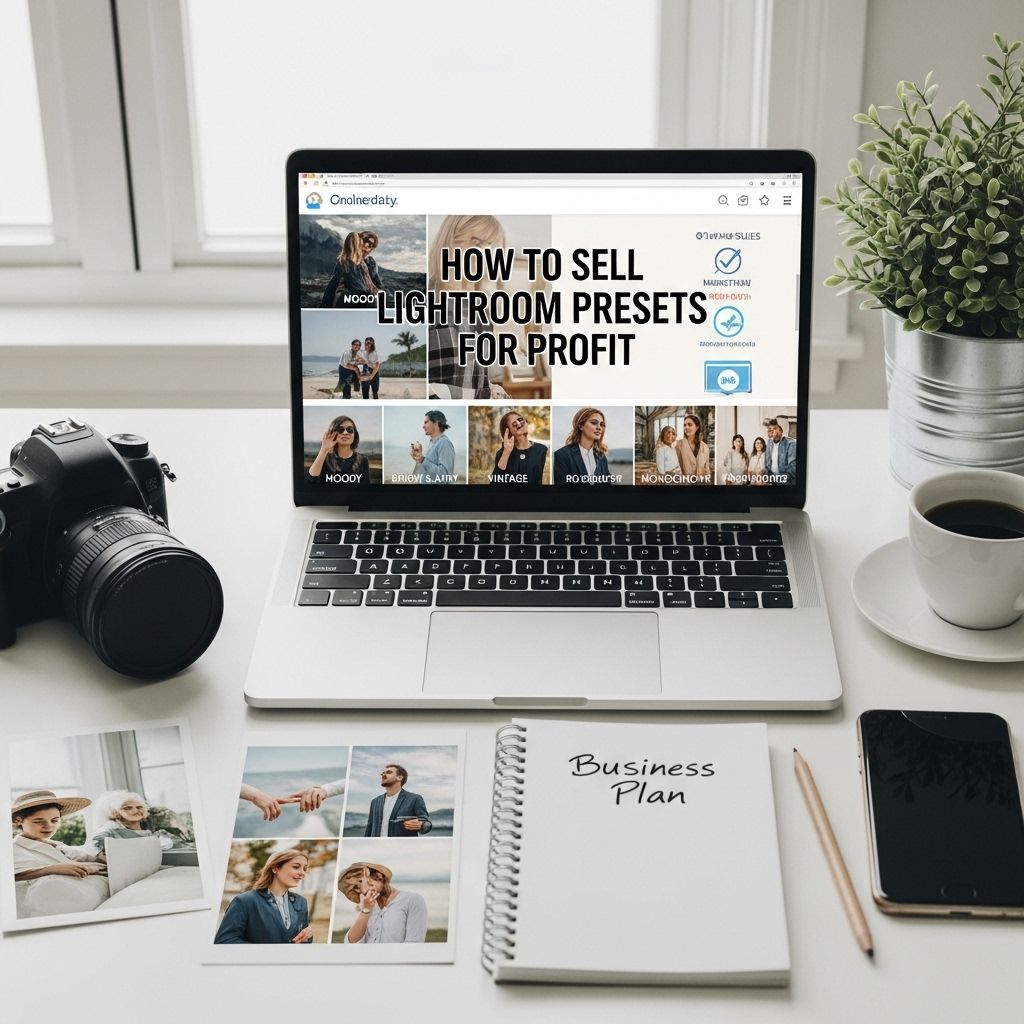
In the era of social media and digital photography, Lightroom presets have become a valuable tool for photographers and content creators looking to enhance their images efficiently. Selling Lightroom presets can be a lucrative venture, allowing you to tap into the growing demand for high-quality editing tools. This article explores practical steps on how to successfully sell your Lightroom presets for profit while building a brand that resonates with your audience.
Are you looking to turn your passion for photography into a profitable venture? Selling Lightroom presets is a fantastic way to share your unique editing style while generating income. With the right guidance, you can create and market presets that will appeal to a wide audience, helping them to enhance their photos effortlessly. For those in need of design inspiration, you can download stunning 3D logo designs to elevate your brand.
Understanding Lightroom Presets
Lightroom presets are predefined settings that allow photographers to apply a certain style or effect to their images with a single click. They can significantly speed up the editing process and ensure consistency across a series of photographs. Here are some key points to understand:
- Functionality: Presets adjust exposure, contrast, color balance, and other aspects of an image.
- Customization: Users can modify presets to better suit their individual style and preferences.
- Types: There are various types of presets, including those for landscapes, portraits, weddings, and more.
Identifying Your Niche
Before you begin creating and selling presets, it’s crucial to identify your target audience and niche. This will help you tailor your products to meet specific demands. Consider the following:
Research Your Audience
Conduct surveys or engage with potential customers on social media platforms. Ask questions like:
- What styles do you prefer?
- What editing challenges do you face?
- Which types of presets do you currently use?
Analyze Competitors
Take a look at other creators in the market. Identify their strengths and weaknesses by:
- Reviewing customer feedback on their products.
- Examining their marketing strategies.
- Noting the types of presets they offer.
Creating Your Presets
With a clear understanding of your niche, you can start creating Lightroom presets that cater to the needs of your audience.
Technical Aspects to Consider
When developing presets, keep the following technical aspects in mind:
| Aspect | Description |
|---|---|
| Compatibility | Ensure your presets work on both Lightroom Classic and Lightroom CC. |
| File Format | Presets should be saved as .xmp files for compatibility with Lightroom. |
| Testing | Test presets on a variety of images to ensure quality and versatility. |
Creating Unique Styles
Your presets should have a unique style that differentiates them from competitors. Experiment with different settings and develop a cohesive look across your presets. Consider creating:
- Color grading presets that enhance specific color tones.
- Black and white presets for dramatic effects.
- Light and airy presets for a soft, romantic feel.
Packaging Your Presets
Once you’ve created your presets, it’s time to package them for sale. The presentation of your product can significantly influence purchasing decisions.
Designing Attractive Product Bundles
Consider bundling your presets into cohesive collections that appeal to your target audience. You might offer:
- A seasonal collection (Summer, Fall, etc.)
- A thematic collection (Weddings, Travel, etc.)
- Individual presets for specific styles.
Creating Instructional Content
Include a guide or tutorial with your presets to help buyers use them effectively. This can include:
- Installation instructions.
- Tips for customizing presets.
- Before and after images demonstrating the effects of the presets.
Building Your Brand
Branding is essential in distinguishing your presets from others in the market. A strong brand identity can foster trust and loyalty among your customers.
Establishing an Online Presence
Use social media platforms such as Instagram, Pinterest, and Facebook to showcase your presets and engage with your audience. Consider the following strategies:
- Share stunning before and after images using your presets.
- Post video tutorials demonstrating how to use your products.
- Engage with your followers through polls and Q&A sessions.
Creating a Professional Website
Your website serves as the primary hub for your business. Ensure it is visually appealing, easy to navigate, and optimized for conversions. Key elements to include:
- High-quality images showcasing your presets.
- A clear call-to-action (CTA) for purchases.
- Testimonials and reviews from satisfied customers.
Marketing Strategies
Effective marketing is crucial for driving sales. Here are some strategies to consider:
Utilizing Social Media Ads
Invest in targeted ads on platforms like Facebook and Instagram to reach potential customers. Consider:
- Defining your target audience based on demographics and interests.
- Creating visually appealing ad content that highlights your presets.
- Using engaging captions that emphasize the benefits of your presets.
Collaborating with Influencers
Partner with influencers in the photography niche to promote your presets. Benefits include:
- Access to a broader audience.
- Enhanced credibility through trusted endorsements.
- Engagement through influencer-hosted giveaways.
Managing Sales and Customer Feedback
Once your presets are available for purchase, it’s essential to manage sales and maintain a positive customer relationship.
Choosing the Right Platform
Select a platform for sales, such as:
- Your own website (using e-commerce tools like Shopify).
- Marketplaces like Etsy or Creative Market.
Encouraging Customer Feedback
Solicit feedback from your customers to improve your products and services. Consider:
- Sending follow-up emails after purchase.
- Encouraging reviews on your website.
- Offering discounts for future purchases in exchange for feedback.
Conclusion
Selling Lightroom presets can be both rewarding and profitable when approached with care and creativity. By understanding your audience, creating high-quality presets, and building a strong brand presence, you can carve a niche for yourself in the competitive world of digital photography tools. Embrace the journey, learn from feedback, and continually improve your offerings to ensure long-term success in the market.
FAQ
What are Lightroom presets?
Lightroom presets are pre-defined settings that allow photographers to apply a specific look or style to their photos with a single click in Adobe Lightroom.
How can I create my own Lightroom presets?
To create Lightroom presets, edit a photo in Lightroom to your desired look, then navigate to the Develop module, click on ‘Create Preset’, and save your settings for future use.
What platforms can I use to sell Lightroom presets?
You can sell Lightroom presets on platforms like Etsy, your own website, social media, or photography marketplaces such as Creative Market or FilterGrade.
How should I price my Lightroom presets?
When pricing your Lightroom presets, consider factors such as the uniqueness of your presets, your target audience, and the prices of similar products in the market.
How can I market my Lightroom presets effectively?
To market your Lightroom presets effectively, use social media to showcase before-and-after images, collaborate with influencers, run promotions, and optimize your product listings for search engines.
What should I include in my product description for Lightroom presets?
Your product description should include details about the style of the presets, compatibility information, installation instructions, and any additional bonuses, such as tutorials or support.







